On this page 10 sections
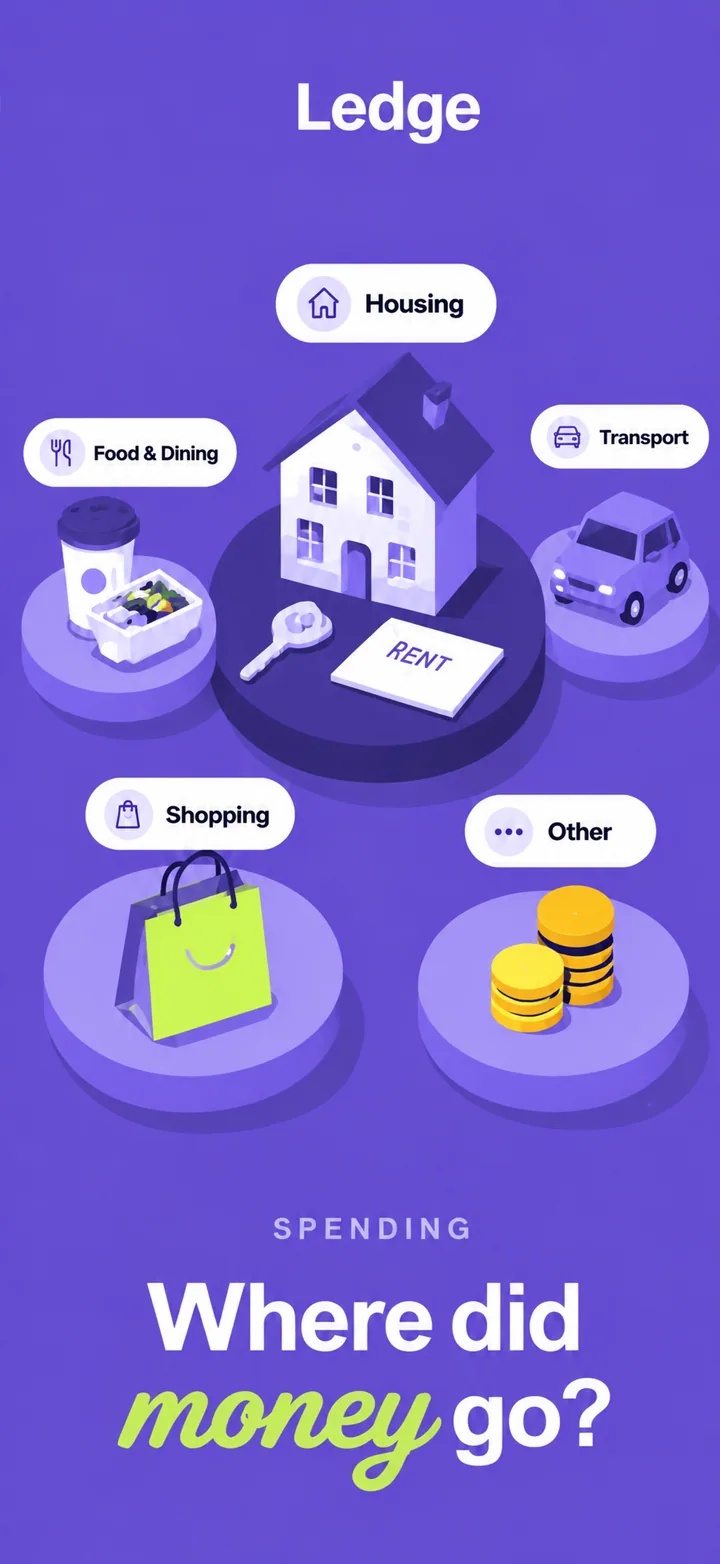
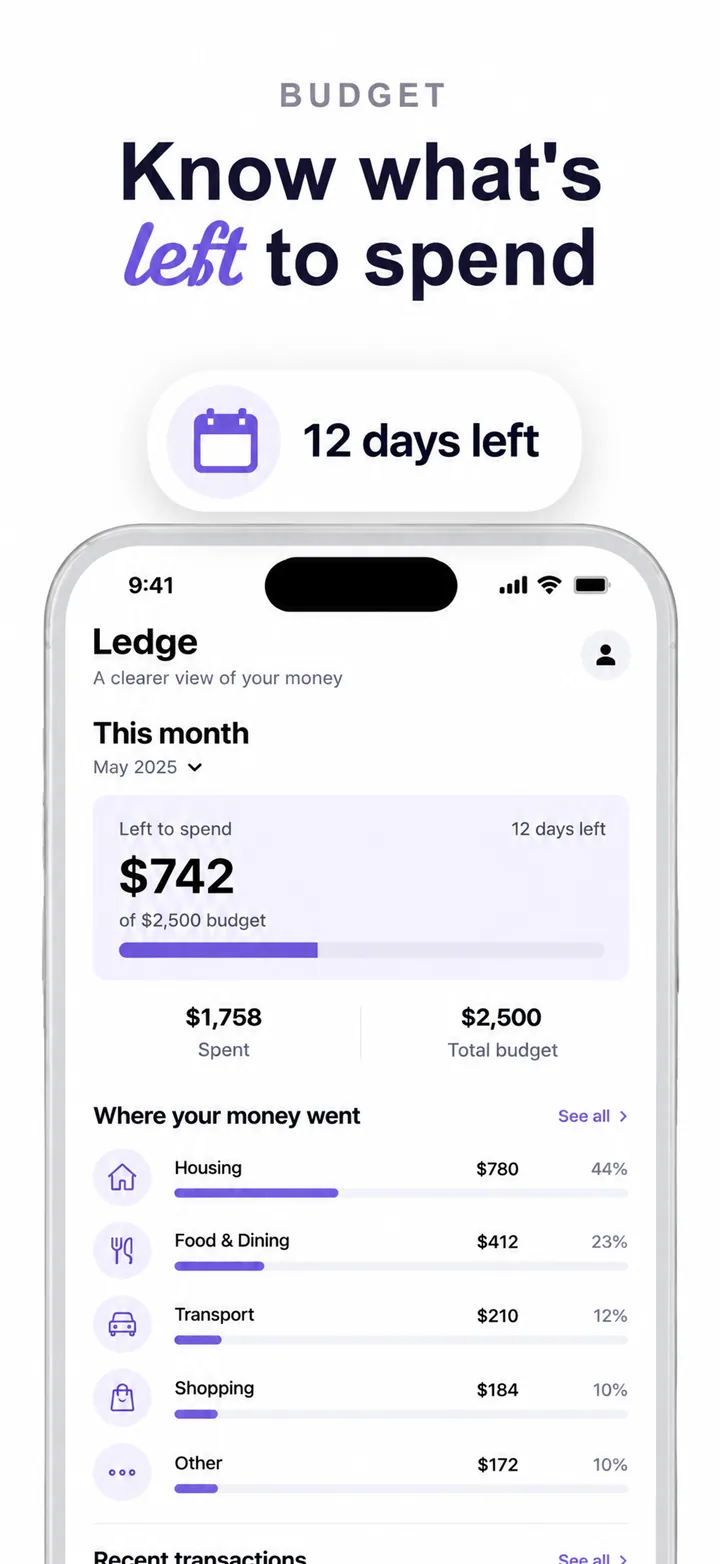
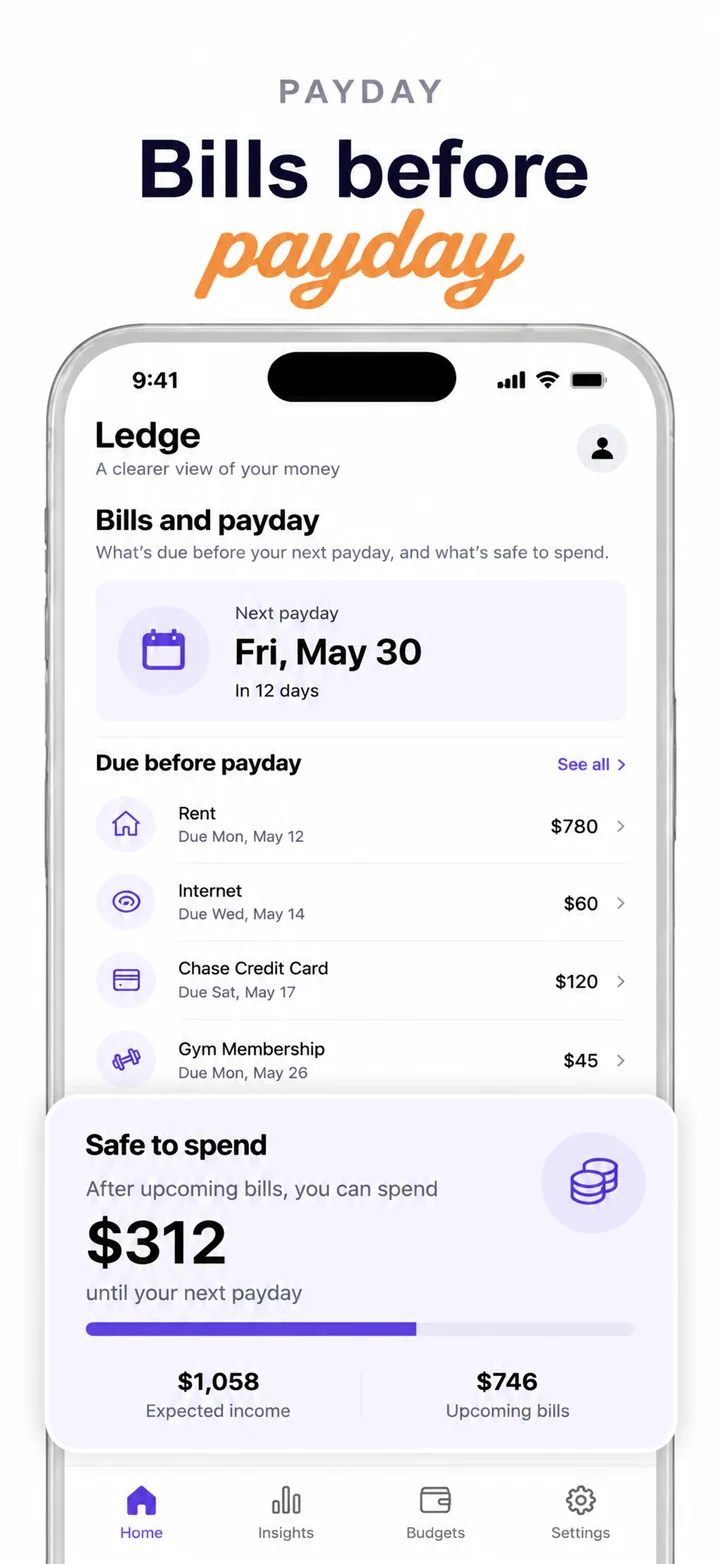
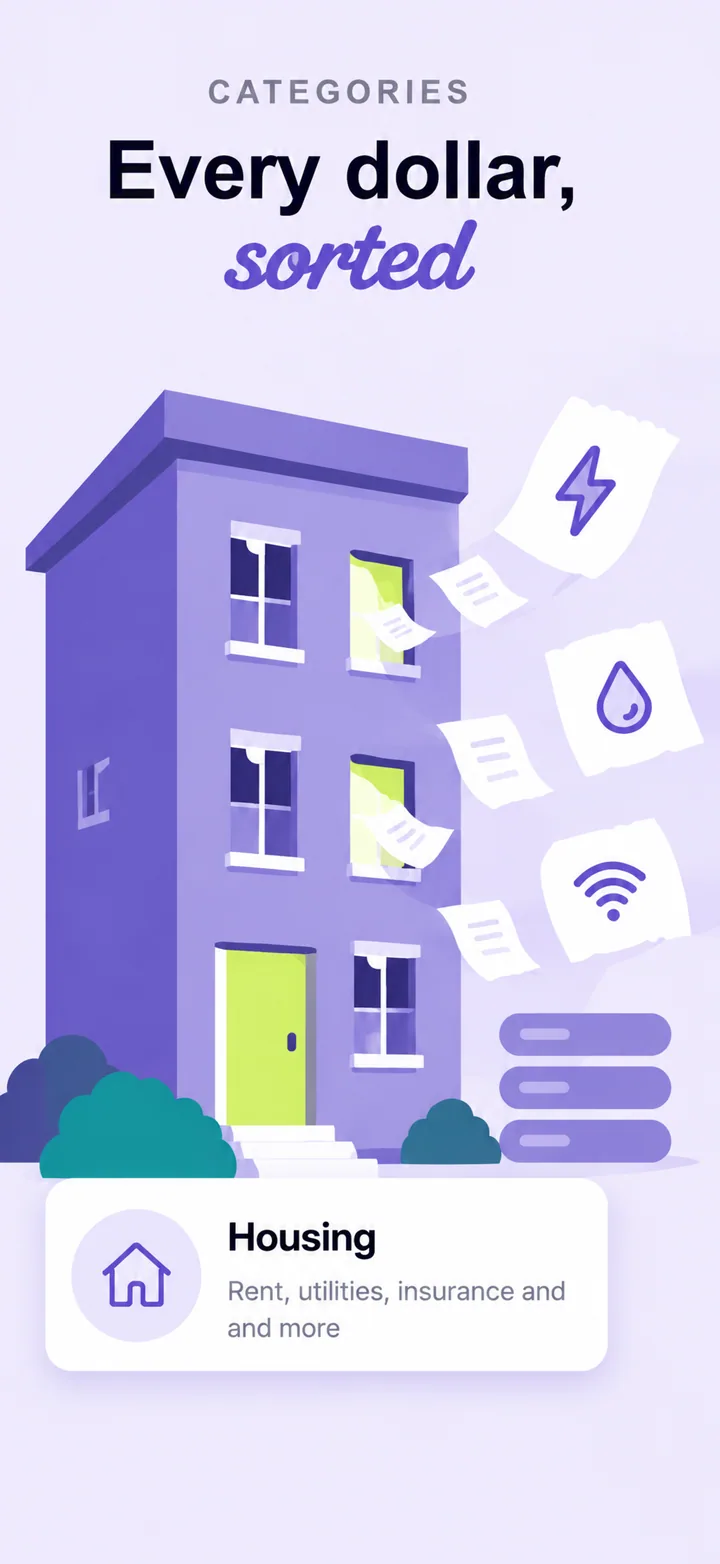
You upload your app’s screens and describe it in a sentence. Claude reads the screens and plans the set: a design language for your app, a job for each frame, a two-line headline for each, and which screen goes where. GPT Image then paints every frame at 1320 × 2868, with your real screens inside the phones.
Nothing comes from a template. You edit any frame in plain words, and only that frame is repainted.
What you give it
Three things, and only the first one is required.
Plain screenshots from your phone or simulator. They are the product shots: what goes inside each phone. Upload as many as you plan frames; each screen is used in one frame at most.
What it does and who it is for. Colours or a mood you want are welcome. This is what the headlines are written from.
A palette, a competitor’s listing, a mood board. References steer the style only; they never appear inside a frame.
Then you pick how many frames (1 to 10), the language of the headlines (21 to choose from) and a quality level.
What happens after you press Generate
- Claude reads your screens
It looks at each upload the way a designer would: what the app does, its own colours, the real labels, numbers and controls on screen, and which screen proves which feature. It writes down short facts to preserve from each screen so nothing gets lost later.
- Claude plans the set
It picks a design language for your app (type personality, palette, phone finish), gives every frame a job, writes a two-line headline for each, chooses a different layout move per frame and maps each screen to the frame that needs it. The plan is one designed system, not five unrelated posters.
- GPT Image paints each frame
Each frame is rendered at 1320 × 2868 from that plan, with your screen inside the phone. Frames are painted one by one and checked; a frame that fails to render is retried, and if it still fails its credits come back automatically.
- You edit in plain words
Click any frame and say what to change: “bigger phone”, “use the settings screen here”, “warmer background”. Only that frame is repainted; the rest of the set stays as it is.
Every frame has a job
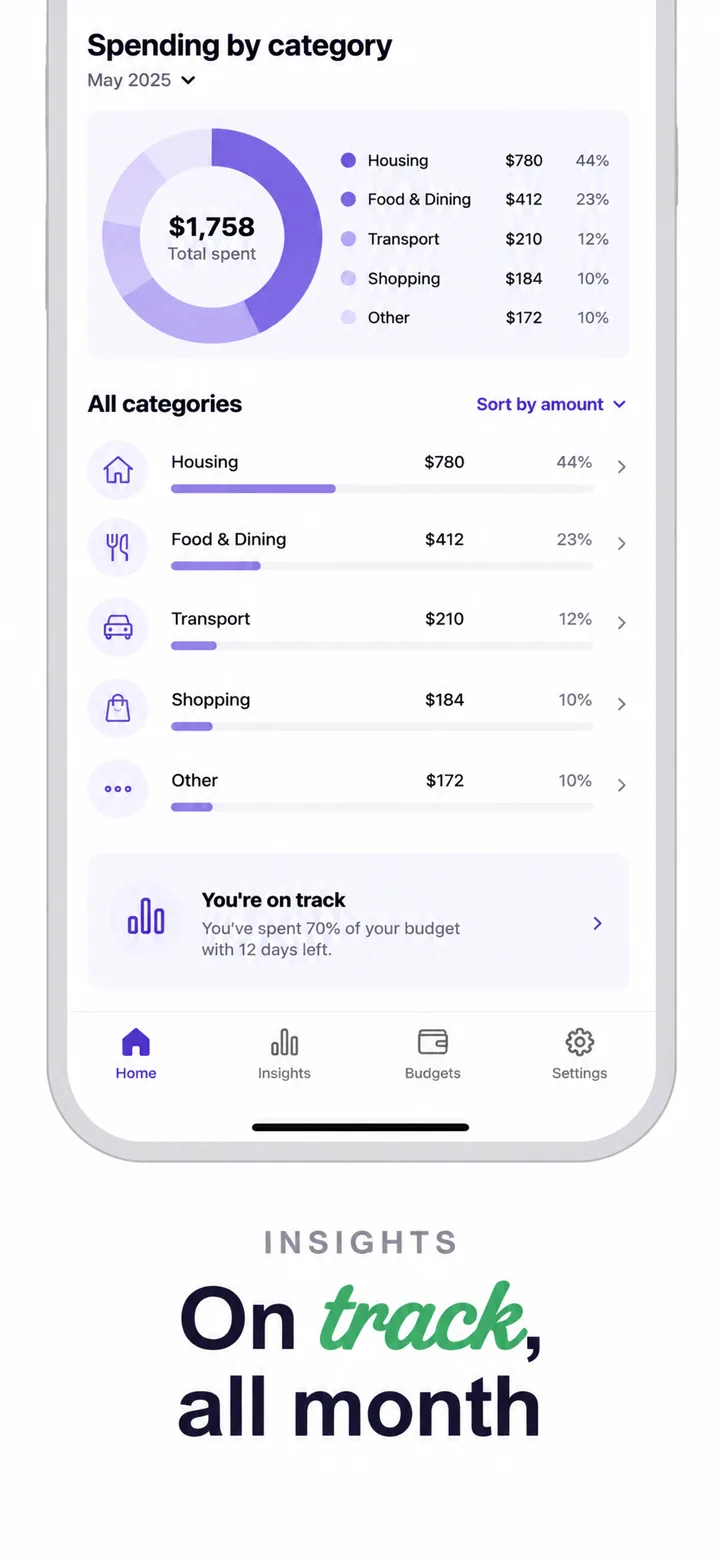
People decide in the first two or three frames, and they read them left to right. So the plan gives each frame a role, in order, and writes its headline for that role. Here is how a set for a habit tracker comes out:
With fewer frames, the roles compress (Hook, Show, Prove). With more screens than frames, the plan keeps the strongest and drops repeats. With more frames than screens, the extra ones become designed scenes, not the same screen twice.
The design rules it follows
The painting stage follows a playbook distilled from sets made by professional designers. These are the rules that make a set look expensive instead of generated:
The whole set sits on one field colour. Variety comes from the content, never from alternating light and dark backgrounds.
Two lines, two to five words, at most twelve characters a line, at the same size and position on every frame, so the type can be big.
The phone is about 88% of the frame width, centred, its bottom cut by the frame edge. It is never shrunk to fit the whole device.
Frames sit side by side in the store. Anything cut at a side looks like it spills into the next frame, so only the bottom may crop.
No empty lower thirds and no small groups floating mid-frame. Quiet frames have few elements, not empty space.
Two quiet frames, two balanced ones and one rich one. Two rich frames are never placed side by side.
No rockets, trophies, light bulbs, mountains, thumbs-up or pointing hands. If a picture could illustrate any app, it is replaced by one only yours could have.
No fake ratings, awards, user counts or reviews. If you give it a real rating, it appears once, on the proof frame.
Your real screens, not invented UI
An App Store screenshot has to show the app in use. Apple’s own review rules say so (guideline 2.3.3), and it is also what makes people believe the set. So the system is built around your actual screens:
- Each phone shows one of your uploads, with its text, numbers and layout copied rather than redrawn from imagination.
- When a frame lifts a piece of your UI out of the phone (a card, a row, a button), the text is copied character for character, and kept to a few short lines so it stays exact.
- Every upload is used in at most one phone, so a set never repeats a screen.
- The AI never adds features, numbers or logos that are not in your app.
AI can still misread a very small label. Look at each frame before you upload it to App Store Connect, and repaint any frame with one line (“copy the price exactly as in my screenshot”).
Headlines written for your app
The headline is the part of a screenshot most people actually read. The planner writes each one like a copywriter who knows your app: the real pain or a concrete outcome, in your app’s own words, with a different sentence shape on each frame.
It also has a list of words it is not allowed to use, because they appear on thousands of listings and say nothing:
Headlines can be written in any of 21 languages, including right-to-left Arabic and Hebrew, and scripts like Japanese, Korean, Hindi and Thai. Each language is written natively rather than translated word for word.
What you control
Say what to change in plain words. Only that frame is repainted, and you pay for that one frame.
Add reference images for colour or mood, or write it into the description: “dark, editorial, one accent colour”.
Low, Medium or High. Higher levels take longer and render finer type and detail.
A repaint is a preview until you keep it, so a worse version never replaces a good one.
| Quality | Credits per frame | Five-frame set |
|---|---|---|
| Low | 2 | 10 credits |
| Medium | 3 | 15 credits |
| High | 7 | 35 credits |
What it doesn’t do (yet)
Being clear about the limits saves you a surprise at upload time:
Every set downloads at 1320 × 2868, Apple’s largest iPhone size. Images are scaled evenly, never stretched; a sliver is trimmed from the bottom to fit the shape.
iPad (3:4) and landscape sets are not generated yet.
Without uploads it can design scenes, but a listing sells best with the real app in the phones.
Sets it has designed
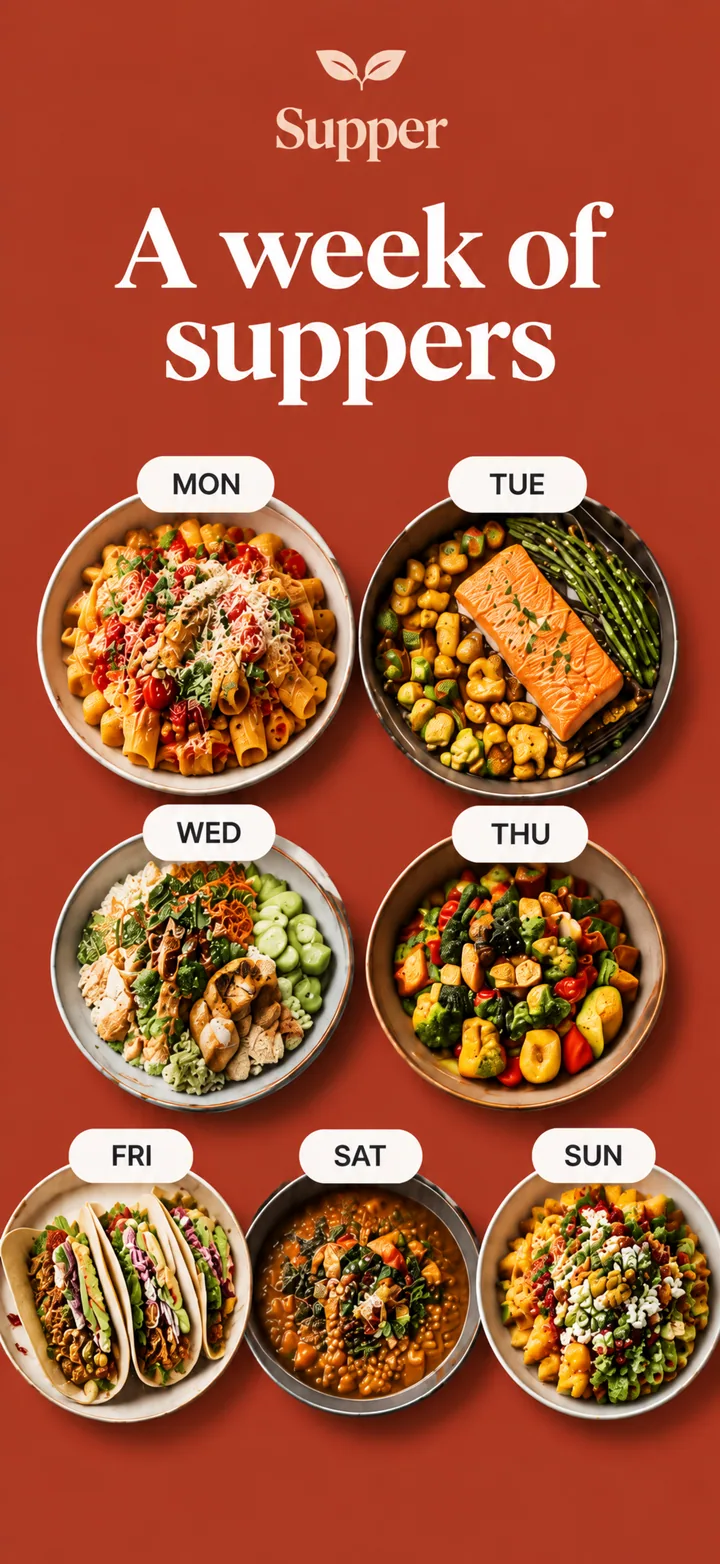
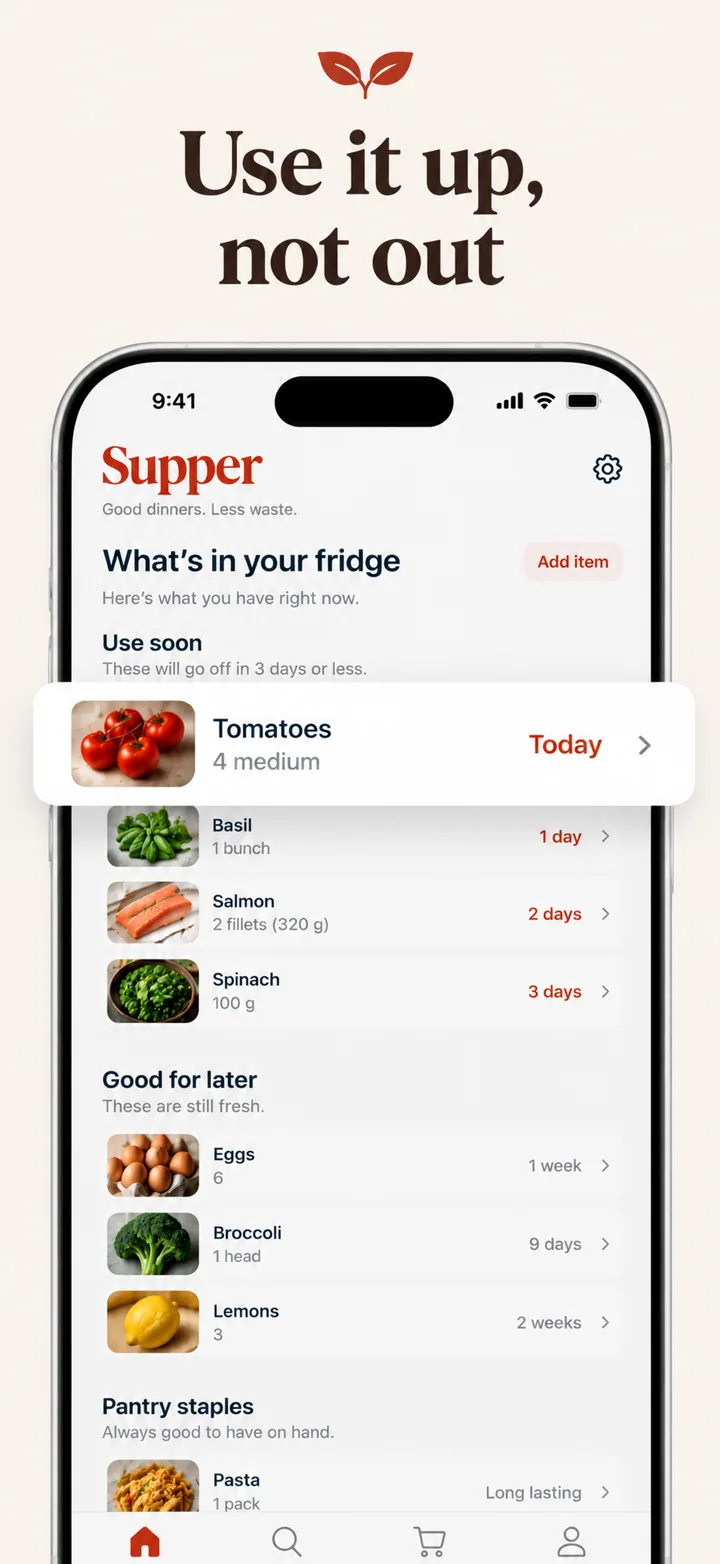
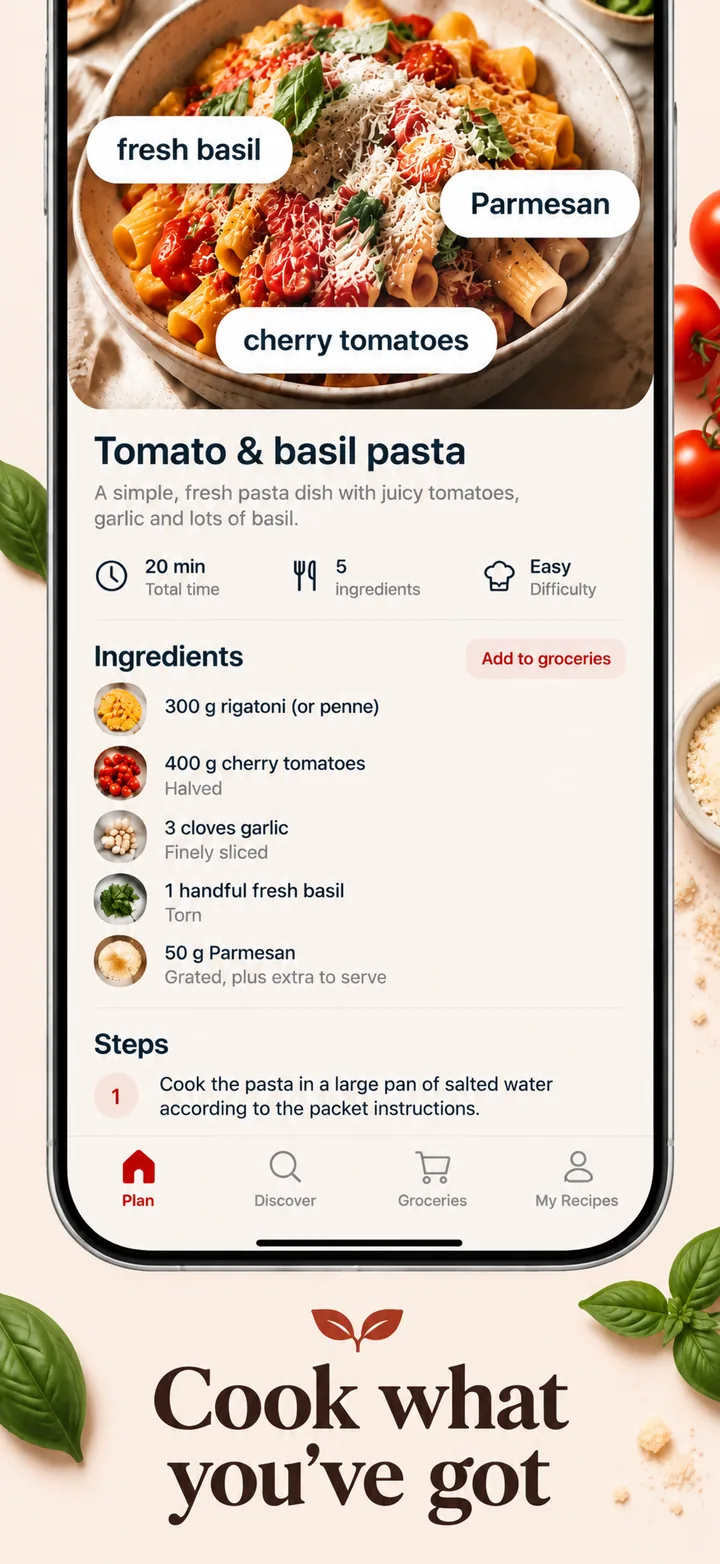
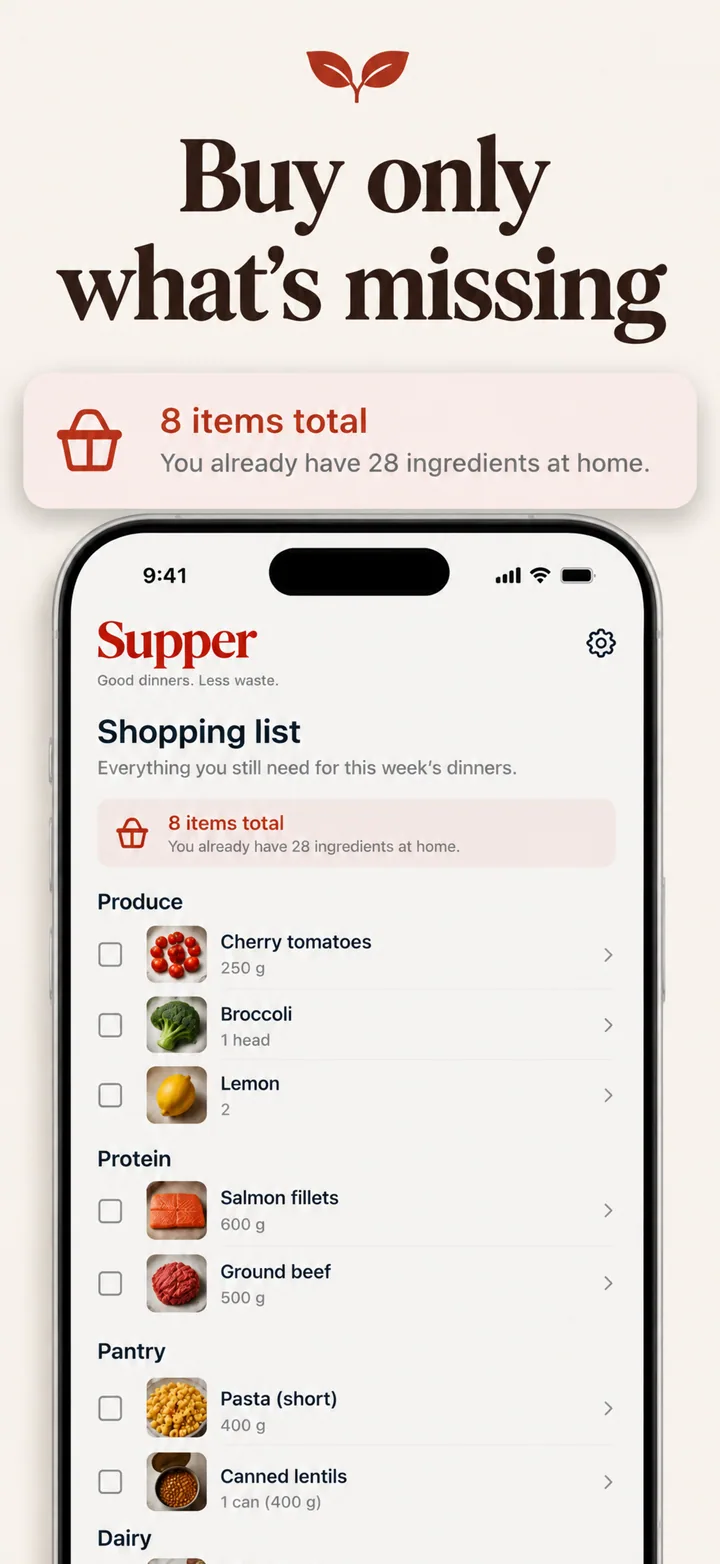
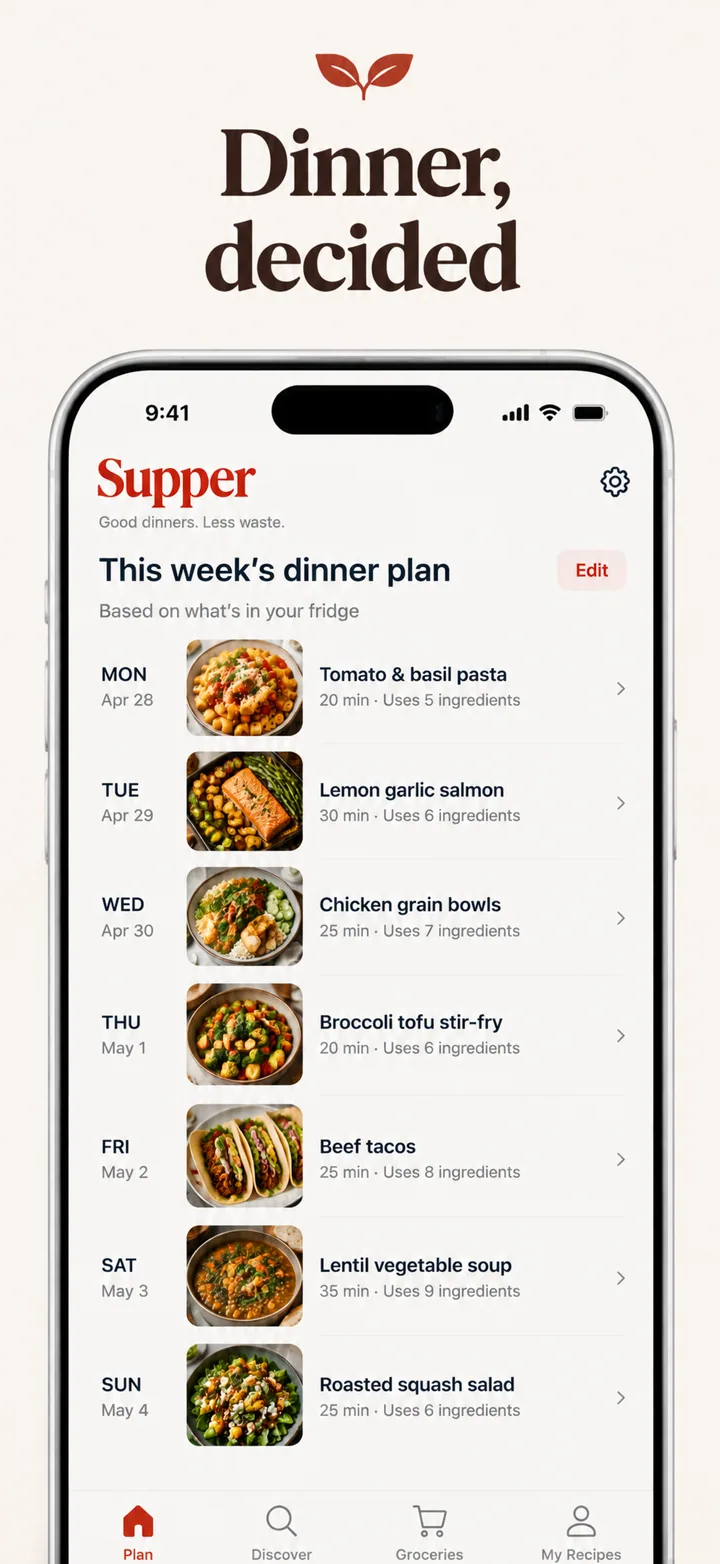
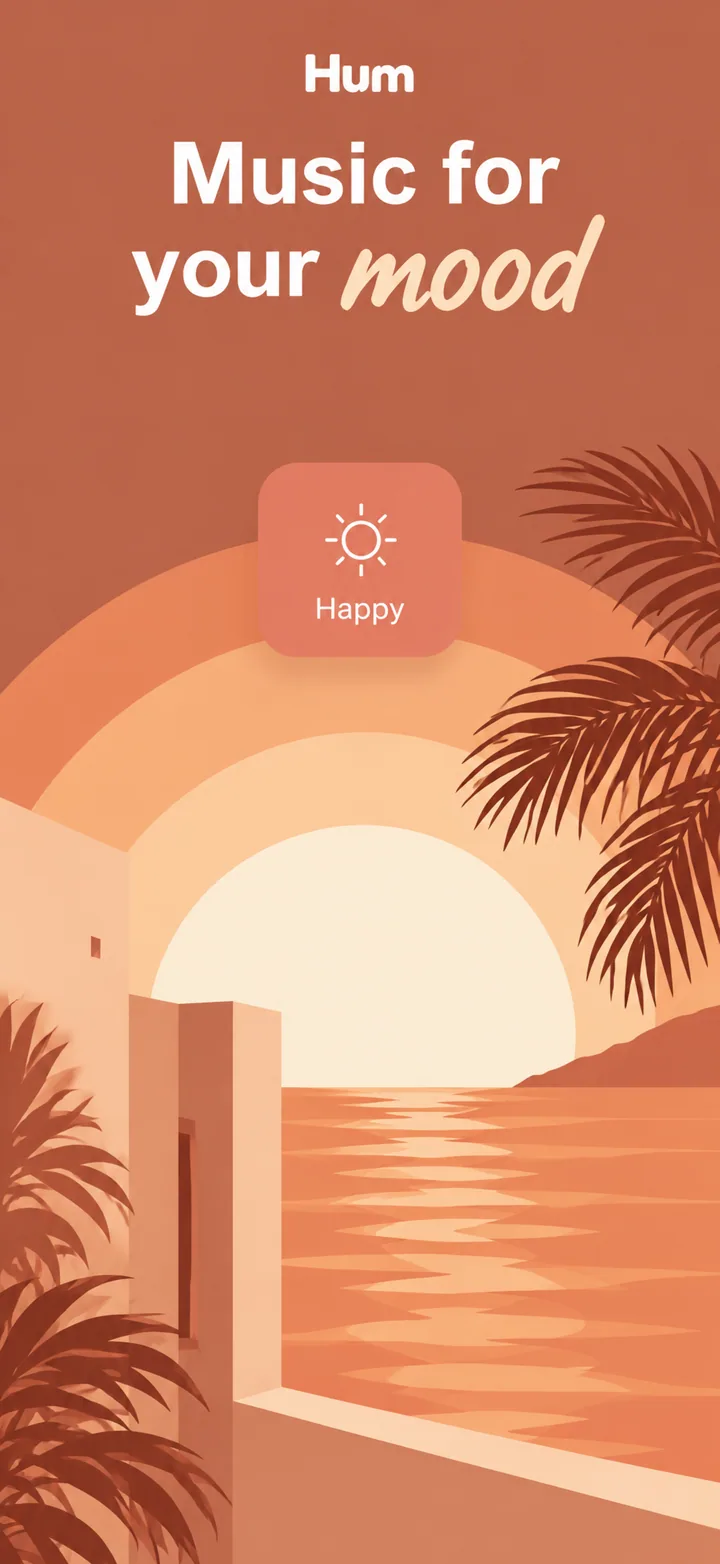
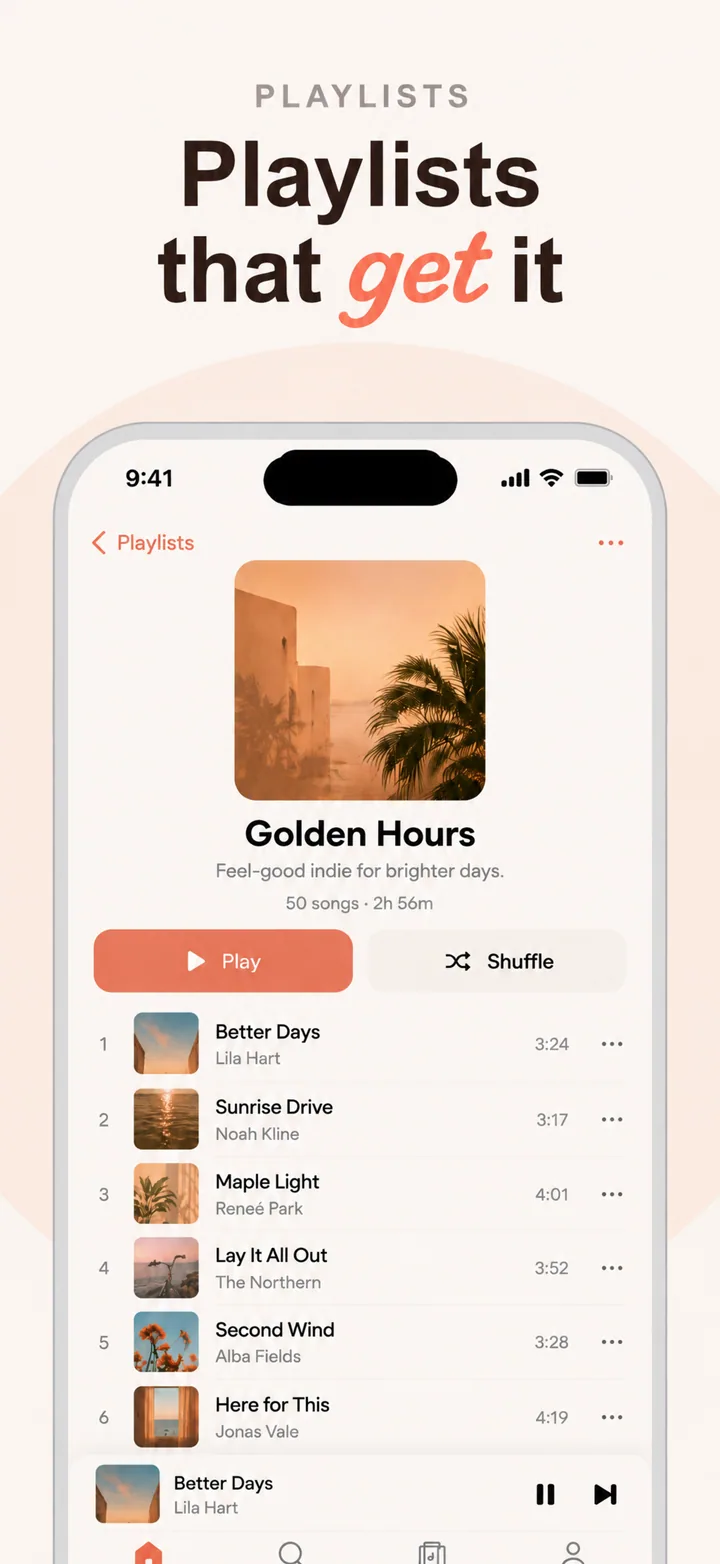
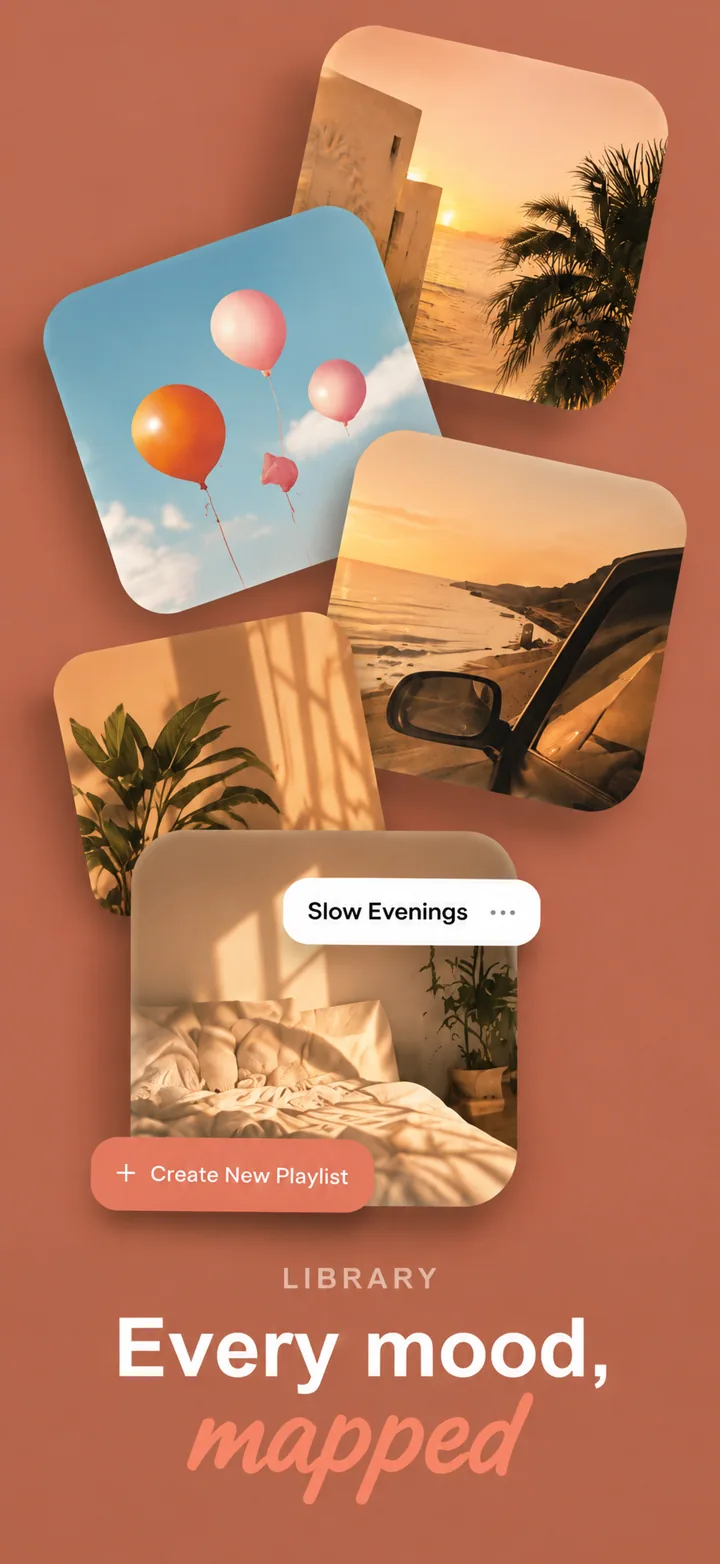
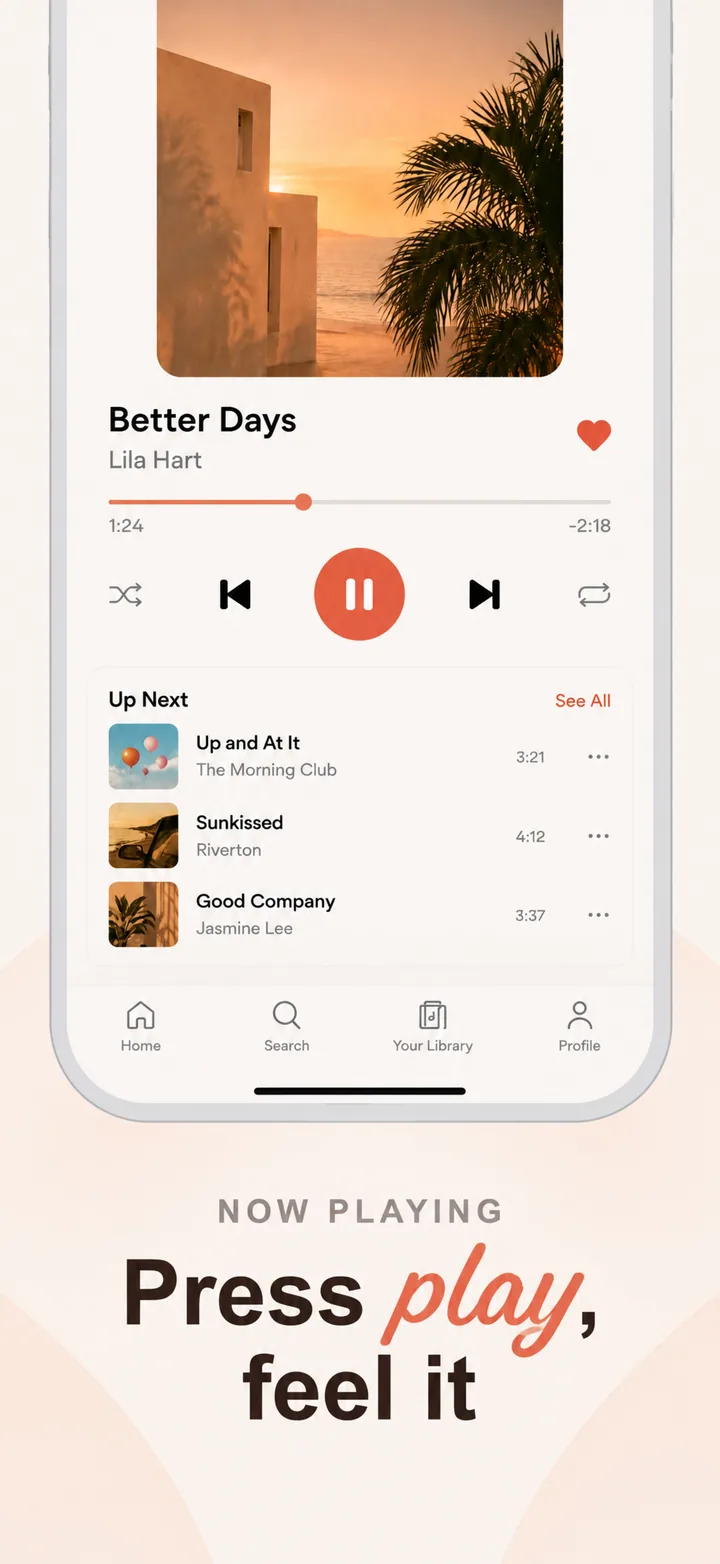
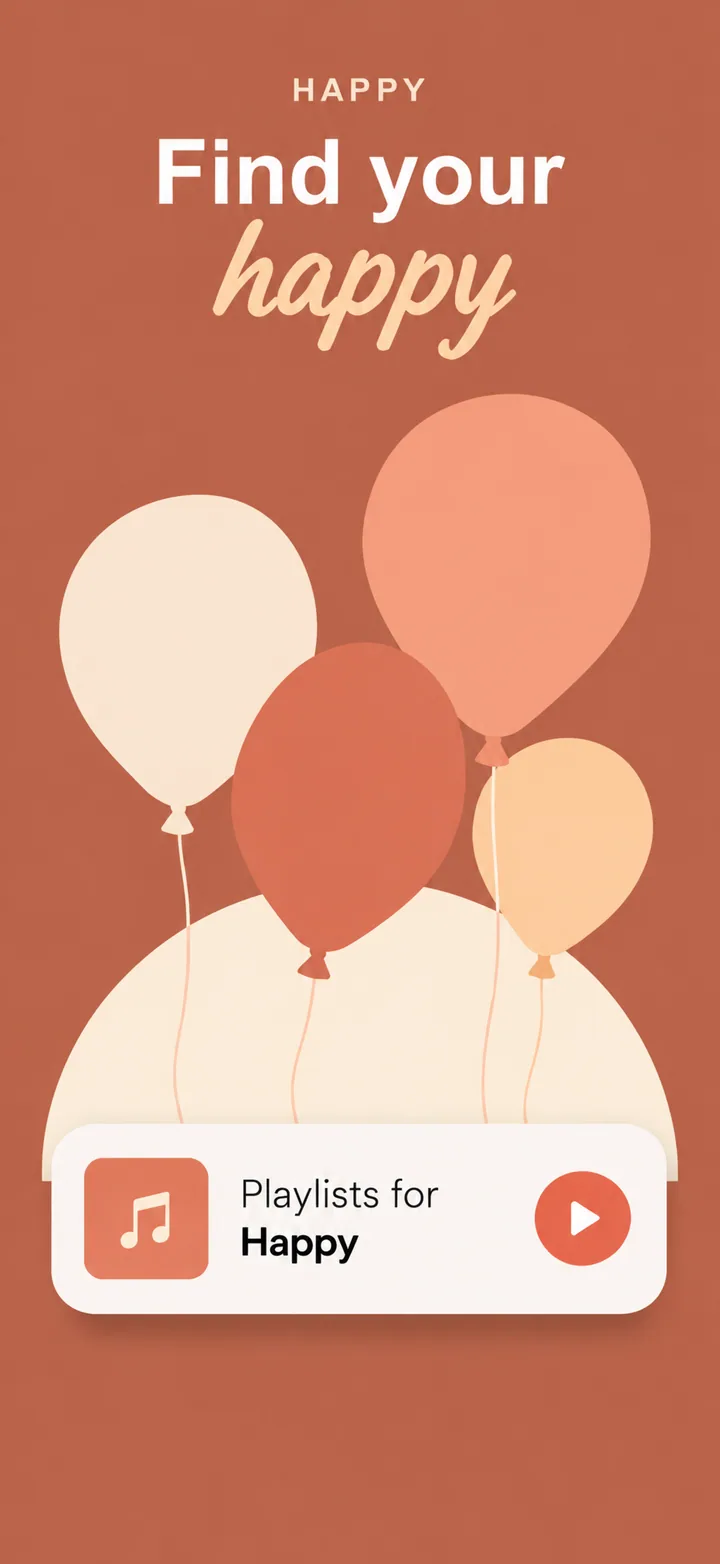
More sets, by category, on the examples page.
Questions
Is it real AI or a template with my screens dropped in?
Real AI. There are no templates: every set gets its own design language, layout, colours and headlines, planned by Claude and painted frame by frame by GPT Image.
Will Apple accept AI-designed screenshots?
Apple reviews what a screenshot shows, not how it was made. Its rules ask that screenshots show the app in use, carry no prices and make no false claims, which is why Nuvex puts your real screens in the phones and never invents ratings or awards. You still review each frame before you submit.
Who owns the screenshots?
You do. Nuvex claims no ownership of what it generates, and you may use the sets commercially, including on the App Store, whether you made them with free or paid credits.
How long does a set take?
A few minutes for a five-frame set at Low or Medium quality; High takes longer. Frames appear as they finish.
What if one frame is wrong?
Click it and say what to change. Only that frame is repainted. A frame that fails to render at all is refunded automatically.
Can it write headlines in my language?
Yes, in 21 languages, including Arabic and Hebrew (right to left), Japanese, Korean, Chinese, Hindi and Thai.
