On this page 8 sections
ASO has two halves. Visibility: the words in your title, subtitle, keyword field (iOS) or description (Google Play), plus your downloads and ratings, decide which searches you appear in. Conversion: your icon, screenshots, rating and preview decide whether people who see you install.
Most apps fix visibility and neglect conversion, yet conversion improves both: more installs from the same traffic also lift your ranking.
How the stores decide who sees your app
Both stores rank apps for a search by combining relevance (does your metadata match the words?) with performance (do people who see you install, keep and rate the app?). Neither store publishes the formula, but the inputs they let you control are clear.
Your title and subtitle on iOS (plus a hidden keyword field), your title, short and full description on Google Play.
Install rate from search, downloads, ratings and reviews, retention and uninstalls.
Icon, screenshots, preview video, rating and price shown in results. This is where the first impression happens.
The practical takeaway: get the words right once, then spend most of your effort on what makes people tap Get.
Every metadata field, and its limit
| Field | App Store | Google Play | Searched? |
|---|---|---|---|
| Name / title | 30 characters | 30 characters | Yes, strongest weight |
| Subtitle / short description | Subtitle, 30 characters | Short description, 80 characters | Yes |
| Keyword field | 100 characters, hidden | None | iOS only |
| Description | Up to 4,000 characters | Up to 4,000 characters | Google Play yes; App Store no |
| Promotional text | 170 characters, change any time | — | No |
| Screenshots | Up to 10 per size | Up to 8 per device type | Conversion |
| Preview video | Up to 3, 15–30 seconds | One YouTube link | Conversion |
Title and subtitle
Put your brand and your most important keyword in the title, and a clear benefit with a second keyword in the subtitle. “Brand: Keyword” works on both stores. Avoid stuffing: Apple’s guidelines (2.3.7) reject names packed with keywords, trademarks or prices.
The iOS keyword field
A hidden, comma-separated list of 100 characters. Use single words separated by commas without spaces, skip words already in your name and subtitle (they count anyway), skip plurals of words you already have, and never use competitors’ trademarks.
The Google Play description
Google reads your full description for search, so it matters there in a way it doesn’t on iOS. Write it for people first: a clear first paragraph, short sections, and your important phrases used naturally a few times. Repetition for its own sake breaks Google’s spam policy.
Choosing keywords
- List what people would type
The job your app does (“budget planner”), the problem (“track spending”), and the category words (“finance app”). Use the store’s own search suggestions.
- Check who already ranks
Search each phrase on a phone. If the top results are giants, a more specific phrase (“budget planner for couples”) is the better first target.
- Place them
The most valuable phrase in the title, the next in the subtitle or short description, the rest in the keyword field or description.
- Measure and rotate
After each update, note which phrases you appear for. Swap the dead ones out every few weeks.
Conversion: the half most apps neglect
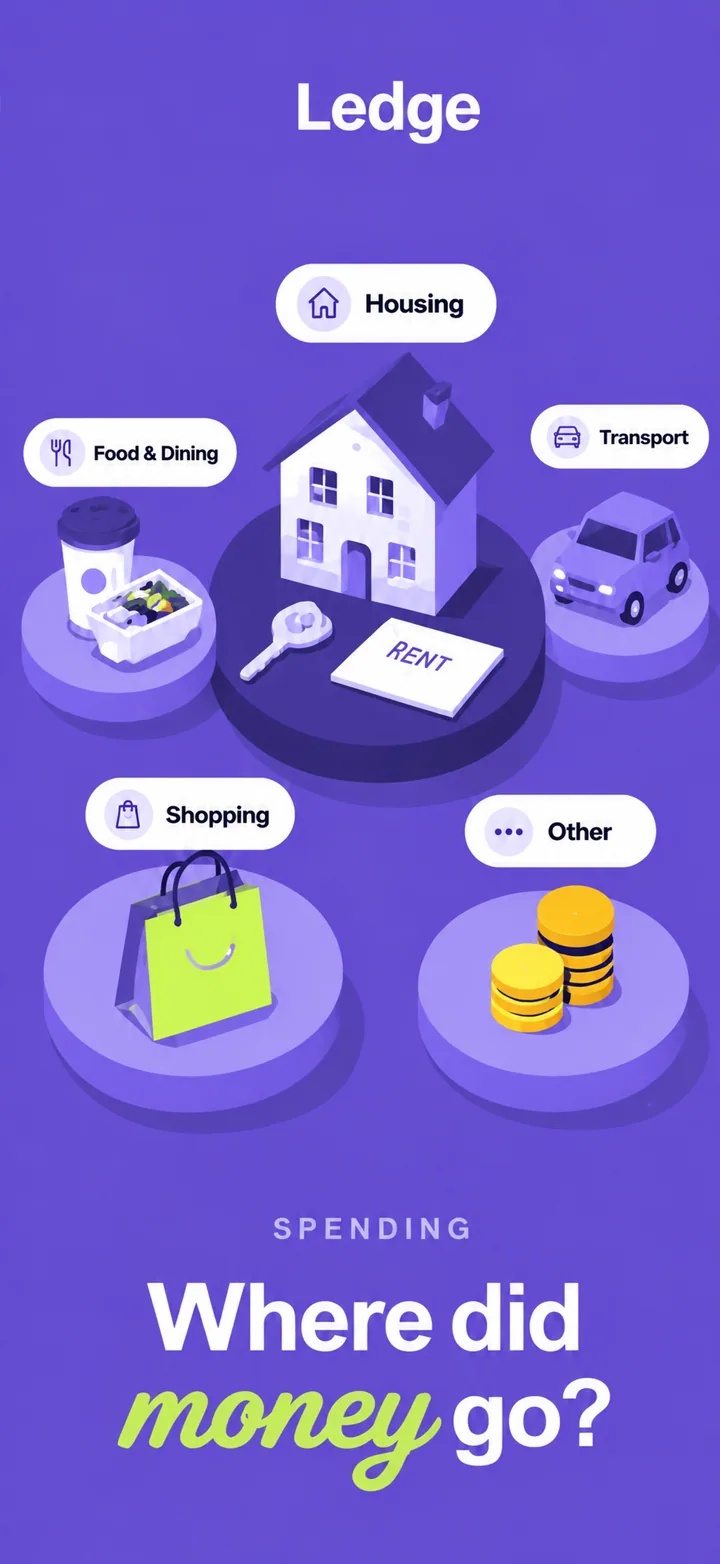
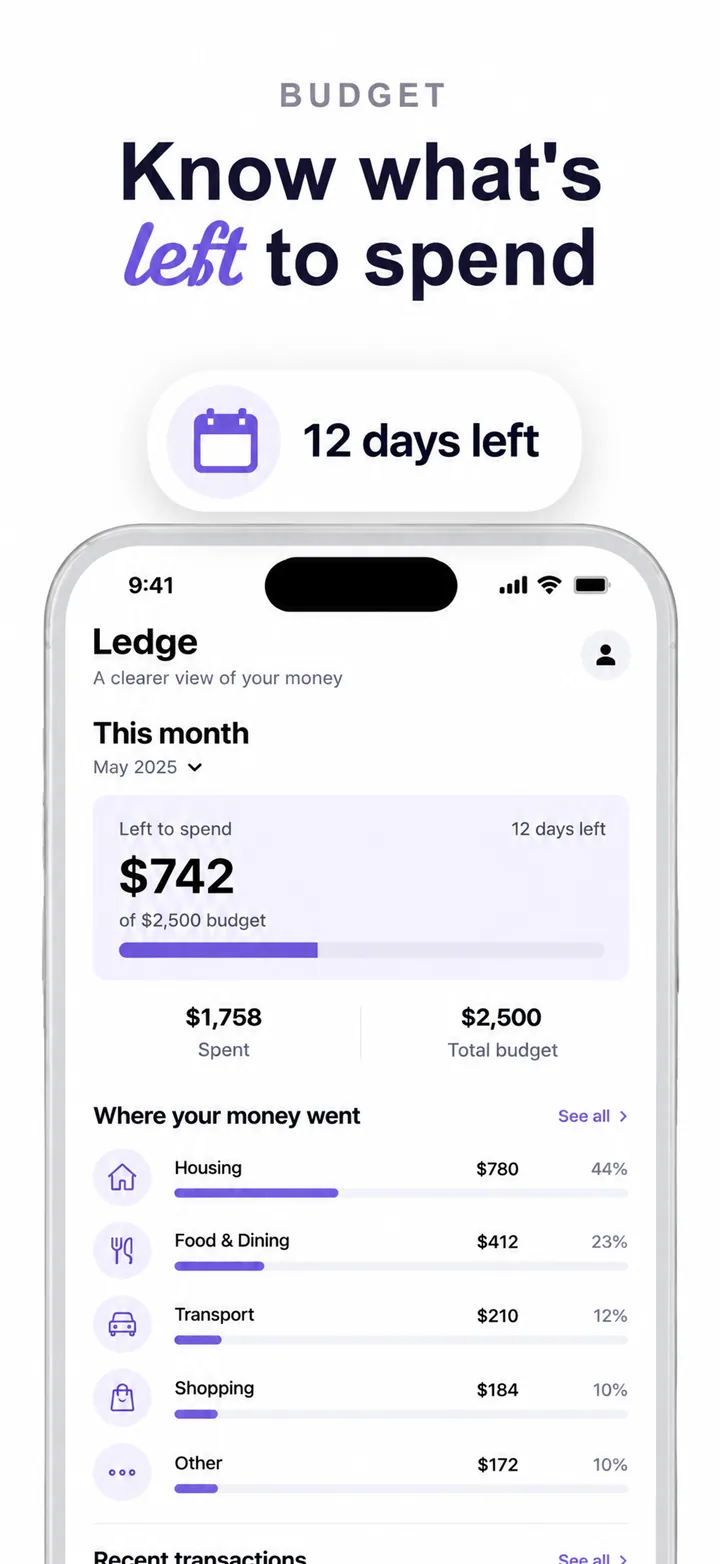
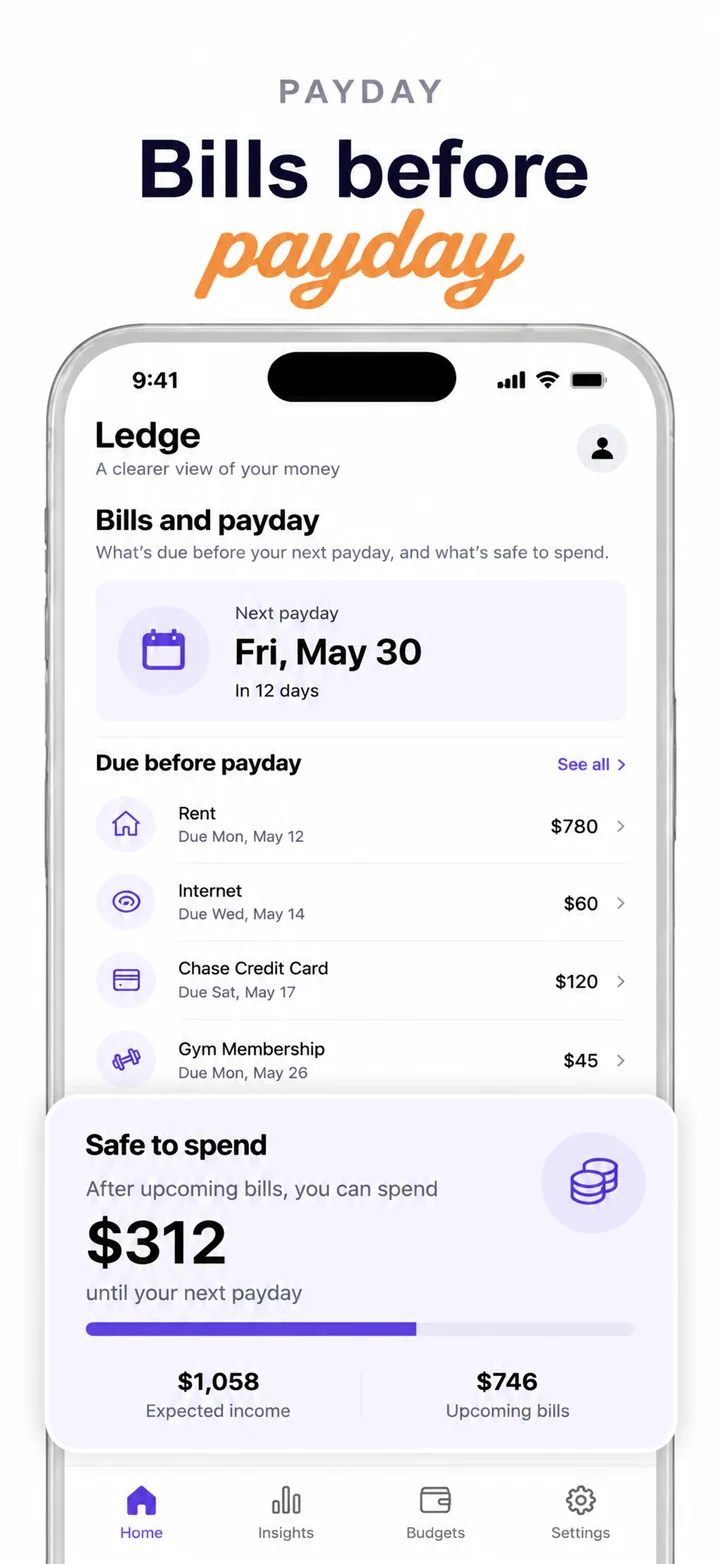
Ranking gets you seen. Your icon and first three screenshots decide if you are chosen, because that is what shows in search results. Improving the share of people who install after seeing you is often the fastest ASO win, and it feeds back into ranking.
One simple shape, recognisable at 60 pixels, distinct from the top results for your main keyword.
The promise, the core action and the proof, each with a short headline. Our screenshot strategy guide covers the order.
Ask for ratings at a good moment (after a success, never at launch) with the system prompt.
Optional; on iOS it autoplays before your screenshots, so its first seconds must be as strong as your first frame.
Testing what works
Both stores let you test listing changes on real traffic:
Test up to three alternative versions of your icon, screenshots and previews against your current page, for up to 90 days.
Separate versions of your page with their own screenshots and promotional text, each with its own link, for ads or campaigns.
Test graphics and text against your current listing, by country and language.
Different listings for different countries, or for users arriving from specific campaigns.
Test one big thing at a time (a new first screenshot, a new icon), give it enough traffic to decide, and keep a log of what you learned.
Ratings and reviews
Ratings show in search results and weigh on both conversion and ranking. Use the system rating prompt (Apple limits how often it appears), ask after a success rather than at launch, and reply to reviews, especially the negative ones that describe a bug you have fixed.
A simple ASO routine
Reply to new reviews. Check the phrases you rank for and your install rate from search.
Rotate weak keywords, refresh promotional text, update screenshots if the UI changed.
Run one screenshot or icon test. Check what your top competitors changed.
Localise title, subtitle, keywords and screenshots, not just the app.
Use the ASO checklist before each release; it ticks through all of this in one pass.
Questions
What is ASO?
App Store Optimization: improving how often your app appears in store search (visibility) and how often people who see it install it (conversion).
How long does ASO take to work?
Metadata changes take effect after the update is approved and indexed, usually within days. Ranking changes from better conversion build over weeks.
Does the App Store description affect search?
Apple does not use the description for search ranking; the title, subtitle and keyword field matter. Google Play does read the full description.
Do screenshots affect ASO?
They decide conversion, and better conversion lifts ranking. The first three are shown in search results, so they matter most.
How many keywords can I add on iOS?
As many as fit in the 100-character keyword field, separated by commas, plus whatever is in your title and subtitle.
