Last updated June 2026
Quick answer
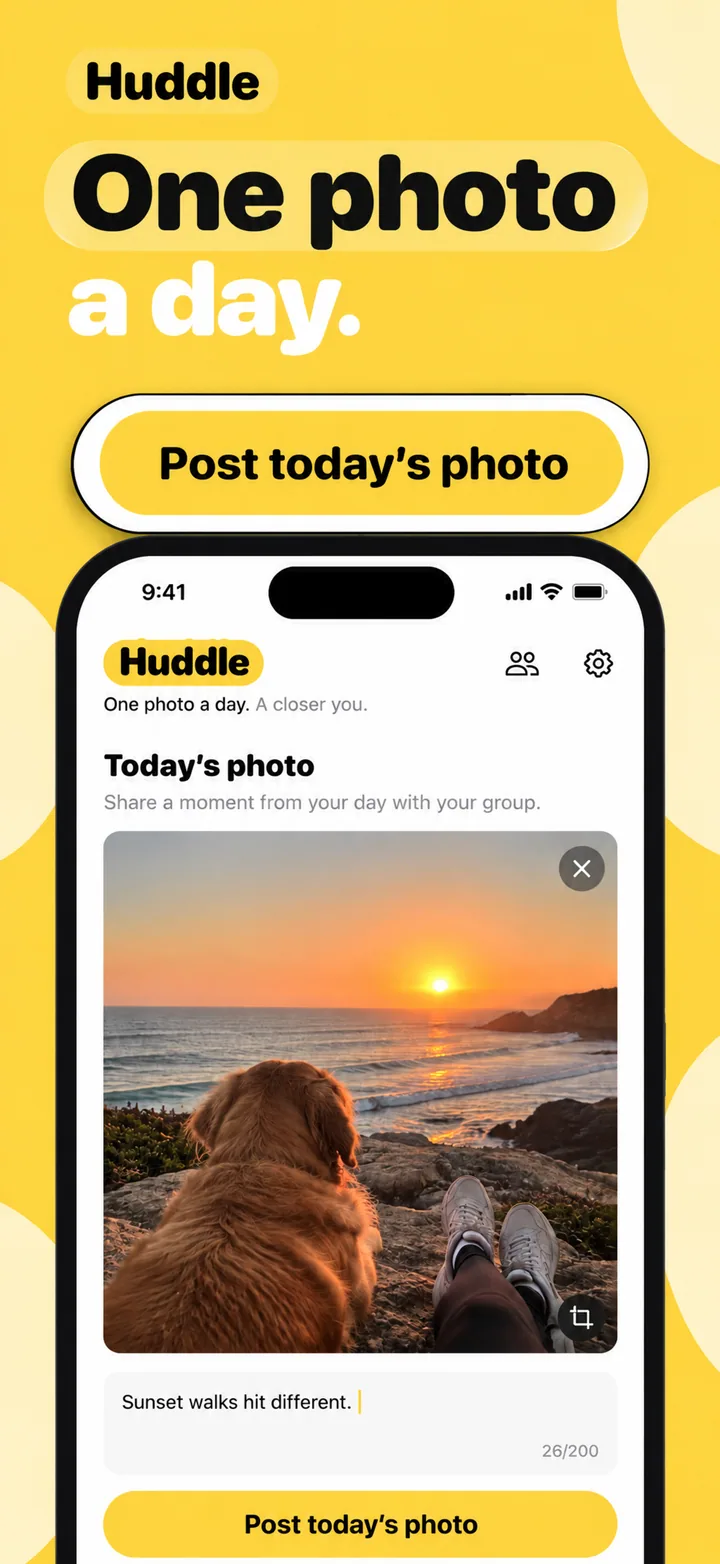
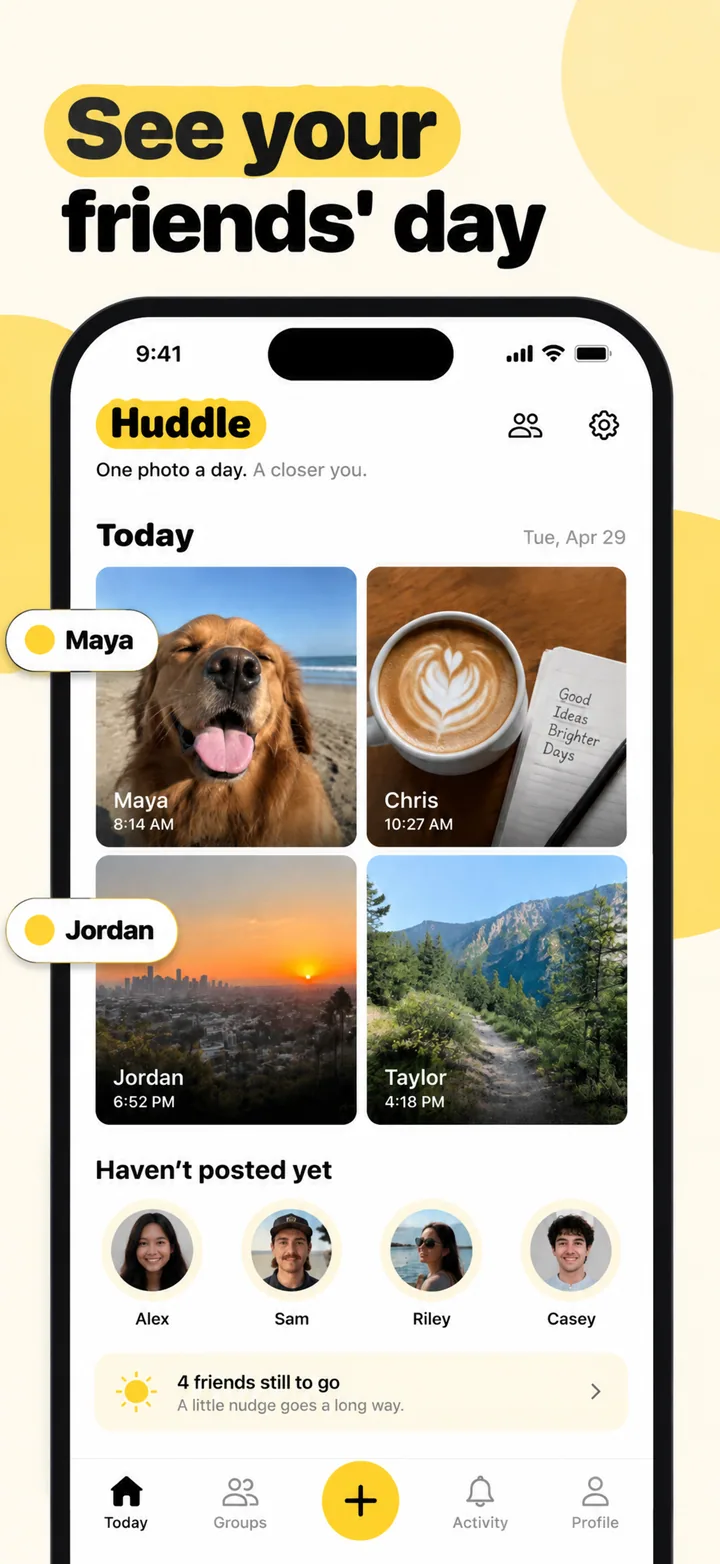
Dating app screenshots must communicate chemistry and emotional safety within the first two seconds of viewing. Users browsing dating apps are in a vulnerable state: they want connection but fear rejection, judgment, or wasted time. Your first screenshot should show a lively conversation, a promising match card, or a warm community moment that makes the user think, "I want to be part of that." The visual tone should feel warm, inviting, and slightly magical, using colors and imagery that signal romance without sleaze. Avoid screenshots that lead with profile questionnaires, empty match queues, or generic silhouette avatars that make the app feel like a lonely waiting room.
What makes dating screenshots convert
Dating is the ultimate emotional commerce category. Users are not buying a product; they are buying hope. Your screenshots must sell that hope while simultaneously signaling that the app is safe, modern, and populated with real people.
Your first screenshot must present a moment of connection. A chat screen showing a flirty, natural conversation is more compelling than a profile grid because it proves the app delivers what users actually want: interaction. A profile card showing shared interests and a compatibility percentage is strong because it reduces the fear of mismatch. The principle is universal: show the relationship, not the resume. Users do not fall in love with forms; they fall in love with moments.
The visual psychology of dating screenshots leans heavily on warmth and softness. Sharp edges, cold colors, and dense information layouts feel transactional and clinical, which is the opposite of romance. The best dating screenshots use rounded profile cards, soft gradients, warm lighting, and generous spacing. Your layout should typically feature a device frame showing a match or chat interface, with a headline on the left that feels like a friend setting you up: "Your person is closer than you think."
Social proof in dating is delicate but essential. A badge saying "1 million matches made" is powerful because it signals that the app actually works. However, social proof must be balanced with safety signals. A screenshot mentioning "Verified profiles" or "Photo verification" converts better among cautious users because it addresses the universal fear of catfishing. For niche dating apps, social proof can be more specific: "Loved by dog owners in Chicago" signals both credibility and relevance.
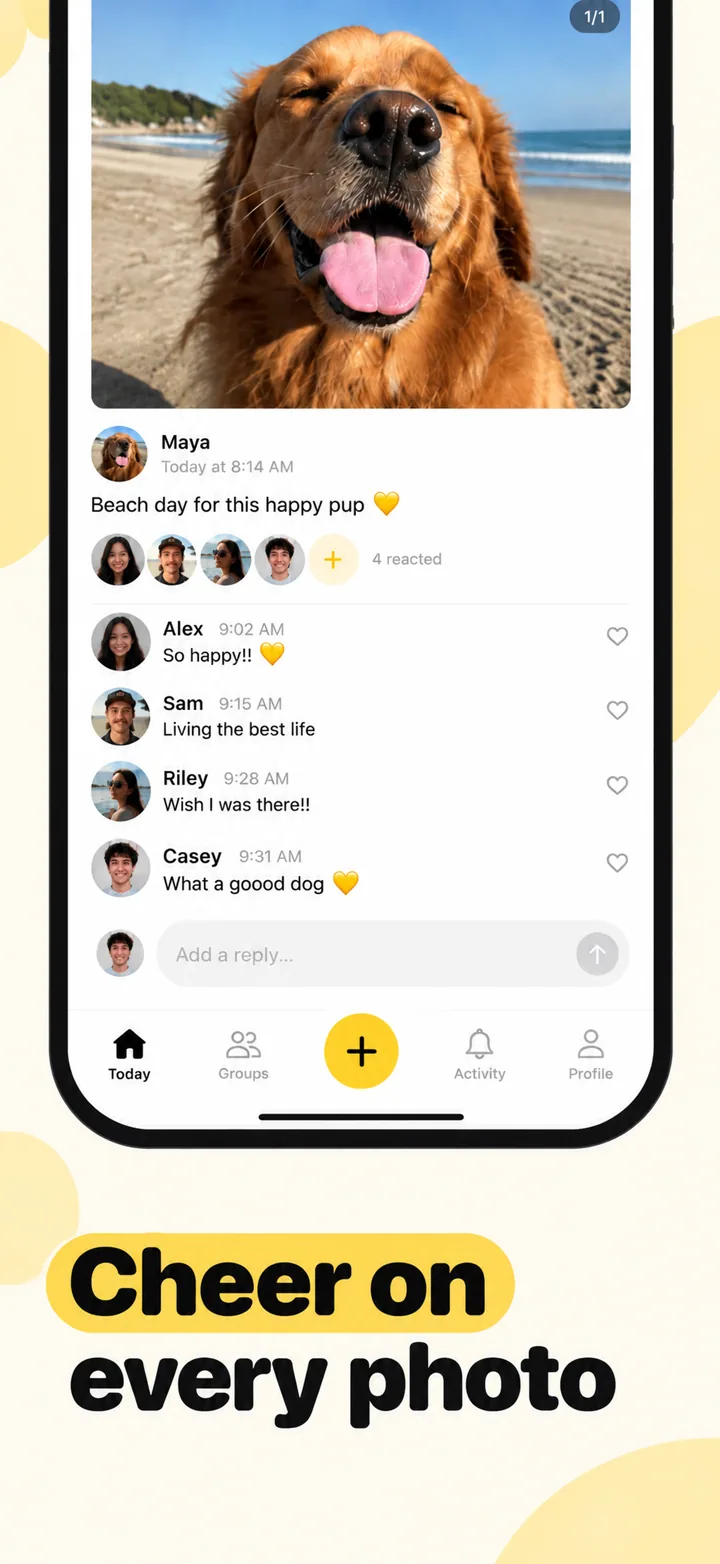
Layout advice for dating screenshots: frame one is the spark. Show a match, a message, or a couple connecting. Frame two shows discovery: profiles, filters, or events. Frame three shows communication: chat, voice notes, or video dates. Frame four shows safety and verification features. Frame five closes with community or success stories. This arc moves the user from desire to exploration to trust.
Best colors for dating apps
Dating color psychology is about emotional temperature. The palette should feel like a great first date: warm, flattering, and memorable.
Warm coral and soft pink are the most effective colors for mainstream dating apps. Pink signals romance, care, and approachability. Coral adds energy and prevents pink from feeling too juvenile or one-dimensional. A dating app using coral-to-cream gradients feels like a sunset date: flattering, warm, and full of possibility. This palette works across age demographics because it signals universal romantic values.
Deep rose and burgundy are ideal for serious relationship and mature dating apps. These richer reds signal depth, passion, and commitment. A marriage-minded dating platform using deep rose accents feels sophisticated and intentional rather than casual. The psychology here is about investment: deeper colors suggest deeper intentions.
Soft lavender and romantic purple work exceptionally well for LGBTQ+ dating apps and niche community platforms. Purple signals creativity, individuality, and open-mindedness. A queer dating app using soft lavender backgrounds feels inclusive and celebratory rather than clinical. These colors tell users that the app is a space for authentic self-expression.
Warm cream and champagne gold are strong choices for premium and elite dating apps. These colors signal luxury, exclusivity, and curated experiences. A high-end matchmaking app using champagne accents feels like a private club rather than a public marketplace. The psychology is about scarcity and quality: users are not browsing; they are being invited.
Colors to avoid: Cold blue and grey feel corporate and distant, which is the exact opposite of romantic warmth. Heavy black feels aggressive or hookup-oriented, which may be appropriate for some apps but will alienate users seeking relationships. Bright, saturated reds can feel aggressive or alarming rather than passionate. Avoid neon colors entirely; they feel cheap and temporary, suggesting the app is a fad rather than a platform for meaningful connection.
Common mistakes dating apps make
Dating apps often fail because their screenshots misunderstand what users are actually afraid of. It is not boredom; it is rejection, deception, and wasted hope.
Mistake one: leading with empty profile grids. A screenshot showing a row of grey silhouettes or placeholder avatars tells the user that nobody is on the app yet. This is devastating in dating because the entire value proposition is other people. Fix this by populating profile cards with diverse, realistic faces and names. Even if the app is new, mock realistic profiles rather than showing emptiness.
Mistake two: over-sexualizing the imagery. Suggestive poses, heavy makeup, or lingerie-style photography may attract initial clicks, but they attract the wrong users and often trigger App Store rejection. More importantly, they signal that the app is for hookups rather than relationships, which limits your audience. Fix this by using imagery that feels warm, natural, and romantic rather than explicit.
Mistake three: ignoring safety entirely. Modern dating users, particularly women, actively look for safety features before installing. If your screenshots show only happy couples without ever mentioning verification, reporting, or privacy controls, you are signaling that safety is not a priority. Fix this by including at least one frame that shows a verified badge, a safety tool, or a privacy promise.
Mistake four: generic, copycat design. If your screenshots look exactly like Tinder, Bumble, or Hinge, users will assume your app is a clone with no unique value. Dating is crowded; differentiation is survival. Fix this by developing a distinctive visual identity: unique card shapes, custom illustration styles, or novel layout approaches that make your app instantly recognizable in a grid of competitors.
Mistake five: promising algorithmic perfection. Headlines like "Find your soulmate with AI" or "Perfect match guaranteed" raise skepticism. Users have been disappointed by enough dating apps to know that algorithms are not magic. Fix this by using humble, realistic language. "Meet people who share your interests" is believable. "AI finds your true love" is not.
How to create dating screenshots with AI
Creating dating app screenshots with Nuvex helps you balance emotional warmth with modern design craft.
Step one: Upload your most human screens: match cards, chat interfaces, profile views, and event listings. Avoid empty states, signup forms, and settings. The AI needs to see the connection.
Step two: Describe your app with romantic specificity. Instead of "dating app," write "personality-first dating app for book lovers with conversation starters and local literary event matching." Nuvex uses this to select warm palettes, inviting headlines, and layouts that feel intimate rather than transactional.
Step three: Generate five frames. The AI automatically biases toward warm, soft layouts with connection-focused headlines and minimal aggressive elements. Frame one typically shows your most engaging match or chat moment.
Step four: Refine per frame. "Make frame 1 background warmer" or "Add a verified badge to frame 4." Each frame regenerates independently while the set stays cohesive.
Step five: Export in exact App Store and Google Play dimensions. Download and upload to your store listings.
Want dating screenshots that convert?
Try Nuvex — free to start, no credit card.