Use case

Screenshots for lifestyle apps.

Lifestyle apps sell intention and aesthetic. Your screenshots must make users feel like their best self is just one install away.

Last updated June 2026

On this page
  1. Quick answer
  2. What makes lifestyle screenshots convert
  3. Best colors for lifestyle apps
  4. Common mistakes lifestyle apps make
  5. How to create lifestyle screenshots with AI

Quick answer

Lifestyle app screenshots must communicate intention and curated living within the first two seconds of viewing. Users browsing lifestyle apps are seeking inspiration, organization, or a specific aesthetic upgrade to their daily routine. Your first screenshot should show a beautiful journal entry, a well-organized habit tracker, a curated recipe collection, or a serene meditation interface that reflects the aspirational life your app enables. The visual tone should feel like a premium lifestyle magazine: warm, cohesive, and intentionally designed. Avoid screenshots that look like generic productivity tools, cluttered social feeds, or interfaces so minimal that they fail to communicate any specific value.

What makes lifestyle screenshots convert

Lifestyle apps do not solve urgent problems; they elevate everyday experiences. Your screenshots must function as visual lifestyle editorials that make the user want to inhabit the world you are showing.

Your first screenshot must present a moment that feels both attainable and aspirational. A beautifully photographed morning routine spread, a perfectly organized planner page, or a calming evening wind-down interface all create immediate desire. A screenshot showing a settings menu or a feature list creates nothing. The principle is simple: show the life, not the ledger. Users want to see how the app makes their days feel better, not how many features it has.

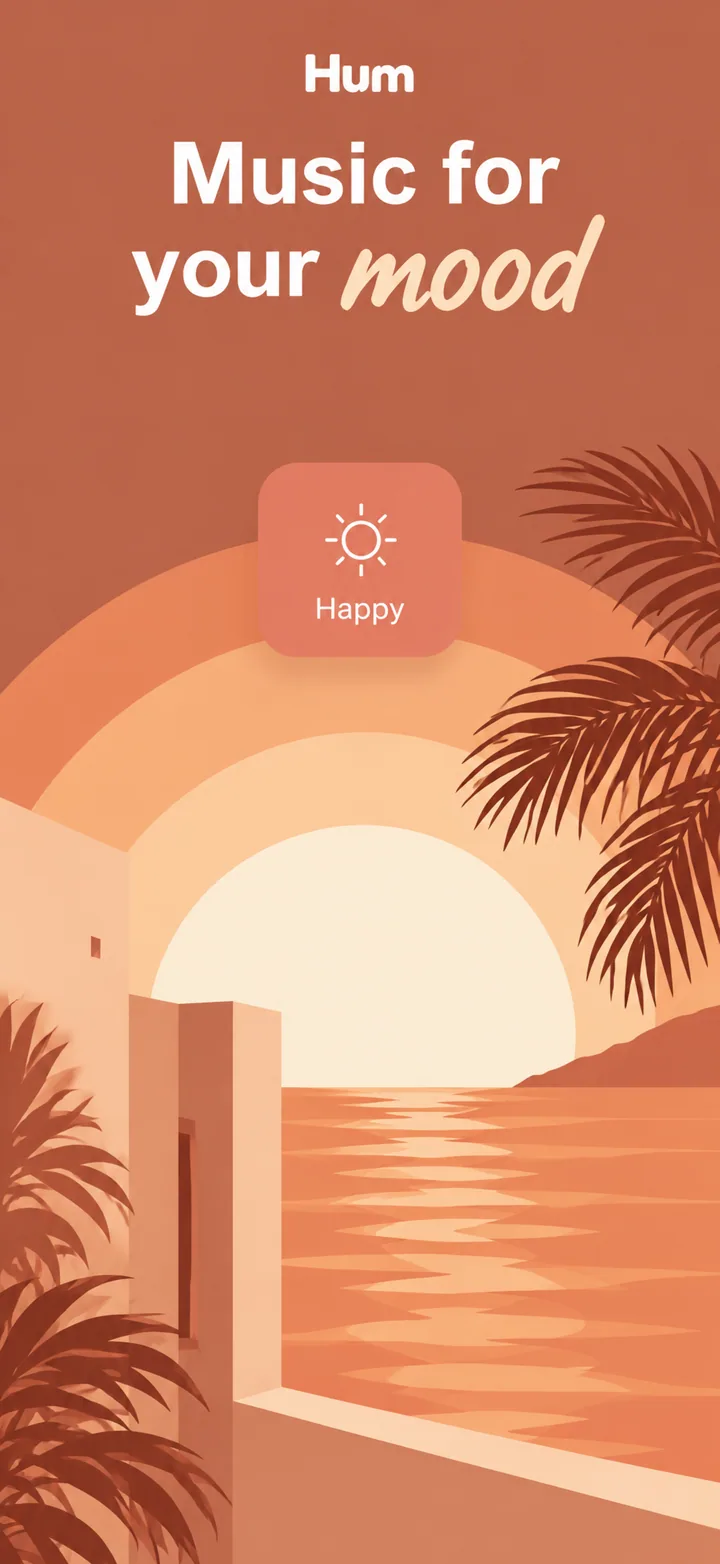
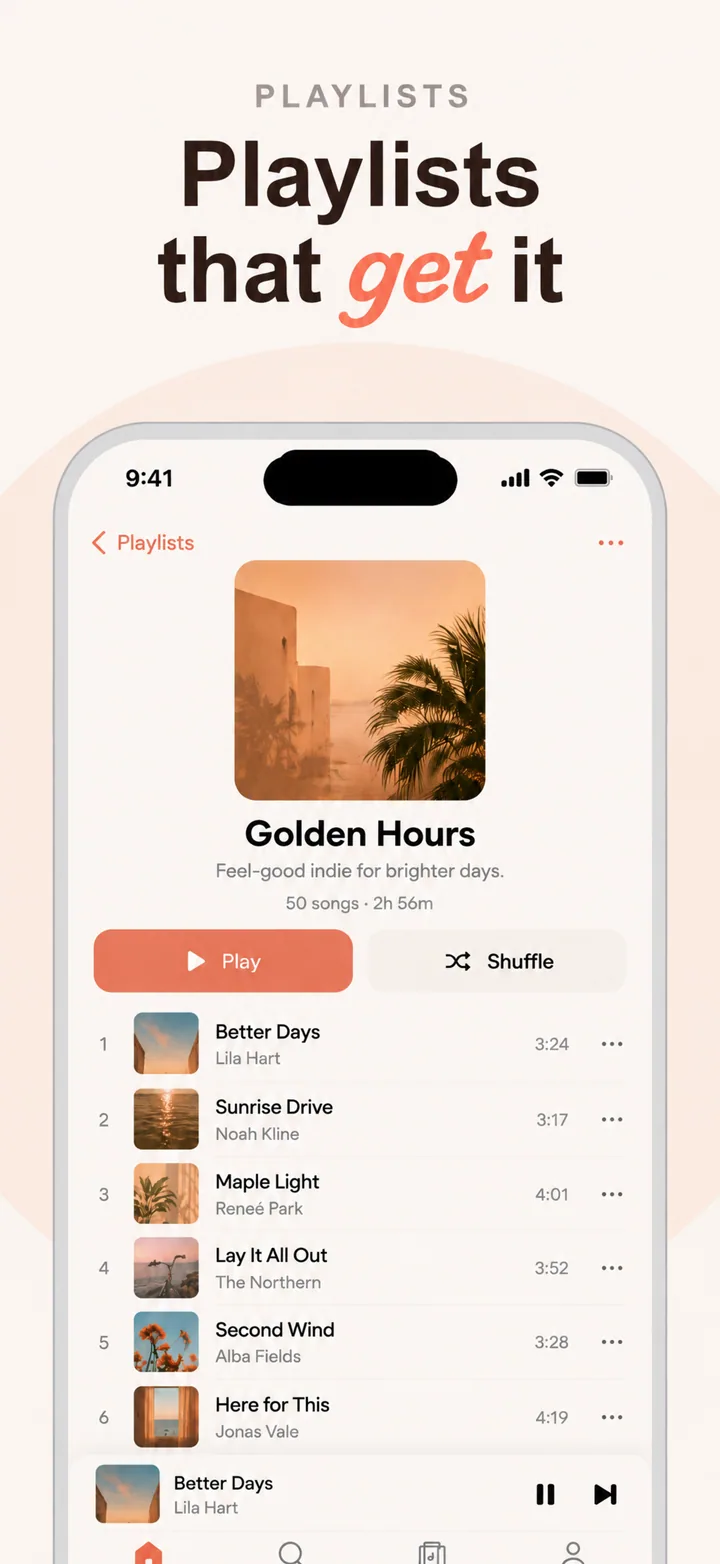
The visual psychology of lifestyle screenshots leans heavily on warmth, cohesion, and generous space. Lifestyle is about abundance of time, attention, and beauty. Screenshots that feel cramped, rushed, or utilitarian undermine the fundamental promise. The best lifestyle screenshots use soft, warm color temperatures, elegant typography, and imagery that feels personal rather than stock. Your layout should typically feature a device frame showing a beautiful content screen, with a headline on the left that names the feeling: "Your days, beautifully arranged." "Live with intention."

Social proof in lifestyle apps operates through community scale and aesthetic credibility. "Join 2 million people living more intentionally" signals that the lifestyle is shared and validated. A screenshot showing a small feed of user-generated content with consistent, beautiful aesthetics proves that real people use the app to create real results. Screenshots that include personalization options, curated templates, or style quizzes convert better because they show that the app adapts to individual taste rather than imposing a single look.

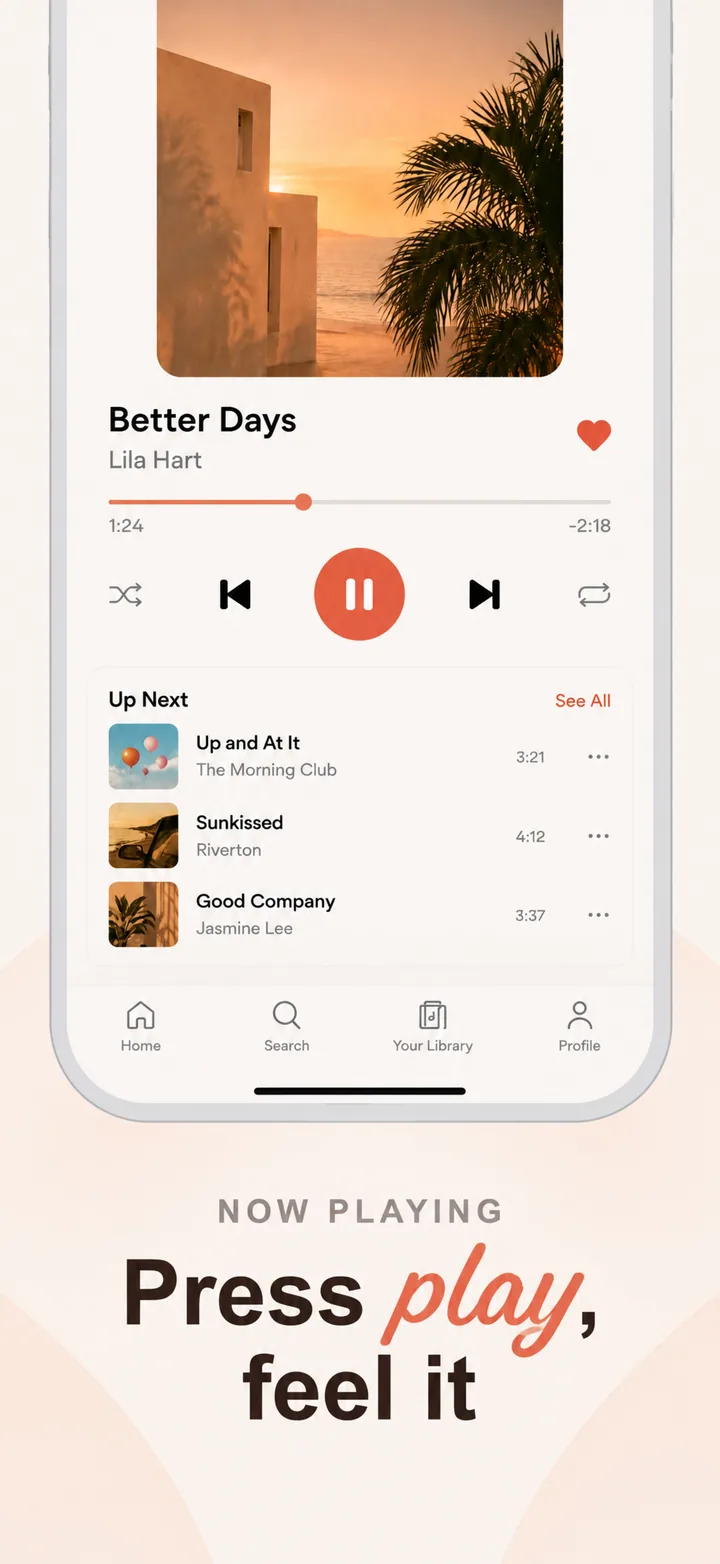
Layout advice for lifestyle screenshots: frame one is the aspiration. Show your most beautiful, inspiring interface. Frame two shows organization: planning, tracking, or routines. Frame three shows content: recipes, articles, or inspiration feeds. Frame four shows community or sharing features. Frame five closes with personalization, goals, or premium features. This arc moves the user from desire to structure to expression.

Best colors for lifestyle apps

Lifestyle color psychology is about creating an emotional environment. The palette should feel like the interior of a well-designed home.

Warm neutrals and cream are the dominant colors for general lifestyle, wellness, and self-care apps. These soft backgrounds feel like linen, ceramic, and natural light. A habit tracker or a journaling app using warm cream backgrounds feels tactile and human rather than digital and cold. This palette signals simplicity, authenticity, and timelessness.

Soft sage and dusty green are ideal for wellness, nature, and sustainable lifestyle apps. Sage signals growth, balance, and organic living. A plant-care app or a sustainable living guide using sage accents feels grounded and virtuous. This palette works particularly well for apps targeting users who prioritize health and environmental consciousness.

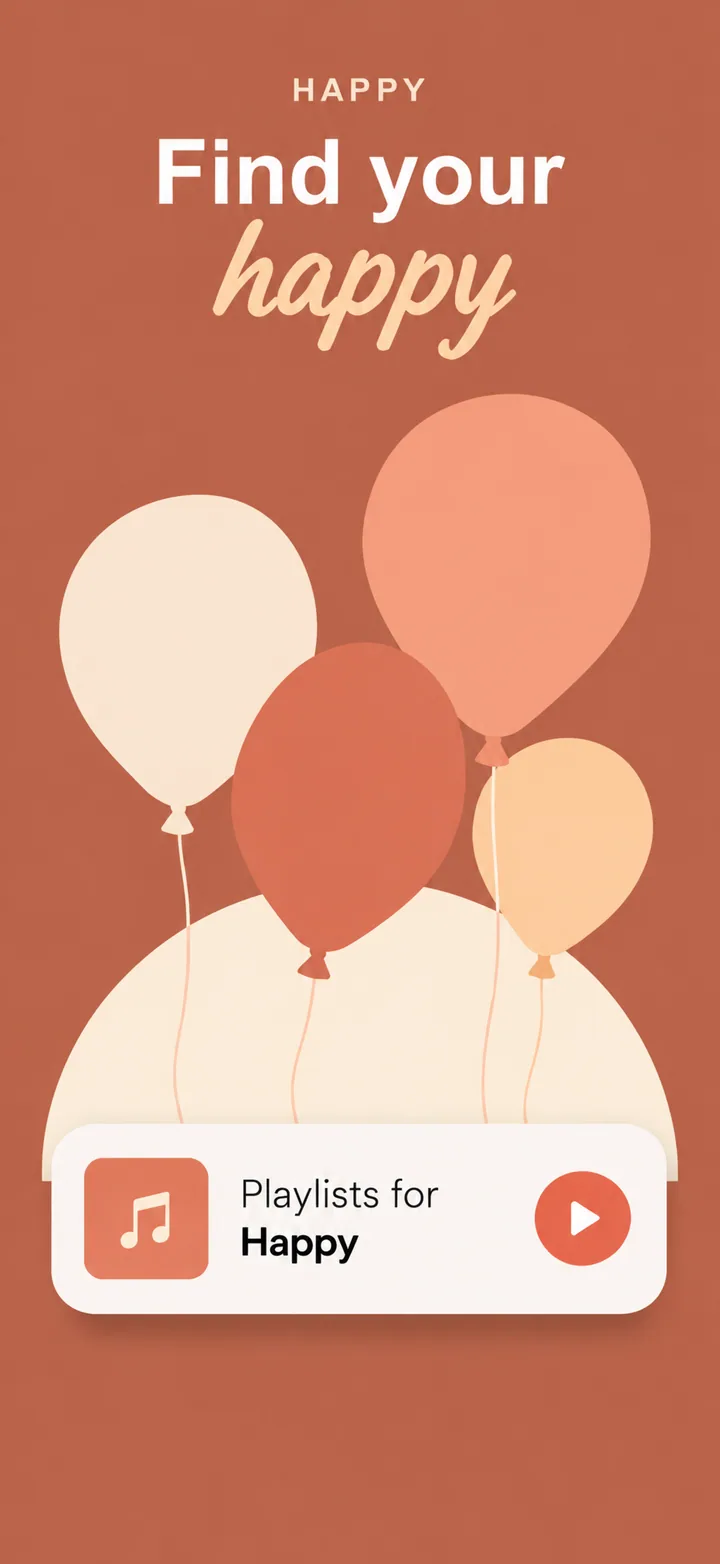
Dusty rose and terracotta work exceptionally well for creative, fashion, and home decor lifestyle apps. These warm pinks and earthy reds signal creativity, warmth, and personal expression. A home renovation planner or a capsule wardrobe app using terracotta backgrounds feels like a Pinterest board come to life. This palette attracts users who see their lifestyle as a form of self-expression.

Clean white and soft grey are strong choices for minimal, Scandinavian-inspired, and productivity-meets-lifestyle apps. White signals clarity, new beginnings, and uncluttered thinking. A minimalist daily planner using white backgrounds with thin black typography feels like a Moleskine notebook rather than a software product. This palette appeals to users who find beauty in restraint.

Colors to avoid: Neon colors and high-saturation primaries feel cheap and temporary, suggesting fast fashion rather than lasting lifestyle. Heavy blacks and dark greys feel oppressive in contexts that promise uplift and calm. Bright red signals urgency and stress, which is counterproductive for lifestyle apps. Avoid rainbow gradients unless your app specifically targets creative communities, as they can feel unfocused and chaotic.

Common mistakes lifestyle apps make

Lifestyle apps often fail because they prioritize functionality over feeling, forgetting that their users are buying an aesthetic and emotional upgrade.

Mistake one: looking like a generic productivity app. A screenshot showing a grey task list, a calendar grid, and a checkbox interface feels like work, not lifestyle. Users have dozens of productivity apps; they are looking for something that feels different. Fix this by using warm colors, lifestyle photography, and interfaces that feel like journals, magazines, or curated spaces rather than spreadsheets.

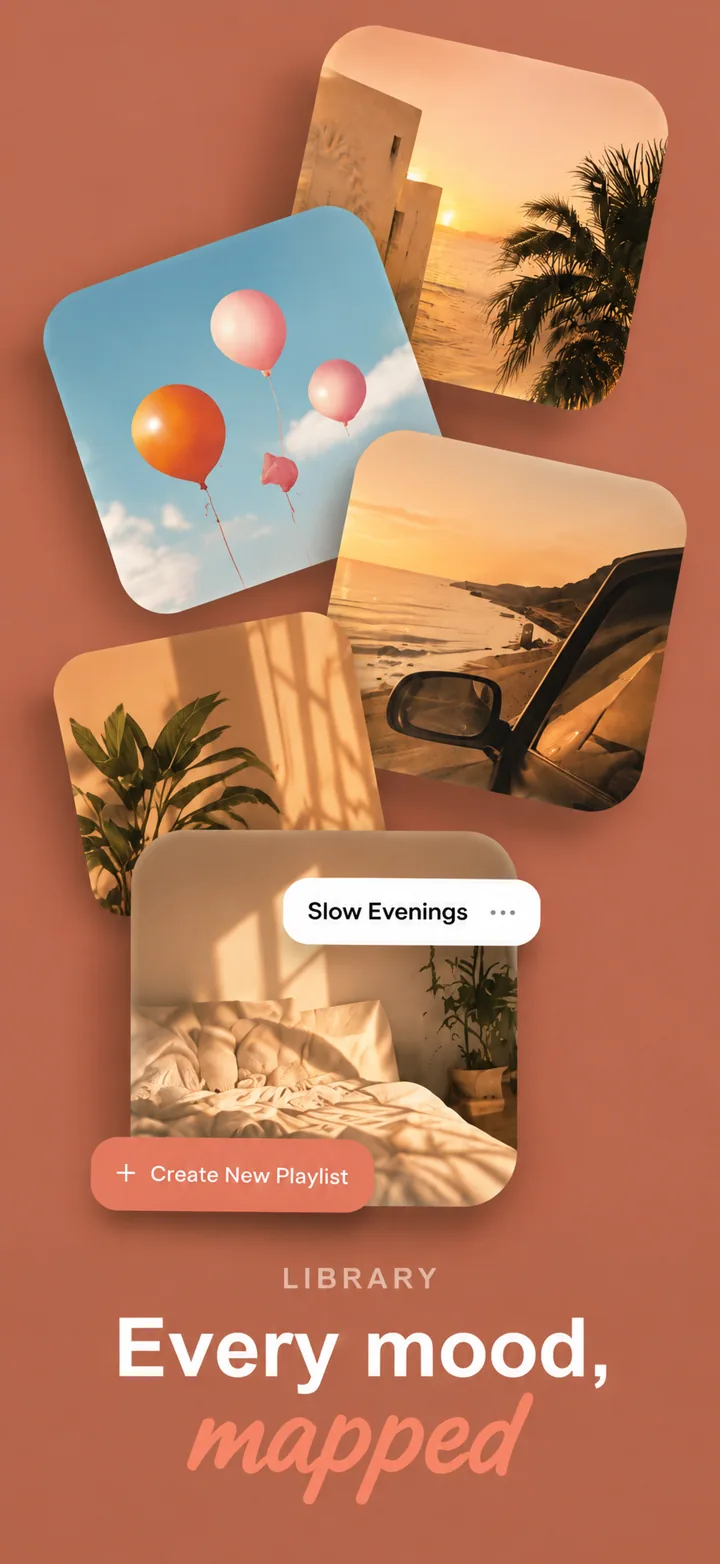
Mistake two: using obvious stock photography. A smiling woman holding a salad, a yoga pose on a beach at sunset, or a perfectly made bed with morning light are so overused that users have developed visual immunity. Worse, they signal inauthenticity. Fix this by using original photography, abstract textures, or UI-first screenshots that demonstrate the app's own aesthetic rather than borrowed imagery.

Mistake three: vague, buzzword-heavy messaging. Headlines like "Live your best life" or "Unlock your potential" are so generic they mean nothing. Lifestyle users want specificity. Fix this by naming concrete outcomes: "Plan your perfect week in 5 minutes." "Build a wardrobe you love." Specificity feels achievable; vagueness feels empty.

Mistake four: ignoring cohesion across frames. A screenshot set that jumps from a pastel meditation screen to a dark fitness tracker to a neon social feed feels like three different apps. Users want to know that the lifestyle you are selling is coherent. Fix this by establishing a consistent palette, typography system, and image treatment across all frames.

Mistake five: hiding personalization. Lifestyle is inherently personal. A screenshot set that shows identical content for every user signals that the app is a one-size-fits-all template. Fix this by showing customization options, style quizzes, or personalized dashboards that demonstrate the app adapts to individual taste.

How to create lifestyle screenshots with AI

Creating lifestyle app screenshots with Nuvex helps you achieve editorial-quality aesthetics without a creative team.

Step one: Upload your most inspiring screens: journals, planners, curated feeds, habit trackers, and mood boards. Avoid settings, onboarding, and generic lists. The AI needs to see the lifestyle.

Step two: Describe your app with lifestyle specificity. Instead of "lifestyle app," write "intentional living planner for slow-living enthusiasts with daily gratitude prompts, seasonal rituals, and aesthetic goal tracking." Nuvex uses this to select warm, curated palettes and aspiration-driven headlines.

Step three: Generate five frames. The AI automatically biases toward spacious, editorial layouts with warmth and intention. Frame one typically shows your most inspiring interface.

Step four: Refine per frame. "Make frame 1 background warmer" or "Add a goal progress ring to frame 2." Each frame regenerates independently while maintaining aesthetic cohesion.

Step five: Export in exact App Store and Google Play dimensions. Download and upload to your store listings.

Want lifestyle screenshots that convert?

Try Nuvex — free to start, no credit card.

Health apps

Wellness, habits, and self-care. Read →

Productivity apps

Organization, planning, and routines. Read →

Food apps

Cooking, nutrition, and mindful eating. Read →