Use case

Screenshots for food apps.

Food apps compete on appetite. Your screenshots must make users hungry, curious, and confident enough to cook, order, or discover their next meal.

Last updated June 2026

On this page
  1. Quick answer
  2. What makes food screenshots convert
  3. Best colors for food apps
  4. Common mistakes food apps make
  5. How to create food screenshots with AI

Quick answer

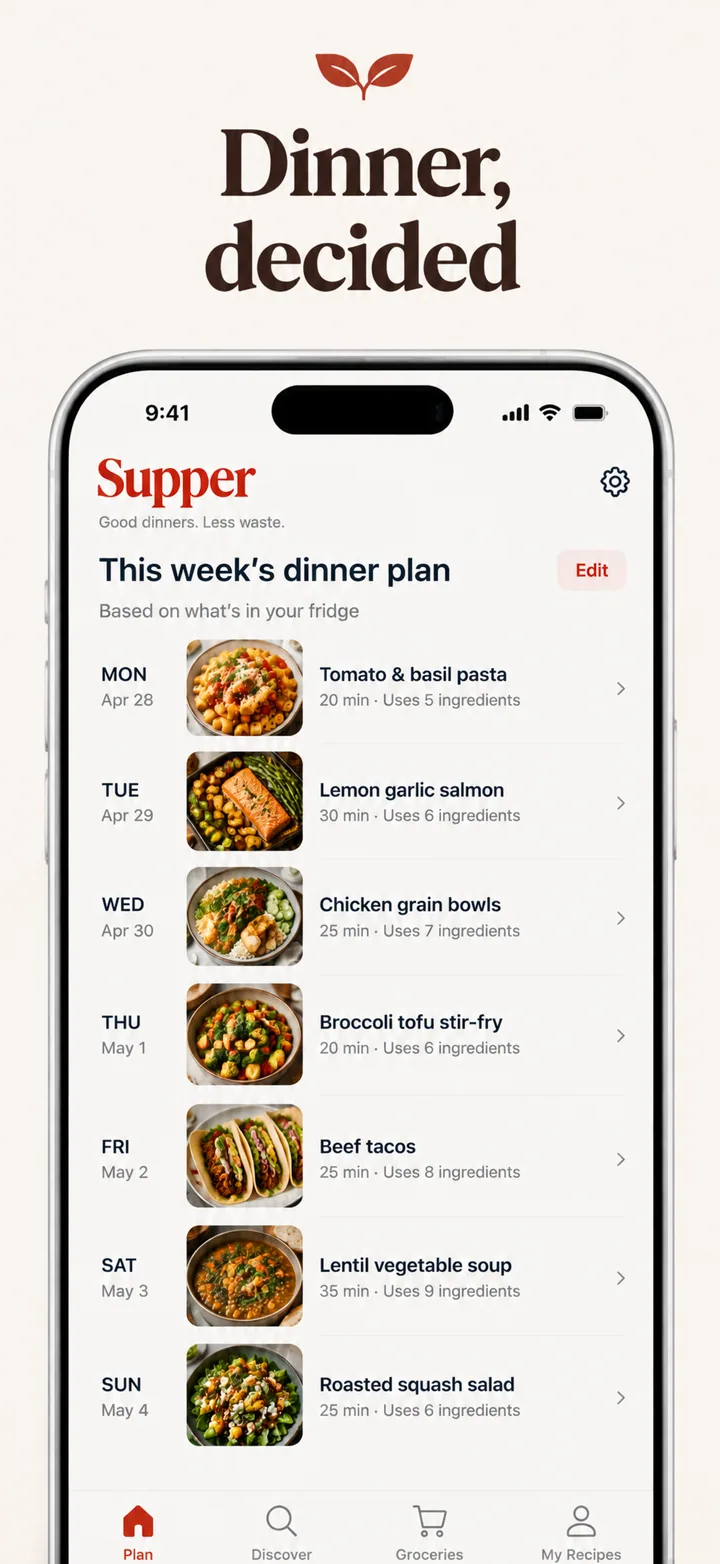
Food app screenshots must trigger appetite and culinary curiosity within the first two seconds of viewing. Food is the most sensory category on the App Store; users cannot taste or smell through a screen, so your visuals must compensate with stunning photography, warm color temperature, and interface design that feels as inviting as a well-set table. Your first screenshot should show a beautiful dish, a vibrant recipe card, or a curated menu that makes the viewer want to reach through the screen. The visual tone should feel warm, generous, and slightly indulgent. Avoid sterile white backgrounds, cluttered order forms, or screenshots that lead with delivery logistics rather than the food itself.

What makes food screenshots convert

Food apps operate on the most primal conversion trigger in digital marketing: hunger. If your screenshot does not make a user hungry, it has failed. This means every element, from color temperature to image selection to headline wording, must serve the goal of activating appetite and anticipation.

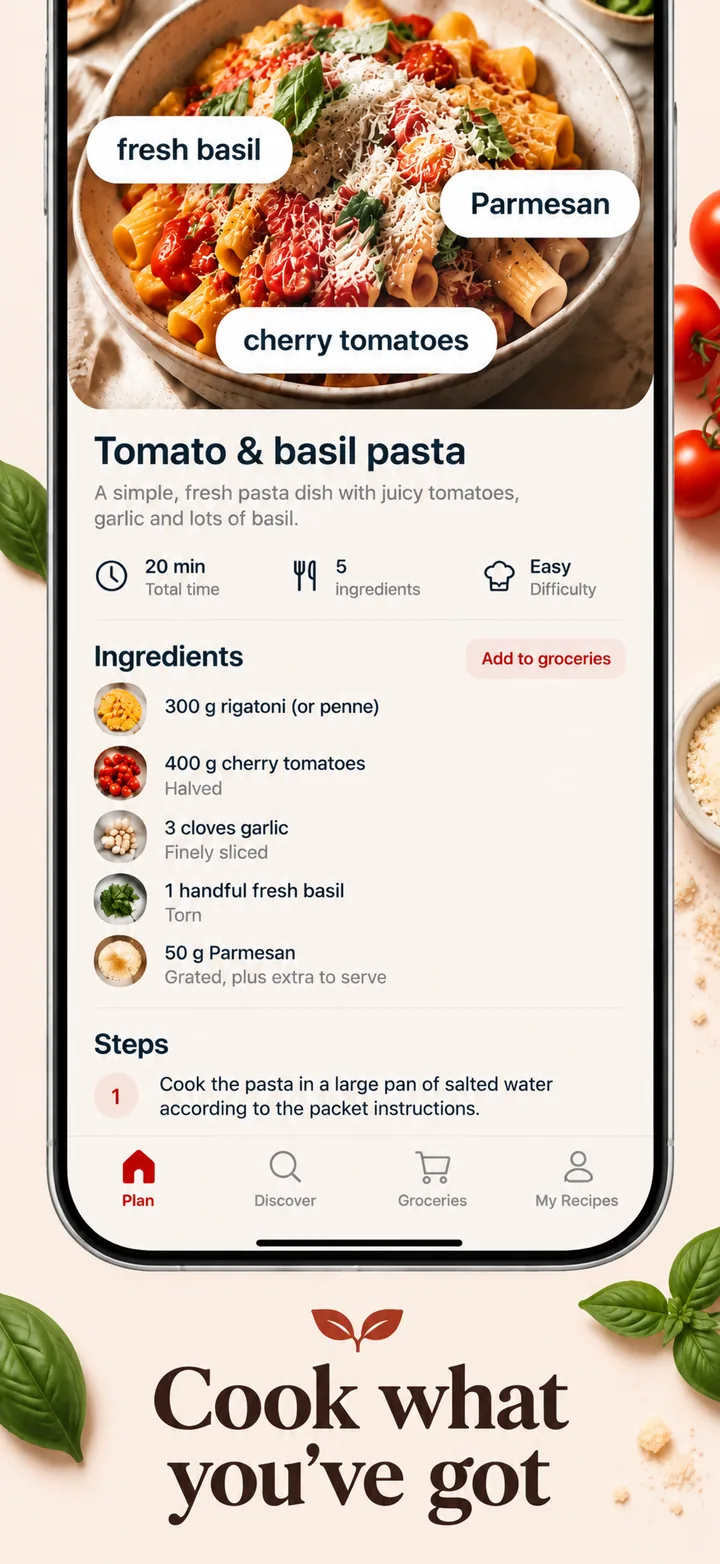
Your first screenshot must present food that looks attainable and delicious. A perfectly styled steak or an artisan sourdough loaf shot in natural light triggers immediate desire. A vector illustration of a sandwich or a grey placeholder image triggers nothing. The principle is simple: show the meal, not the menu. Users scrolling for food apps are already in a wanting state. Your screenshot should give them the object of that want as quickly as possible.

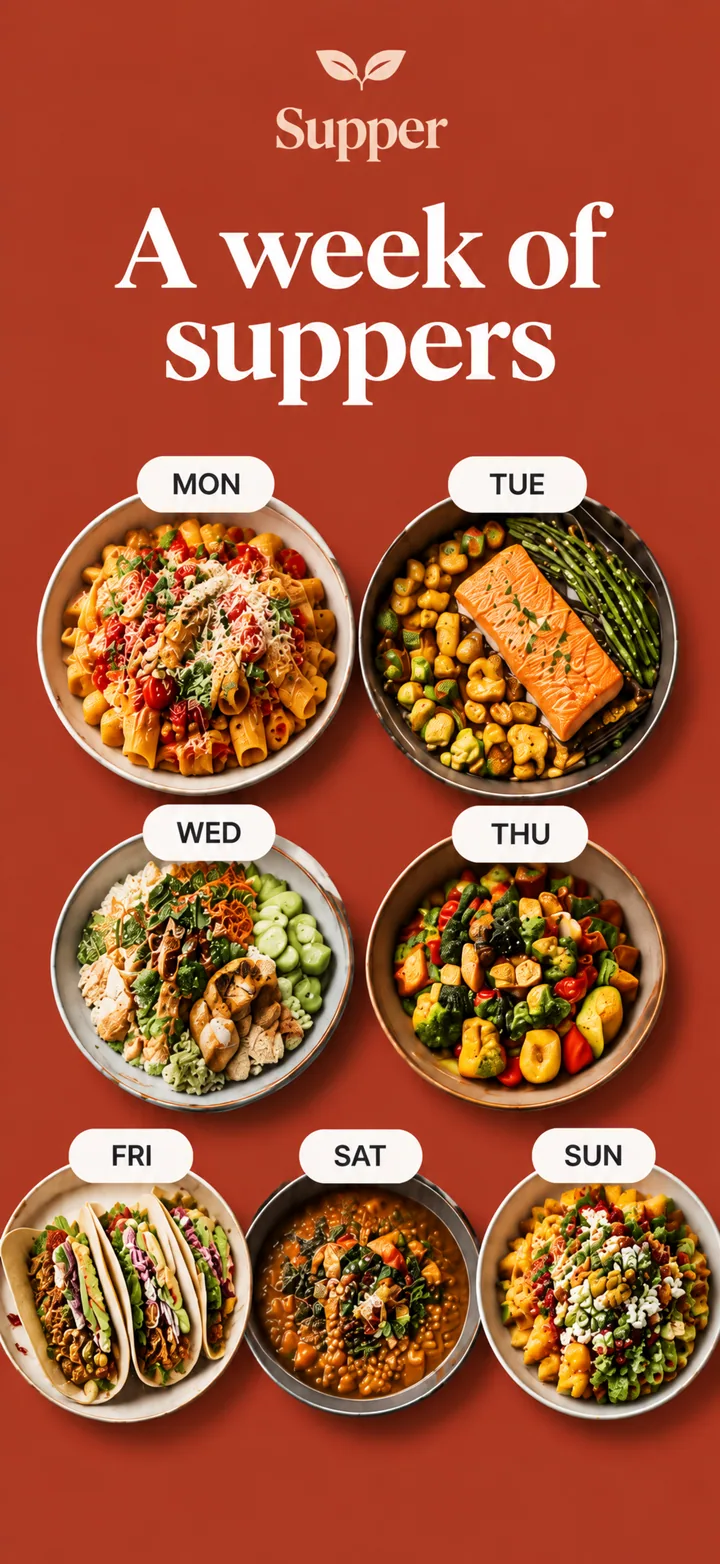
The visual psychology of food screenshots leans heavily on warmth and abundance. Humans are evolutionarily drawn to warm colors because they signal ripe fruit, cooked meat, and safe calories. Screenshots that use cool blue or grey backgrounds feel clinical and suppress appetite. Screenshots that use warm wood tones, soft cream, or rich terracotta backgrounds feel like kitchens and dining rooms. Your layout should typically feature a large device frame showing a food photograph that fills most of the screen, with minimal text overlay that names the dish or the promise.

Social proof in food apps operates through volume and authenticity. A screenshot showing "4.9 stars from 12,000 reviews" or "Loved by home cooks in 40 countries" signals that the recipes work and the delivery is reliable. Unlike other categories, food social proof should feel communal rather than expert-driven. "Chef-approved" is less compelling than "Made by 50,000 families last week" because home cooking is fundamentally democratic. Screenshots that include small review snippets, user photo grids, or community counters convert better because they make the app feel like a shared kitchen rather than a corporate service.

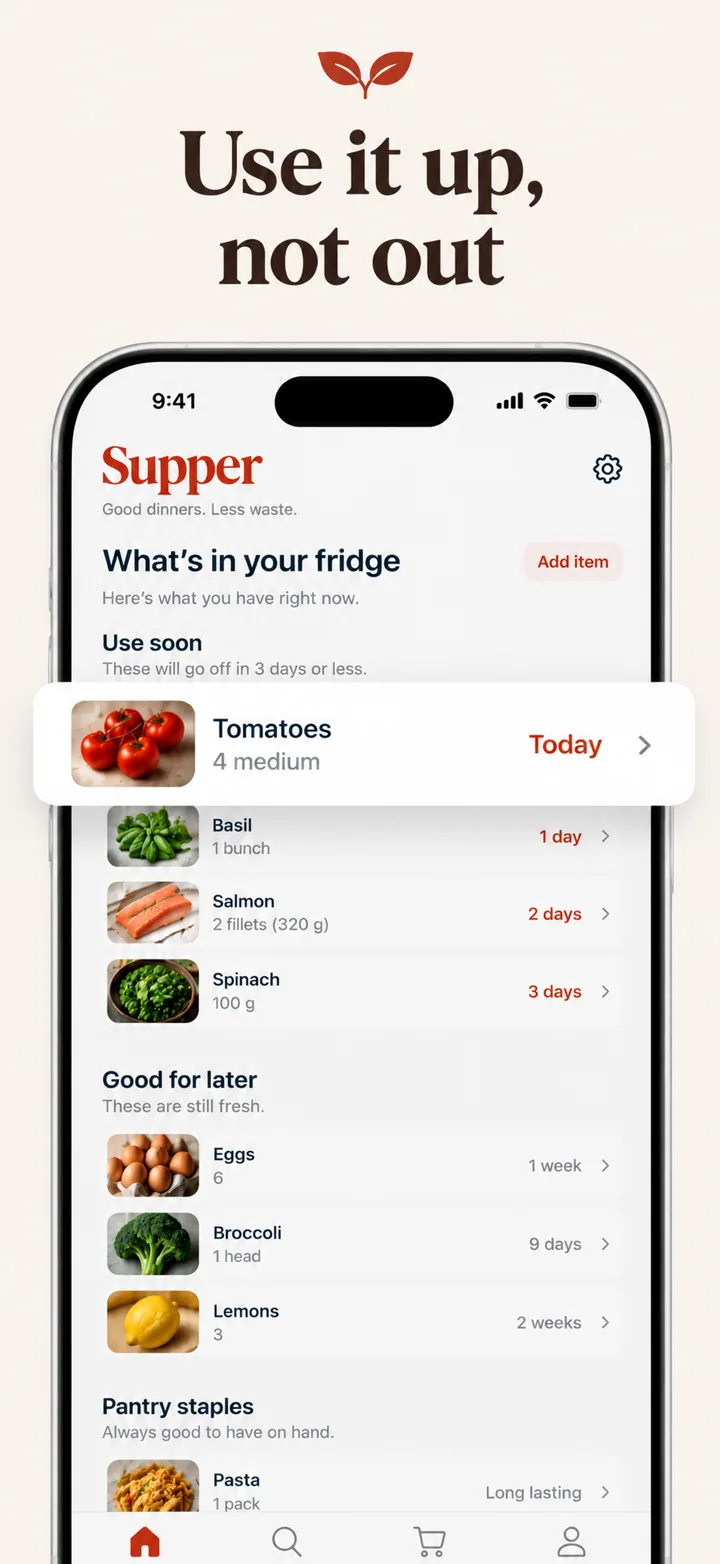
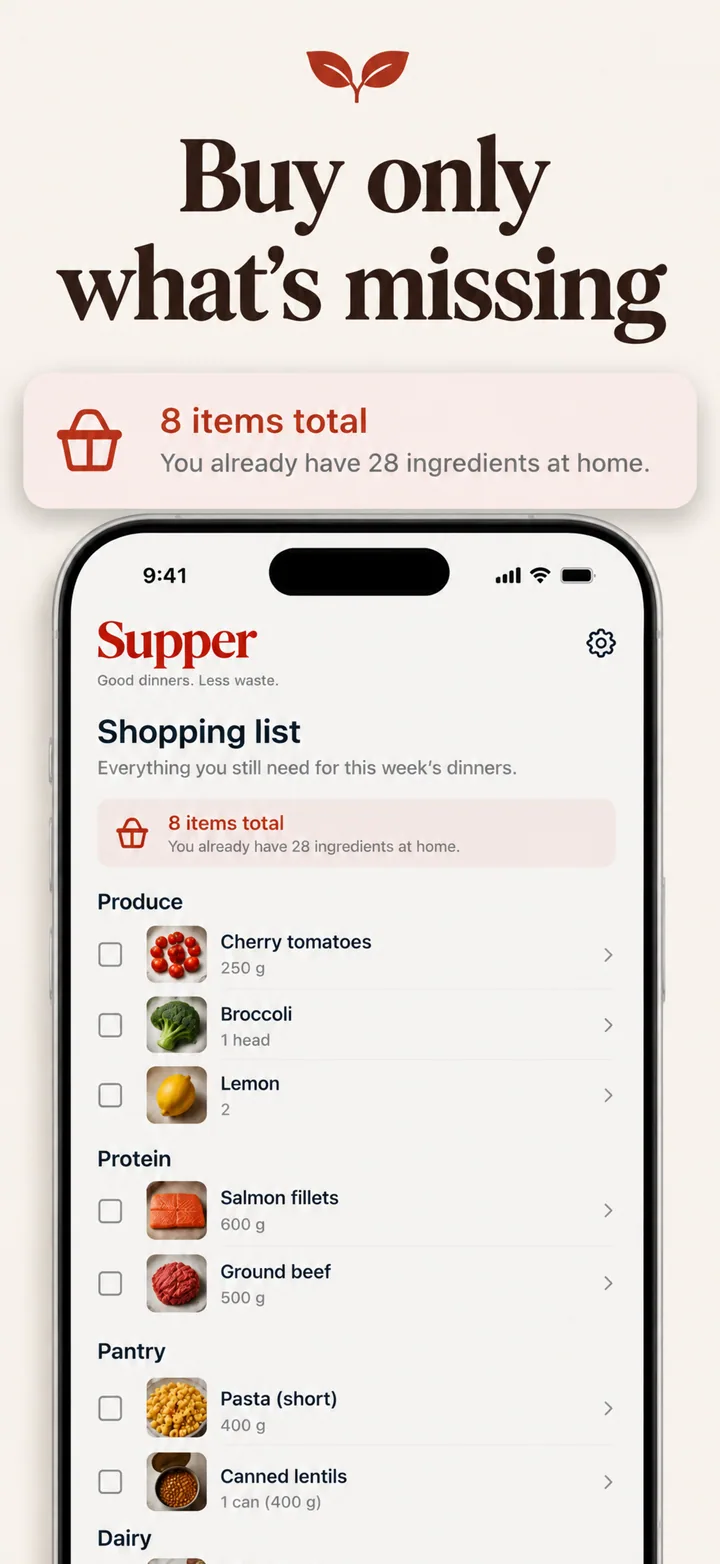
Layout advice for food screenshots: frame one is the craving. Show your most beautiful food photography. Frame two shows discovery: recipe categories, restaurant filters, or menu browsing. Frame three shows the experience: cooking steps, ordering flow, or reservation booking. Frame four shows community: reviews, user photos, or chef profiles. Frame five closes with practical features: nutrition info, dietary filters, or grocery lists. This arc moves the user from desire to action to habit.

Best colors for food apps

Food color psychology is so well established that entire restaurant design industries exist around it. Your screenshots should leverage the same principles that make diners order more in a well-lit steakhouse.

Warm red and terracotta are the most appetite-stimulating colors available. Red increases heart rate and triggers salivation in many people, which is why fast food, casual dining, and recipe apps consistently use red accents. A screenshot with a warm terracotta background behind a pasta dish feels like an Italian trattoria. Used as an accent rather than a full background, red draws the eye to order buttons, recipe titles, and promotional banners.

Rich brown and warm wood tones are ideal for coffee, baking, and comfort food apps. Brown signals warmth, roasted flavors, and homemade quality. A baking tutorial app using warm wood backgrounds feels like a farmhouse kitchen. A coffee discovery app using rich espresso brown feels artisanal and serious. These earth tones create a sense of comfort that encourages longer browsing sessions and repeat opens.

Fresh green and herb tones work exceptionally well for healthy eating, meal prep, salad, and farm-to-table apps. Green signals freshness, nutrition, and natural ingredients. A meal planning app using sage green backgrounds feels clean and wholesome without feeling clinical. The psychology here is about permission: green tells the user that indulging in this app is actually good for them. This is particularly powerful for apps targeting health-conscious users who still want food to feel enjoyable.

Creamy white and warm ivory are the strongest backgrounds for premium food, fine dining, and culinary education apps. White plates are the standard in fine dining because they let the food be the star. A screenshot with a warm ivory background and a single beautiful dish in the device frame feels like a Michelin-starred presentation. This palette signals sophistication, restraint, and confidence in the product quality.

Colors to avoid: Blue and purple are appetite suppressants in most cultures. Blue rarely appears in natural foods, and evolutionary psychology has trained humans to be cautious of blue-colored sustenance. A screenshot with a blue background feels wrong for food in a way most users cannot articulate but will feel. Neon colors of any kind feel artificial and chemical, suggesting processed rather than natural food. Avoid heavy black backgrounds unless you are targeting ultra-dark mode aesthetics, as black makes food photography look like it is floating in a void rather than sitting on a table.

Common mistakes food apps make

Food apps have an inherent advantage, people love food, but many squander it with screenshots that look like inventory management systems rather than culinary experiences.

Mistake one: leading with delivery logistics. A screenshot showing a map with a delivery driver icon, estimated arrival time, and a tracking number is efficient but completely uninspiring. Users do not download food apps because they love delivery logistics; they download because they want a specific meal. Fix this by leading with the meal. Move delivery tracking to a later frame where it serves as a practical reassurance rather than the primary selling point.

Mistake two: using low-quality or generic food imagery. A blurry photo of a burger, a stock image of a salad that looks plastic, or an illustrated pizza slice destroys credibility. Food is visual judgment. If the food in your screenshot does not look delicious, users will assume the actual recipes or restaurants are mediocre. Fix this by investing in professional food photography or using high-quality user-generated content that shows real dishes in beautiful light.

Mistake three: cluttered calorie counters and nutrition labels. While nutrition information is important for some users, leading with dense nutritional data frames your app as a diet tool rather than a food experience. Users seeking joy and discovery will scroll past. Fix this by leading with beauty and flavor. Move nutrition features to later frames where they serve health-conscious users without alienating the pleasure-driven majority.

Mistake four: inconsistent cuisine styling. A screenshot set that jumps from sushi photography to barbecue to cupcakes to salads feels disjointed and suggests your app lacks focus. Users want to know what kind of food experience you deliver. Fix this by maintaining a consistent visual style across frames, even when the cuisines vary. Use the same lighting style, plating aesthetic, and color grading so the set feels like a curated cookbook rather than a random image search.

Mistake five: ignoring dietary context. A recipe app that shows exclusively meat dishes or a delivery app with no vegetarian options visible in screenshots signals exclusion to large user segments. Fix this by ensuring your screenshots reflect the diversity of your actual content. A mix of dietary options, even in the background of screenshots, signals inclusivity and expands your addressable market.

How to create food screenshots with AI

Creating food app screenshots with Nuvex ensures your visuals are as mouth-watering as your recipes or restaurant selection.

Step one: Upload your most appetizing screens: recipe detail pages, dish galleries, menu cards, and cooking step interfaces. Avoid checkout flows, delivery maps, and settings. The AI needs to see the culinary heart of your app.

Step two: Describe your app with food-specific detail. Instead of "food app," write "plant-based recipe platform with 15-minute weeknight dinners and automated grocery lists." Nuvex uses this to select warm palettes, appetite-triggering headlines, and compositions that emphasize food photography.

Step three: Generate five frames. The AI automatically biases toward warm, generous layouts with large food imagery and craving-driven headlines. Frame one typically shows your most delicious dish or recipe.

Step four: Refine per frame. "Make frame 1 background warmer" or "Add a cooking time badge to frame 2." Each frame regenerates independently while the set stays visually cohesive.

Step five: Export in exact App Store and Google Play dimensions. Download and upload to your store listings.

Want food screenshots that convert?

Try Nuvex — free to start, no credit card.

Lifestyle apps

Habits, wellness, and daily routines. Read →

Health apps

Nutrition tracking and wellness monitoring. Read →

E-commerce apps

Grocery and specialty food marketplaces. Read →