Last updated June 2026
Quick answer
Fitness app screenshots need to communicate energy, progress, and motivation in under 2 seconds. High-energy colors, action-oriented headlines with specific numbers, and progress visuals convert best because users make emotional decisions in this category — they are promising themselves a transformation, not rationally evaluating feature lists. Your first frame must sell the identity change: stronger, leaner, faster, more consistent. The phone frame should show a filled dashboard with streaks, personal records, or a countdown timer rather than an empty onboarding screen.
What makes fitness screenshots convert
Fitness apps share a specific user-psychology pattern: the download moment is an emotional decision, not a rational one. Users scrolling the App Store on a Monday morning are making a promise to themselves — your screenshots have to sell the identity, not just the features.
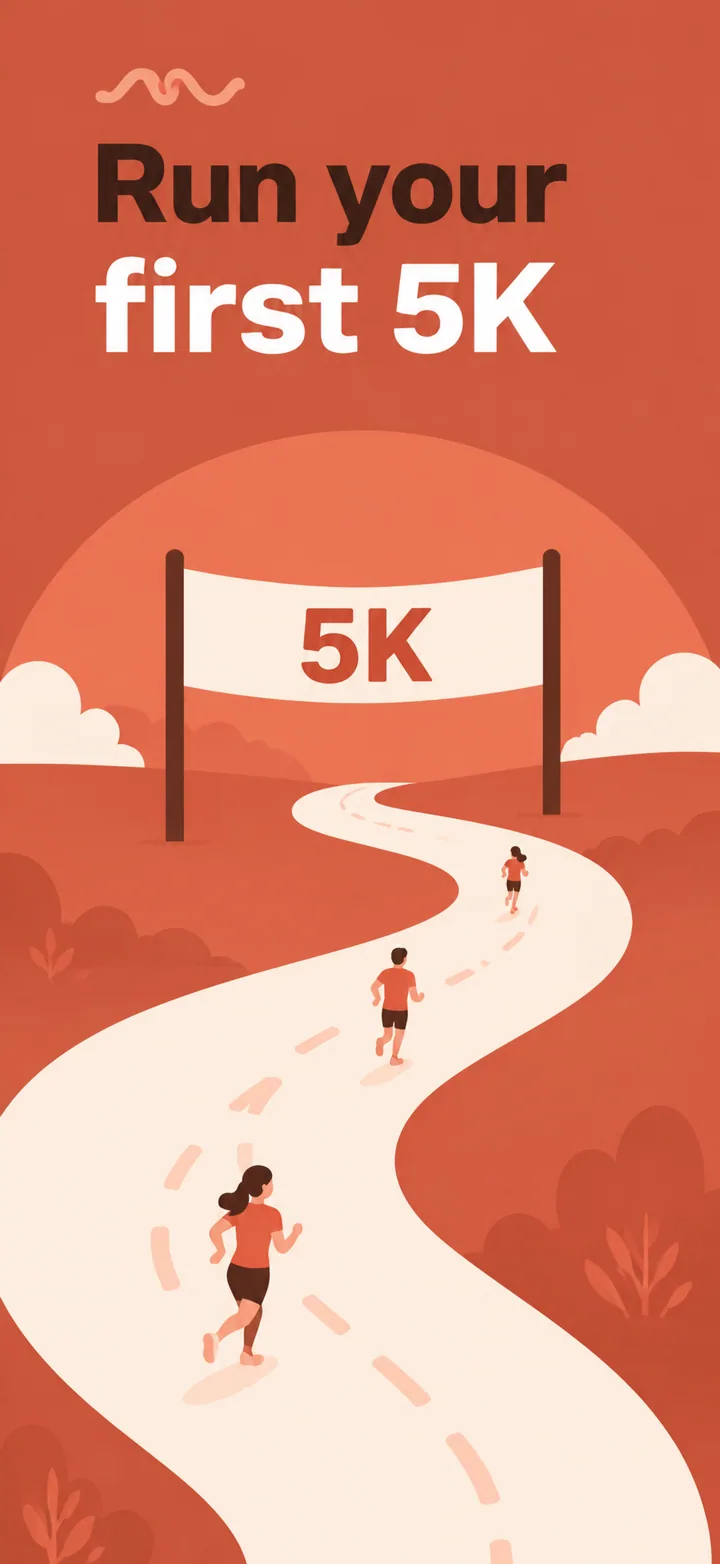
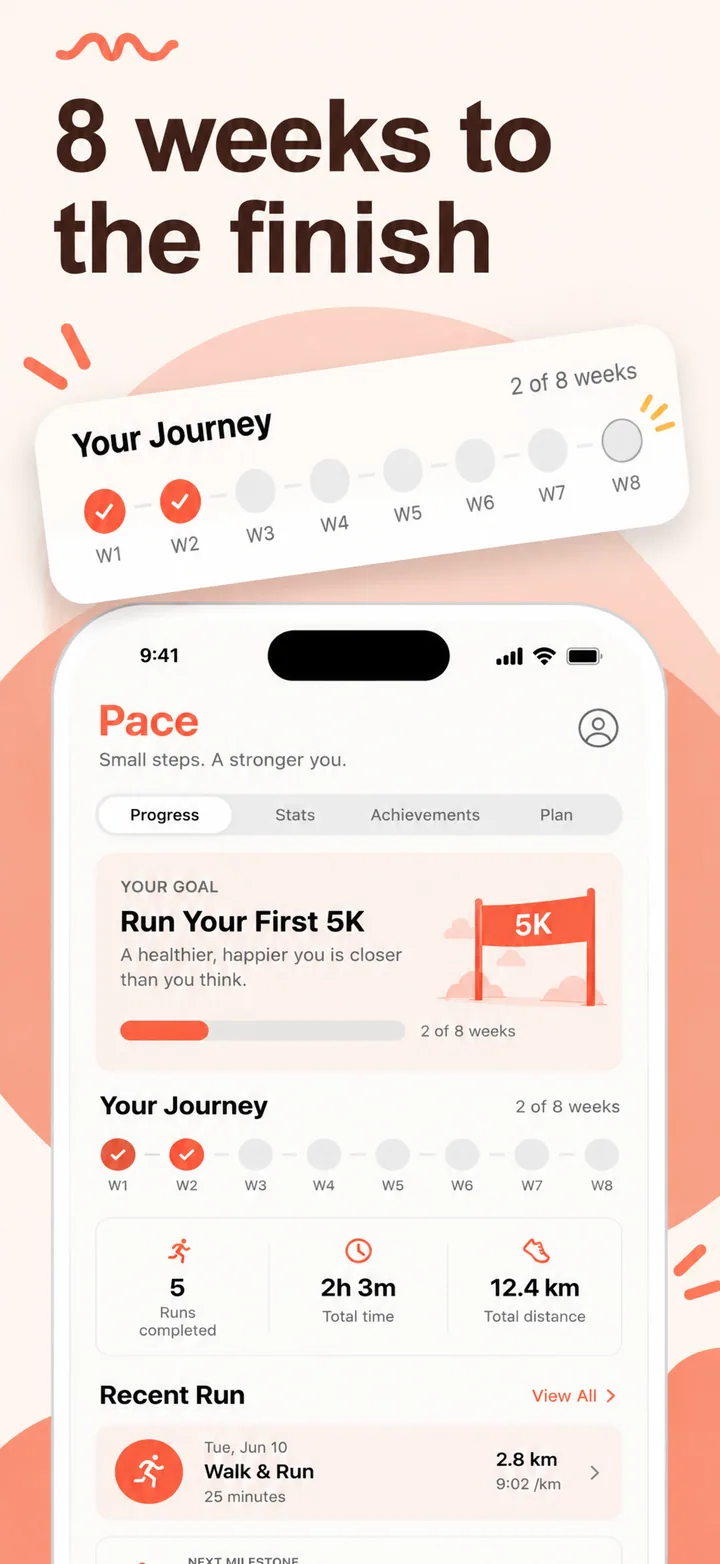
That changes the visual brief dramatically. Where a productivity app can lead with a feature shot, a fitness app should lead with a transformation promise: "Stronger by June," "Run a 5K in 8 weeks," "Finally hit bedtime." The headline must feel like a personal trainer talking directly to the user in their lowest-motivation moment.
The first screenshot must communicate one thing: what the user will become. Not what the app does. A workout tracker that leads with "200+ exercises" misses the point. The same app leading with "5K runner in 8 weeks" converts 2-3x better because it anchors on outcome. Neuroscience research on goal pursuit shows that vivid outcome imagery increases commitment. Your screenshot is that imagery.
Visual psychology in fitness is about activation. Colors that increase perceived energy, layouts that feel dynamic, and UI elements that suggest motion all prime the user to take action. Static, symmetrical compositions feel like dead air. Slightly off-center phone frames, diagonal accent lines, and gradient backgrounds that shift from warm to cool all create subliminal momentum.
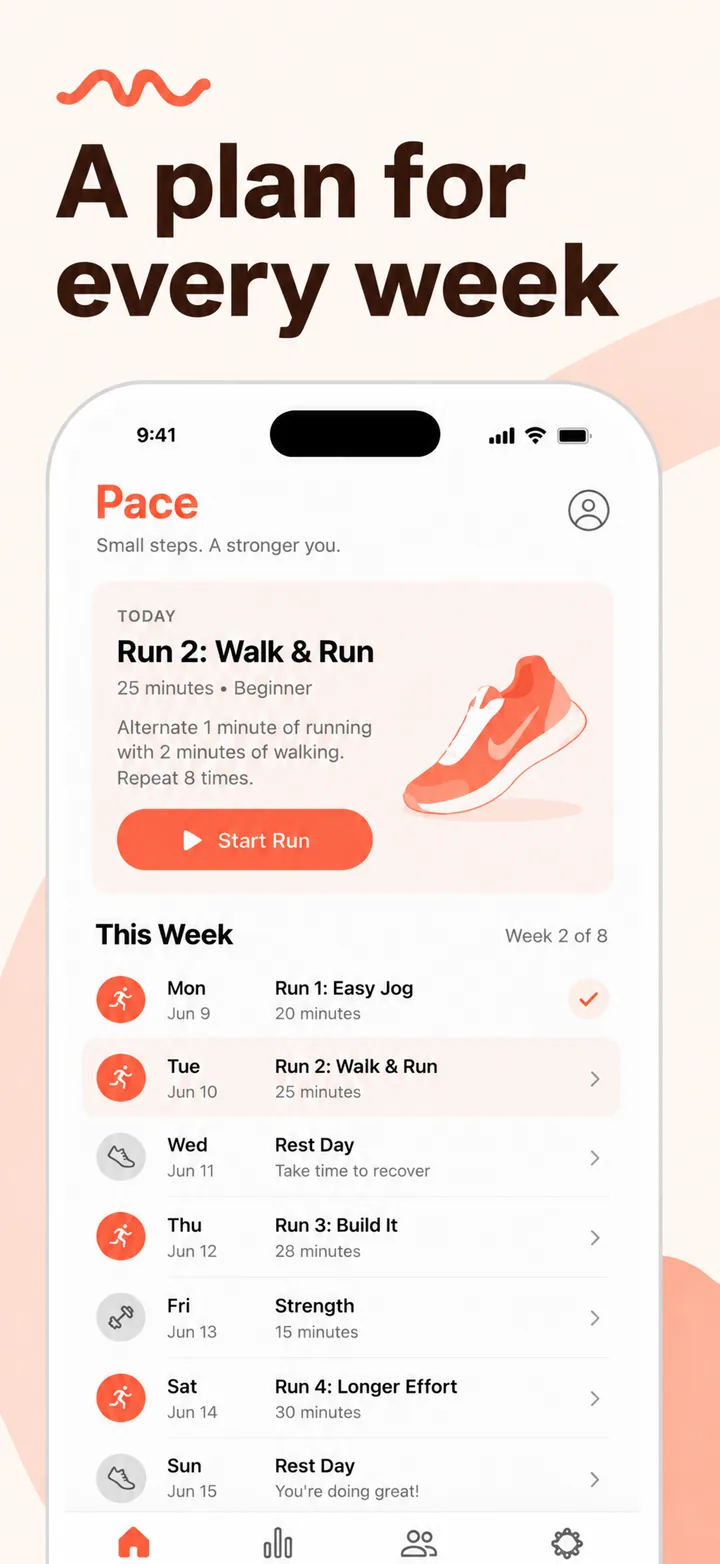
Specific layout advice: place the headline in the upper third, the phone in the center-right, and a trust signal or social proof element in the lower left. This creates a Z-pattern that guides the eye from promise to proof to product. The phone screen itself should show a real workout state — a timer running, a heart-rate graph spiking, a calendar with seven consecutive checkmarks. Never show an empty state.
Social proof and trust signals are essential by frame 3 or 4. "1M+ workouts completed," "4.9 stars — 50K reviews," or "Apple Watch App of the Year" all reduce perceived risk. If your app has community features, show a leaderboard or achievement share in one frame. Humans are social animals; proof that others are already succeeding makes the commitment feel safer.
Best colors for fitness apps
Color choice in fitness screenshots is not branding — it is psychological priming. The right color palette can increase perceived energy, urgency, and commitment before the user reads a single word.
Orange, red, and electric blue are the energy trinity. Orange sits at the intersection of warmth and urgency; it signals enthusiasm without the aggression of pure red. Red increases heart rate perception and is ideal for HIIT, boxing, and high-intensity apps. Electric blue provides a modern, digital energy that works for connected fitness and smart-gym experiences. Use these for action-oriented apps: running, CrossFit, cycling, rowing.
Green and teal are the wellness pair. Green evokes nature, growth, and recovery — perfect for yoga, meditation-adjacent fitness, sleep-tracking, and nutrition. Teal adds a contemporary edge that prevents green from feeling too literal. Apps like yoga guides, stretching routines, and holistic health trackers should anchor on this palette because it signals balance rather than exhaustion.
Black with neon accents creates a premium, nightclub-energy aesthetic. This palette signals exclusivity and intensity. It works for boutique fitness apps, celebrity-trainer programs, and premium HIIT subscriptions. The high contrast creates visual drama that stands out in a feed of bright gradients.
Colors to avoid: Pastels signal softness and inactivity — the opposite of what a fitness app wants. Brown evokes earthiness but also stagnation. Grey is psychologically associated with boredom and low mood. These colors reduce click-through rate in fitness categories because they contradict the user's emotional state at the moment of search.
Common mistakes fitness apps make
Even well-designed fitness apps lose downloads to avoidable screenshot errors. Here are the five most common mistakes and how to fix them.
Mistake 1: Too much text. Fitness users do not read paragraphs in screenshots. They scan. A headline with more than six words, a subtitle, and three feature bullets creates cognitive overload. The user sees a wall of text and swipes away. Fix it: one headline of 2-5 words, optionally one sub-line of 3-4 words, and no bullet points. Let the UI and the background do the talking.
Mistake 2: Stock fitness photos. App Store users recognize Unsplash instantly. A smiling woman doing a perfect yoga pose on a beach tells the user "this is generic." Worse, it signals that the app has nothing unique to show. Fix it: show the actual app UI with real data. If you must use lifestyle imagery, commission custom photography or use AI-generated scenes that do not exist in stock libraries.
Mistake 3: No clear promise in the first frame. Leading with "Track workouts, log meals, get reminders" is a spec sheet. It assumes the user is comparing features. They are not. They are comparing identities. Fix it: rewrite frame one as a timeline promise or identity statement. "5K runner in 8 weeks" or "Built for home exercisers."
Mistake 4: Ignoring dark mode. A significant portion of fitness app browsing happens at night — users planning tomorrow's workout before bed. A bright white screenshot at 10 PM is visually jarring. Fix it: design dark variants or use deep, saturated backgrounds that look great in both light and dark store browsing contexts.
Mistake 5: Empty-state screenshots. Showing a "Start your first workout" screen with zero data is like a restaurant showing an empty plate. It signals that nobody uses the app. Fix it: populate the UI with demo data that looks realistic — streaks, completed workouts, progressive overload numbers. Fake data that tells a story is better than real empty data.
How to create fitness screenshots with AI
Nuvex automates the hardest parts of fitness screenshot design. You upload your workout screens, describe your app in plain language, and the AI generates five store-ready frames in about 30 seconds.
Step 1: Upload 3-5 screenshots of your actual app. Include a workout in progress, a progress dashboard, and a completion screen. These give the AI real UI to feature rather than inventing generic interfaces.
Step 2: In the prompt, describe the transformation, not the tech stack. Write: "HIIT timer for busy parents who only have 20 minutes." Not: "Interval timer with custom sounds and notifications." The AI uses this to bias headlines toward identity and outcome.
Step 3: Review the five generated frames. Frame one should be the emotional hook. Frame two the core workout experience. Frame three progress or tracking. Frame four social proof or community. Frame five premium or call-to-action.
Step 4: Refine per frame. Click any frame and type instructions like "make the headline mention 20-minute workouts" or "darker background, more neon." The AI regenerates just that frame without breaking the set's visual consistency.
When you tell Nuvex "fitness app," three things shift automatically: the palette bias moves toward high-energy gradients, headlines skew toward timeline promises and specific numbers, and the device frame scales slightly larger to emphasize the workout UI. You keep full per-frame control, but the starting point is already optimized for the category.
Want fitness screenshots that convert?
Try Nuvex — free to start, no credit card. Generate five store-ready frames in 30 seconds.
Frame-by-frame strategy for fitness apps
The sequence of your screenshots matters as much as the individual frames. A random collection of good images converts less than a narrative arc that guides the user from curiosity to commitment. Here is the five-frame structure that works for fitness apps.
Frame 1 — The identity hook. This frame must answer: who will I become? Use a transformation headline with a specific timeline. "5K runner in 8 weeks." "Stronger by June." The background should be your highest-energy gradient. The phone should show a filled progress dashboard — not an empty signup screen. This frame appears in search results; it must stop the scroll.
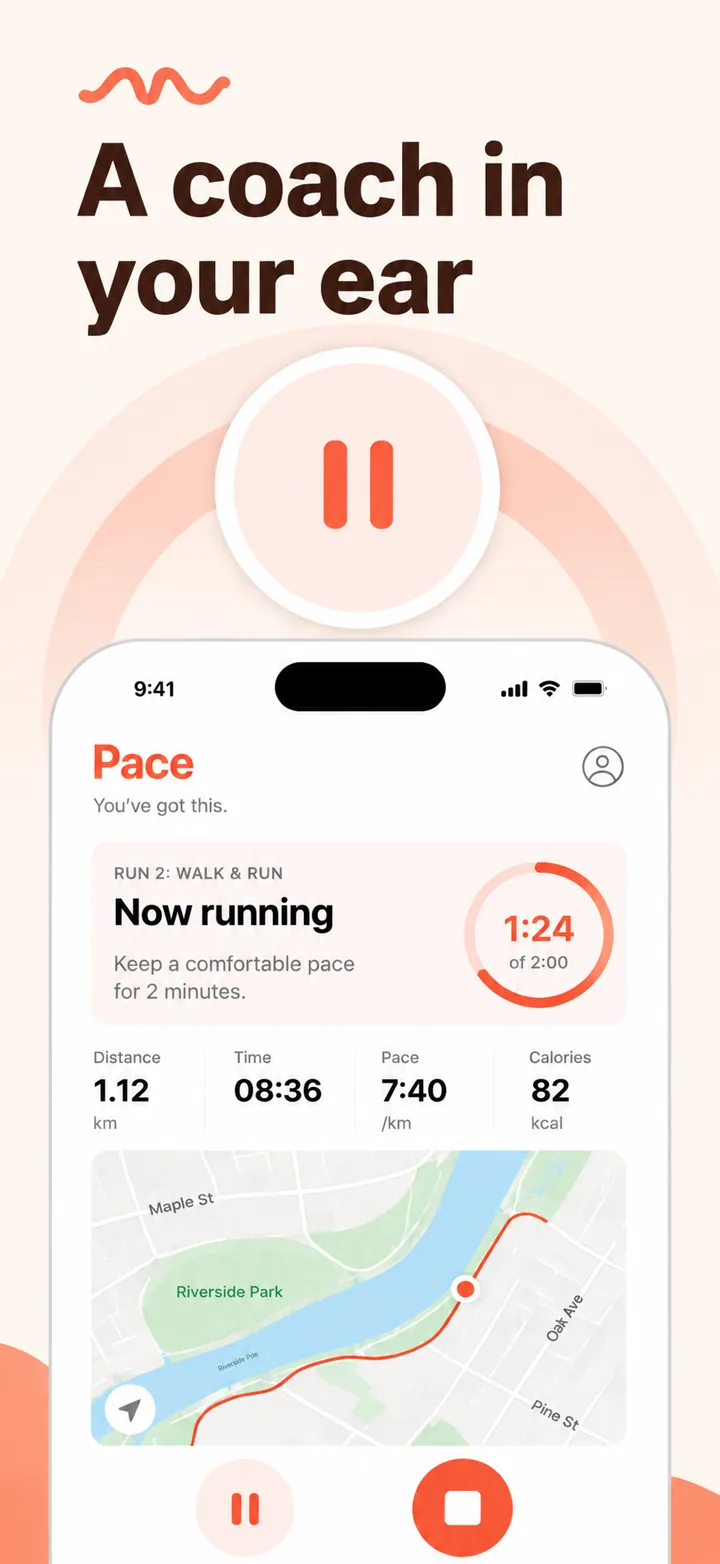
Frame 2 — The core experience. Show the actual workout in progress. A countdown timer at 00:23. A heart-rate graph spiking. A set counter at 4 of 5. The user needs to see what it feels like to use the app during the hardest part of the workout. This frame converts browsers into downloaders because it proves the app works in the moment of truth.
Frame 3 — The progress proof. Humans are motivated by evidence of improvement. Show a calendar with 14 consecutive checkmarks. A graph of running pace improving over six weeks. A before-and-after comparison. This frame answers the objection: "will I actually see results?" The more specific the numbers, the stronger the proof.
Frame 4 — The social layer. Community and competition drive retention. Show a leaderboard, a shared achievement, or a challenge invitation. "Join 50K runners this month." "Beat your friend's time." Even solo apps benefit from social proof — it signals that others are already succeeding.
Frame 5 — The premium preview. If you have a paid tier, tease it without being aggressive. "Advanced analytics inside." "Personalized coaching plans." The frame should feel like a natural next step, not a paywall. If your app is free, use this frame for a final trust signal or a feature highlight that differentiates you from competitors.
Test this sequence by showing it to someone who has never seen your app. Ask them to describe what the app does after five seconds of viewing the first frame. If they cannot articulate the promise, the hook is too weak. Then ask what objections they have after viewing all five frames. If progress proof and social proof do not address those objections, reorder or redesign.
Frequently asked questions
What should fitness app screenshots show? Show progress, transformation, and energy. Filled dashboards with streaks, personal records, and workout timers convert better than empty setup screens.
What colors work best for fitness apps? Orange, red, and electric blue for energy. Green and teal for wellness. Black with neon for premium. Avoid pastel, brown, and grey.
How many screenshots should a fitness app have? Five. Hook, core workout, progress, social proof, premium preview. This arc tells a complete story.
Should fitness app screenshots show real people? Relatable body types outperform fitness models. Users need to visualize themselves succeeding.
What text should I put on fitness screenshots? Timeline promises and numbers: "5K in 8 weeks," "200 workouts inside." Avoid motivational quotes and feature lists.
Do fitness apps need different screenshots for iOS and Android? Yes. Emphasize Apple Watch and HealthKit on iOS. Highlight widgets and Google Fit on Android.
How do I make my fitness app screenshots stand out? Show real progress data. Use high-energy gradients. Lead with transformation promises. Include social proof. Test dark variants.