Use case

Screenshots for weather apps.

Weather apps compete on clarity and beauty. Your screenshots must make users feel like they are looking out a window at the sky, not reading a spreadsheet.

Last updated June 2026

On this page
  1. Quick answer
  2. What makes weather screenshots convert
  3. Best colors for weather apps
  4. Common mistakes weather apps make
  5. How to create weather screenshots with AI

Quick answer

Weather app screenshots must communicate accuracy and atmospheric beauty within the first two seconds of viewing. Weather is one of the most frequently checked categories on mobile devices, which means users have seen hundreds of weather interfaces and have developed strong preferences for what feels right. Your first screenshot should show a stunning current condition visualization, a clear hourly forecast, or a dramatic radar map that feels both informative and visually rewarding. The visual tone should mirror the sky itself: natural, dynamic, and emotionally resonant. Avoid utilitarian grey boxes, tiny text grids, or screenshots that look like they were designed in 2010. Modern weather users expect their forecast to feel as beautiful as the sky they are checking.

What makes weather screenshots convert

Weather apps face a paradox: users need dense information quickly, but they also want emotional satisfaction from checking the forecast. The best weather screenshots solve both needs simultaneously.

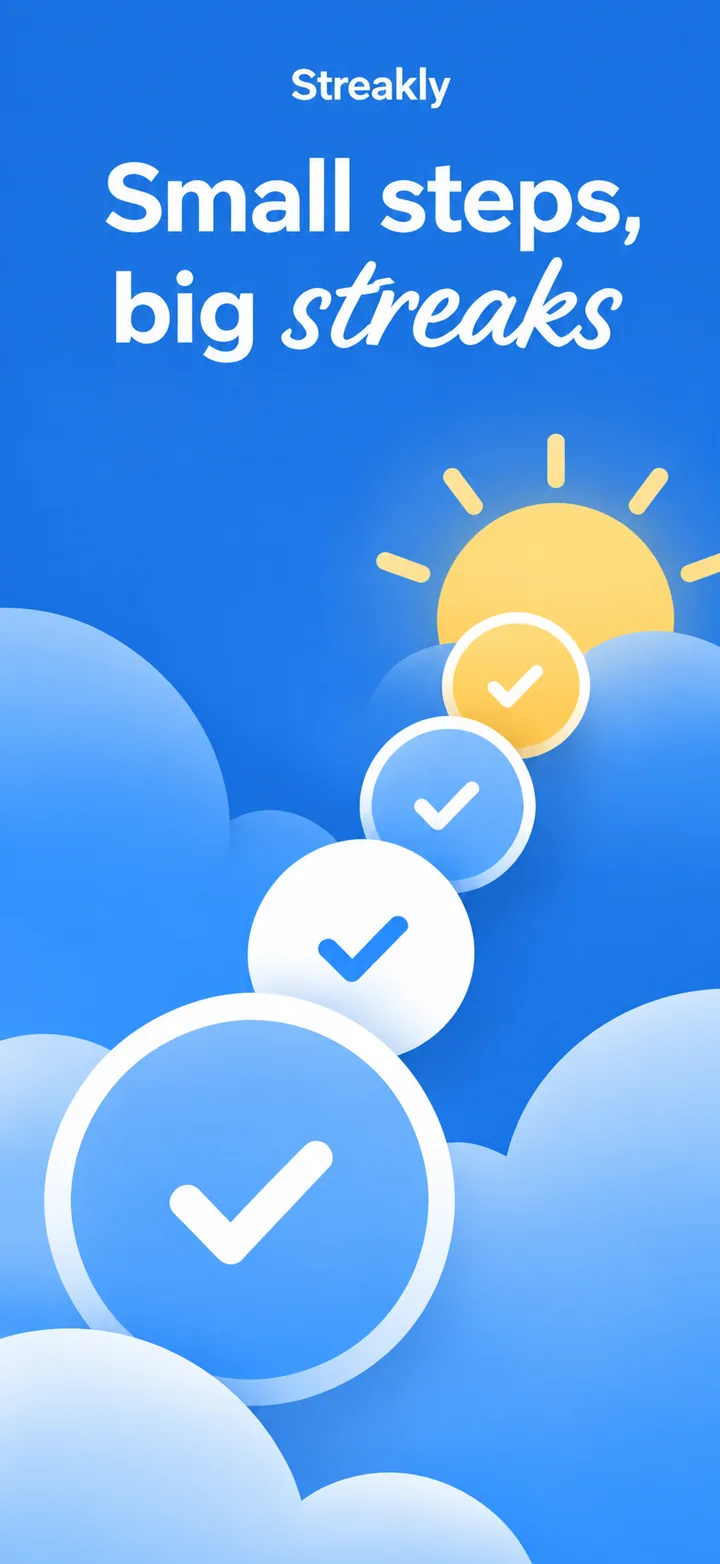
Your first screenshot must present a current condition that feels visceral. A beautiful blue sky with a glowing sun icon, a dramatic storm cloud with lightning animation, or a soft foggy morning scene all create immediate atmospheric connection. A table of numbers and abbreviations creates nothing. The principle is simple: show the sky, not the spreadsheet. Users want to feel the weather before they read the temperature.

The visual psychology of weather screenshots leans heavily on natural color accuracy and spatial generosity. Weather is an outdoor phenomenon, and users subconsciously expect weather apps to feel open and airy. Screenshots with tight margins, dense data grids, and dark backgrounds feel like indoor tools rather than windows to the sky. The best weather screenshots use full-screen imagery, large weather icons, and typography that feels like a modern magazine layout. Your layout should typically feature a device frame showing a dominant sky image with a clear temperature overlay, and a headline that feels helpful rather than technical.

Social proof in weather apps is less about community and more about data credibility and local accuracy. A small badge saying "Hyper-local, updated every minute" or "Trusted by 10 million outdoor workers" signals that the forecasts are reliable. Screenshots that show radar accuracy, minute-by-minute precipitation graphs, or severe weather alerts convert better because they prove the app delivers actionable intelligence rather than generic predictions.

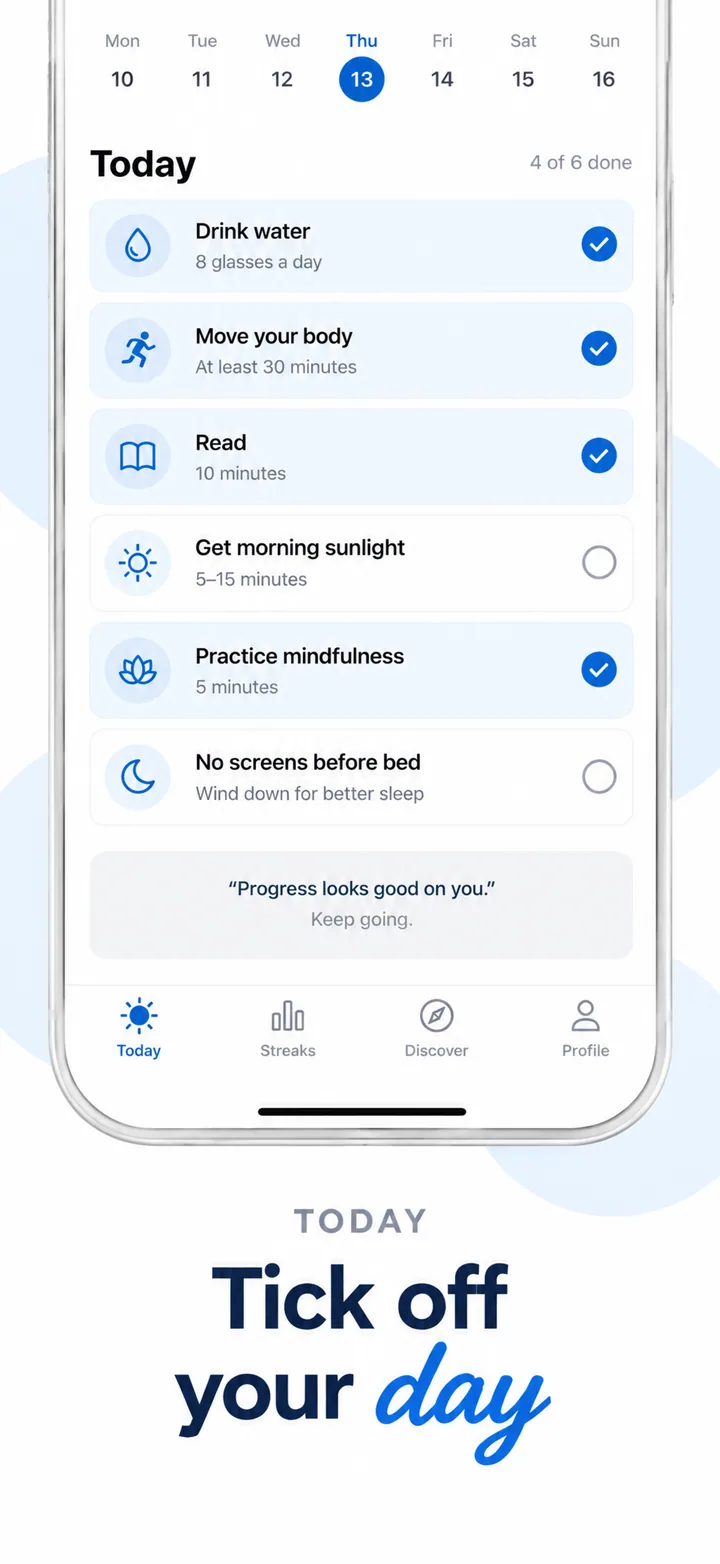
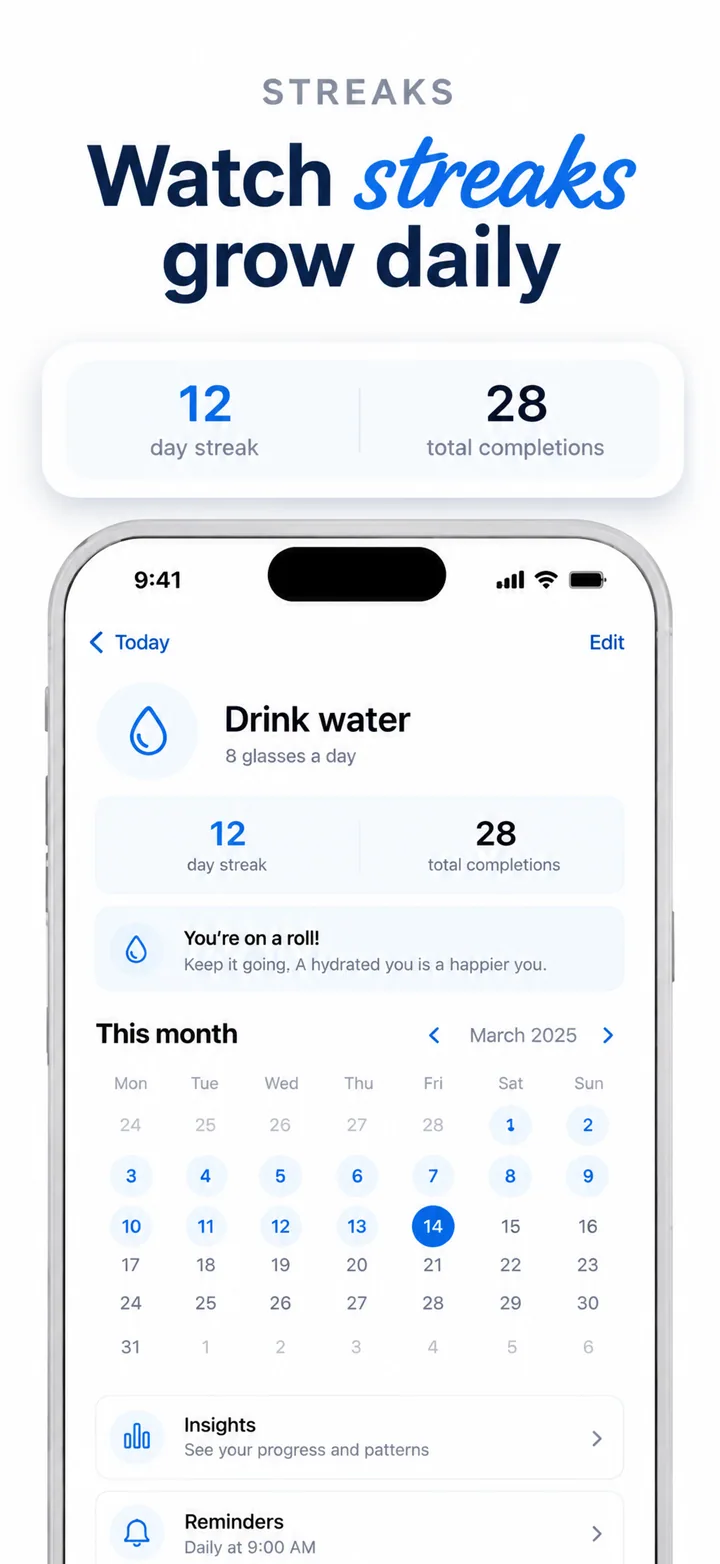
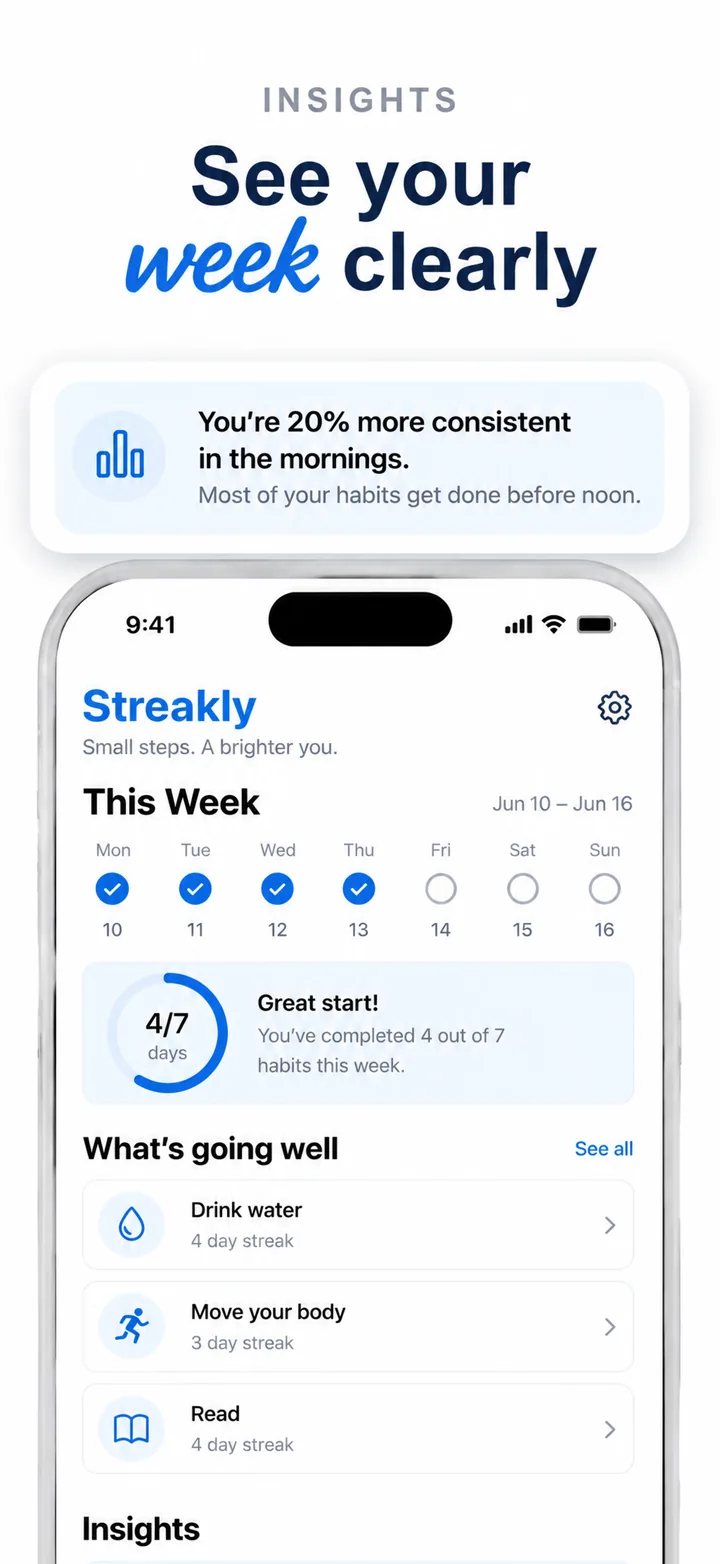
Layout advice for weather screenshots: frame one is the sky. Show your most beautiful current condition visualization. Frame two shows the forecast: hourly or daily with clear iconography. Frame three shows maps or radar with real weather patterns. Frame four shows widgets, alerts, or lifestyle integrations. Frame five closes with offline mode, travel forecasts, or customization options. This arc moves the user from beauty to utility to reliability.

Best colors for weather apps

Weather color psychology is unique because the palette should literally reflect the atmosphere. Users expect weather app colors to feel meteorologically authentic.

Sky blue and daylight gradients are the dominant colors for clear-condition weather apps. A soft gradient from horizon orange to zenith blue feels like a real sunrise or sunset. This is not just aesthetic; it is functional. Users subconsciously associate blue with clear skies and good weather, making them feel positive about the app before they read a single number. A weather app using authentic sky gradients feels honest and grounded.

Storm grey and slate are ideal for severe weather, radar-focused, and professional meteorology apps. Dark grey signals incoming storms, seriousness, and urgency without the panic of pure black. A hurricane tracker or an aviation weather app using slate backgrounds with high-contrast warning colors feels authoritative and alert. The psychology here is about respect: severe weather deserves a serious palette.

Sunrise orange and warm amber work exceptionally well for morning routine, lifestyle, and activity-focused weather apps. These colors signal the beginning of the day, optimism, and outdoor opportunity. A running weather app or a surf forecast tool using amber accents feels energetic and inviting. Warm tones encourage action, making them perfect for weather apps that recommend activities based on conditions.

Clean white and soft cloud grey are strong choices for minimalist and widget-focused weather apps. White backgrounds feel like a blank sky, allowing weather data to be the star. A simple temperature widget or a clean daily forecast app using white with subtle grey accents feels modern and unobtrusive. This palette signals that the app gets out of the way and delivers information without distraction.

Colors to avoid: Neon colors have no place in weather apps because they do not exist in the natural sky. A bright lime green or hot pink background feels artificially jarring and signals that the app prioritizes branding over meteorological authenticity. Heavy purple and black combinations feel gothic rather than stormy. Avoid overly warm browns and oranges for general forecast apps because they can feel like autumn all year, creating visual fatigue.

Common mistakes weather apps make

Weather apps often fall into the trap of prioritizing data density over visual pleasure, forgetting that users check weather as much for the experience as for the information.

Mistake one: leading with data tables. A screenshot showing a dense grid of temperatures, wind speeds, and humidity percentages for seven days feels like a government report rather than a daily ritual. Users want to know if they need an umbrella, not study a meteorological dataset. Fix this by leading with a beautiful current condition visualization and moving detailed tables to later frames or secondary screens.

Mistake two: using generic clip-art icons. A sun that looks like a 1998 Microsoft icon or a cloud that looks like a cotton ball destroys credibility. Modern weather users have been spoiled by apps like Dark Sky and Carrot Weather that use custom, beautiful iconography. Fix this by investing in original weather illustrations or photography that feels contemporary and specific to your brand.

Mistake three: ignoring weather context in screenshots. A screenshot set that shows identical sunny skies across all five frames feels fake and ignores the reality that weather changes. Users want to see how your app handles rain, snow, fog, and storms. Fix this by varying conditions across your screenshot set to demonstrate the app's visual range and accuracy.

Mistake four: hiding the location. Users evaluating weather apps want to know if the app covers their area with precision. A screenshot without any visible location or map context feels untethered. Fix this by including a recognizable city name, a map pin, or a radar view that shows geographic context.

Mistake five: inconsistent visual language across conditions. If your sunny screenshot uses a photo-realistic sky but your rainy screenshot uses a flat blue icon on white, the set feels disjointed and unprofessional. Fix this by establishing a consistent visual system: all photographs, all illustrations, or all abstract gradients. Consistency signals design maturity.

How to create weather screenshots with AI

Creating weather app screenshots with Nuvex lets you achieve sky-quality visuals without manual design work.

Step one: Upload your most atmospheric screens: current conditions, forecasts, radar maps, and widgets. Avoid settings, onboarding, and unit selection dialogs. The AI needs to see the sky.

Step two: Describe your app with meteorological specificity. Instead of "weather app," write "hyper-local surf forecast app with tide charts, swell direction maps, and sunrise alerts for coastal California." Nuvex uses this to select authentic palettes, clear headlines, and layouts that mirror natural weather aesthetics.

Step three: Generate five frames. The AI automatically biases toward spacious, sky-inspired layouts with condition-appropriate colors and helpful headlines. Frame one typically shows your most beautiful current condition visualization.

Step four: Refine per frame. "Make frame 1 background a sunrise gradient" or "Add a radar layer to frame 3." Each frame regenerates independently while maintaining atmospheric cohesion.

Step five: Export in exact App Store and Google Play dimensions. Download and upload to your store listings.

Want weather screenshots that convert?

Try Nuvex — free to start, no credit card.

Travel apps

Trips, forecasts, and outdoor planning. Read →

Lifestyle apps

Daily routines and activity planning. Read →

Navigation apps

Road conditions and route planning. Read →