On this page 4 sections
Lead with the outcome, one idea per frame; make the first three carry the story; two-line headlines of about twelve characters per line; one background across the set; a big phone cropped at the bottom; real, filled screens; no prices, fake ratings or clichés; required sizes to the pixel; and test changes.
The twelve rules
The first frame says what someone gets, not what the app is. “See where it all goes” beats “Budget tracker”.
Each frame proves one thing. Two features in a frame means neither lands.
Search results show the first three portrait screenshots. They must make the case without the rest.
Two lines, two to five words, about twelve characters per line.
Your app’s own nouns, a real pain or outcome. Not “seamless”, “boost” or “unlock”.
The same field colour on every frame. Variety comes from the content.
About 88% of the frame width, centred, cropped by the bottom edge.
Nothing cut by the left or right edge; frames sit side by side.
Your app in use with realistic, fictional data. Never a login or splash screen (Apple 2.3.3).
No fake ratings, awards or counts; real proof once, on one frame. No prices (2.3.7).
1206 × 2622 and 1320 × 2868 for iPhone, 2064 × 2752 for iPad, PNG or JPEG, no transparency.
Product page optimization on iOS, store listing experiments on Google Play.
The rules in one set
A set that follows all twelve: one background, the same headline band, a big phone in every frame, one idea each.

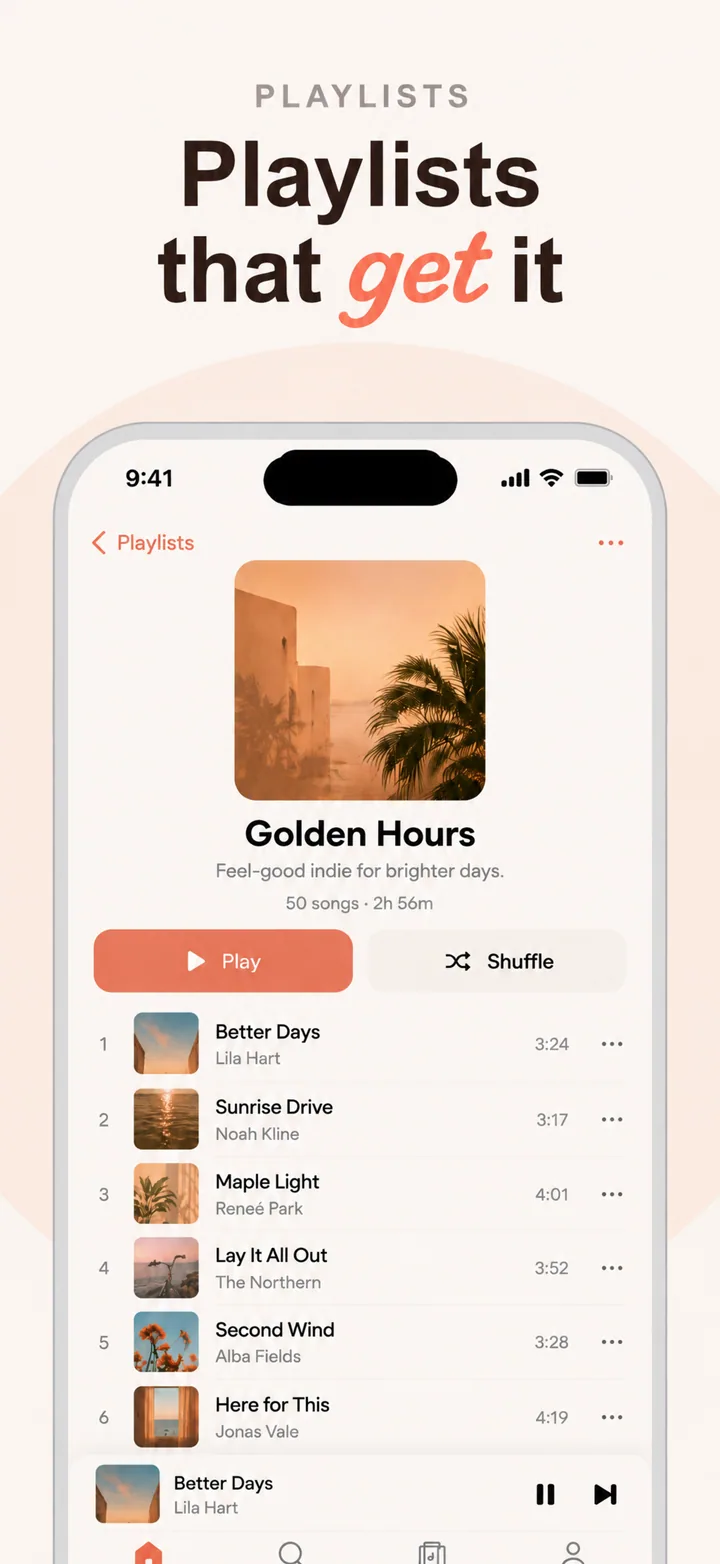
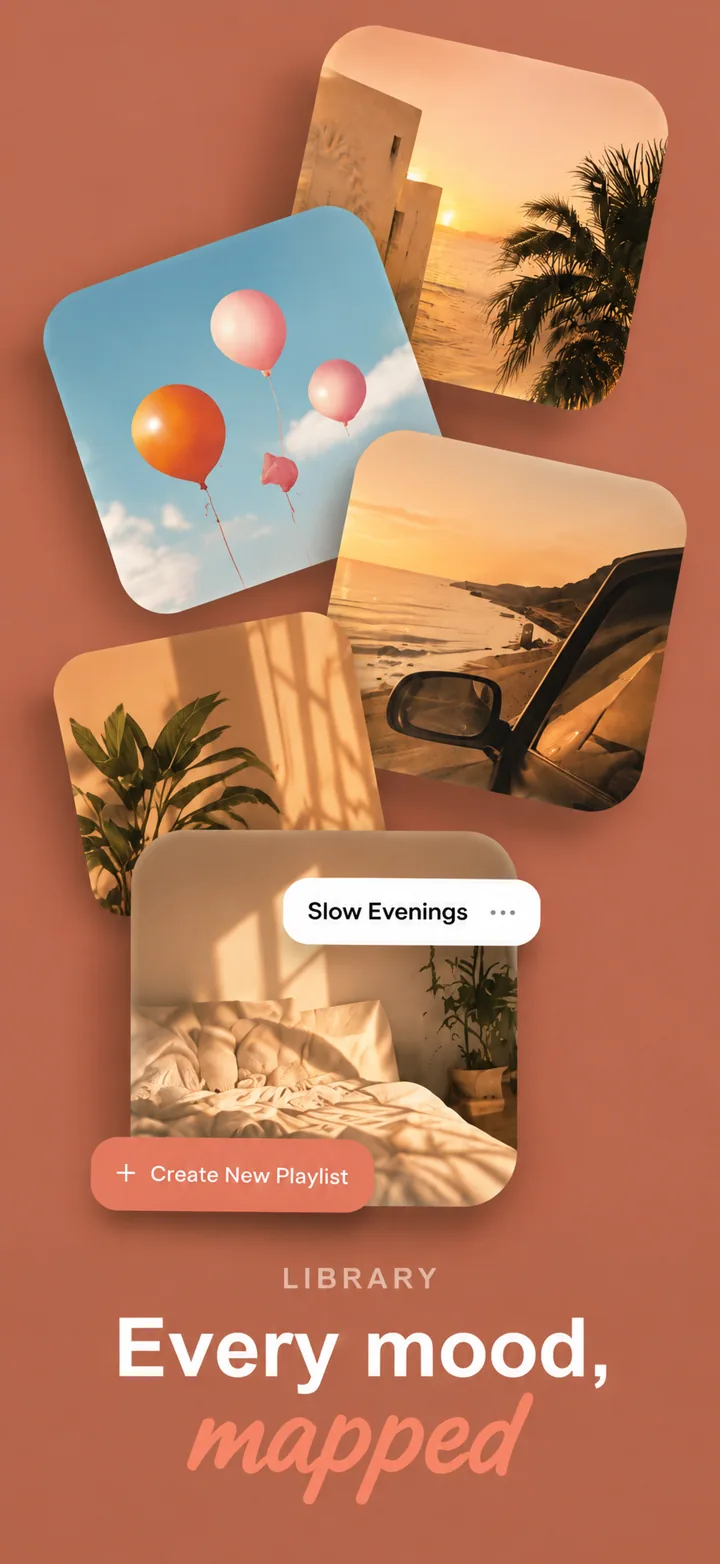
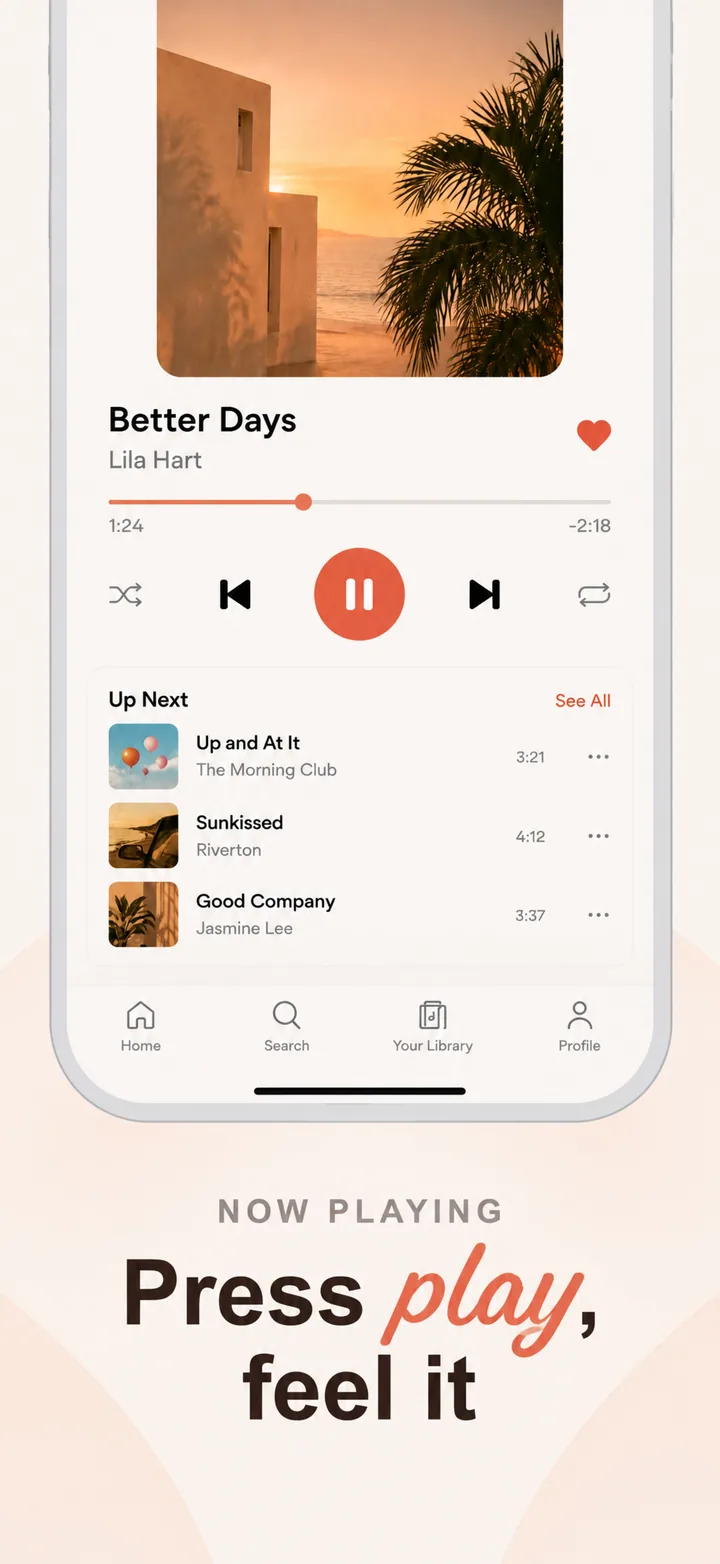

Going deeper
Rules 1 to 3 and 12 are about strategy: see the strategy guide. Rules 4 to 8 are craft: see the design guide. Rules 9 to 11 are about the stores: see App Store sizes and the ASO guide.
Questions
What are the most important App Store screenshot best practices?
Lead with the outcome, make the first three frames carry the story, keep headlines short and big, and show your real app with realistic data.
Should App Store screenshots have text?
Yes, a short headline on each frame. Apple allows text overlays (guideline 2.3.3); they tell people what each screen proves.
Do App Store screenshots need device frames?
No, Apple does not require them, but a big, clean phone frame makes the set read as app screenshots at a glance.
