Last updated June 2026
Quick answer
Fintech app screenshots must signal trust before a user reads a single word. Dark backgrounds, clean typography, security badges, and data visualization are essential because users evaluate whether this app will lose their money in under two seconds. The visual signal of safety matters more than any feature list. Your first frame should show a real balance, a recognizable transaction, or a specific savings promise — not an abstract concept or a marketing illustration.
What makes fintech screenshots convert
Users downloading a fintech app are evaluating trustworthiness before features. A gorgeous-but-unfamiliar design can tank conversion for a neobank. A clean-but-dull design can outperform it. The evaluation happens in under two seconds: does this app look like it will lose my money? If the answer is "maybe," the user swipes away.
The first screenshot must communicate one thing: safety plus specificity. "FDIC insured. No monthly fees." or "Save $300/month automatically." These headlines work because they address the two questions every prospective user has: is my money safe, and what do I get? A fintech app that leads with "Better banking" fails both tests — it is neither specific nor reassuring.
Visual psychology in fintech is about reducing cognitive load and perceived risk. Users associate money with institutions that have been around for decades. Those institutions use deep colors, structured grids, and minimal ornamentation. Your screenshots should borrow that visual vocabulary even if your product is a brand-new neobank. Bright gradients, playful illustrations, and experimental typography signal "untested" to a fintech audience.
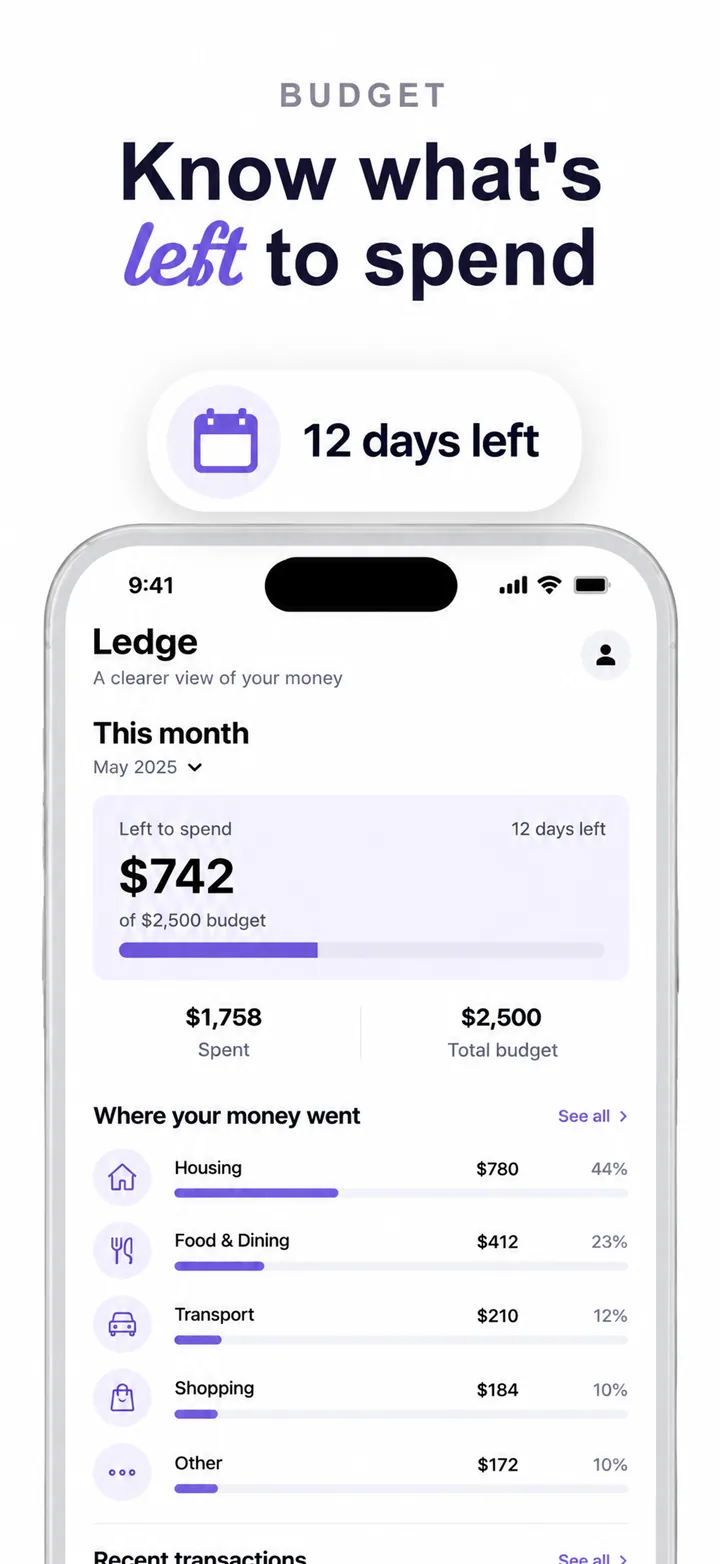
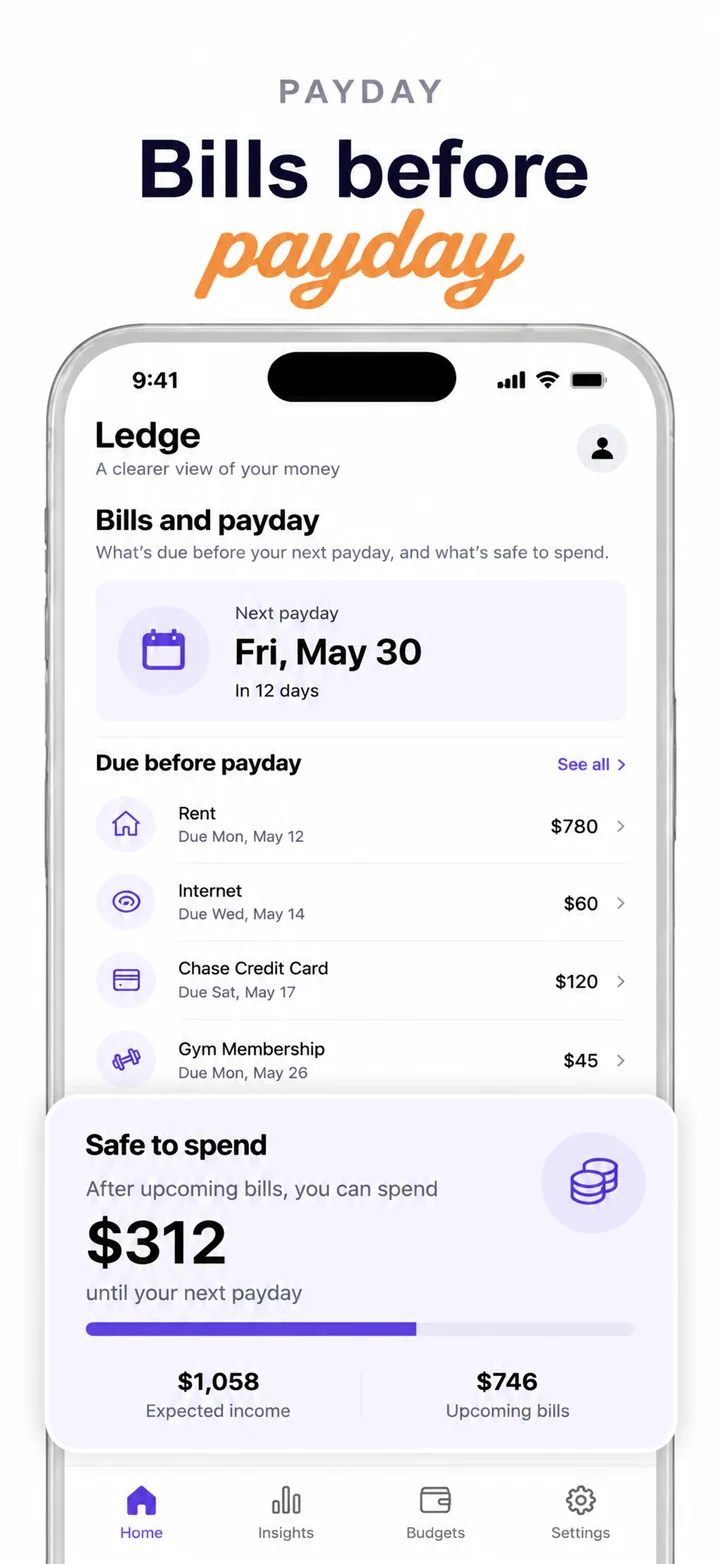
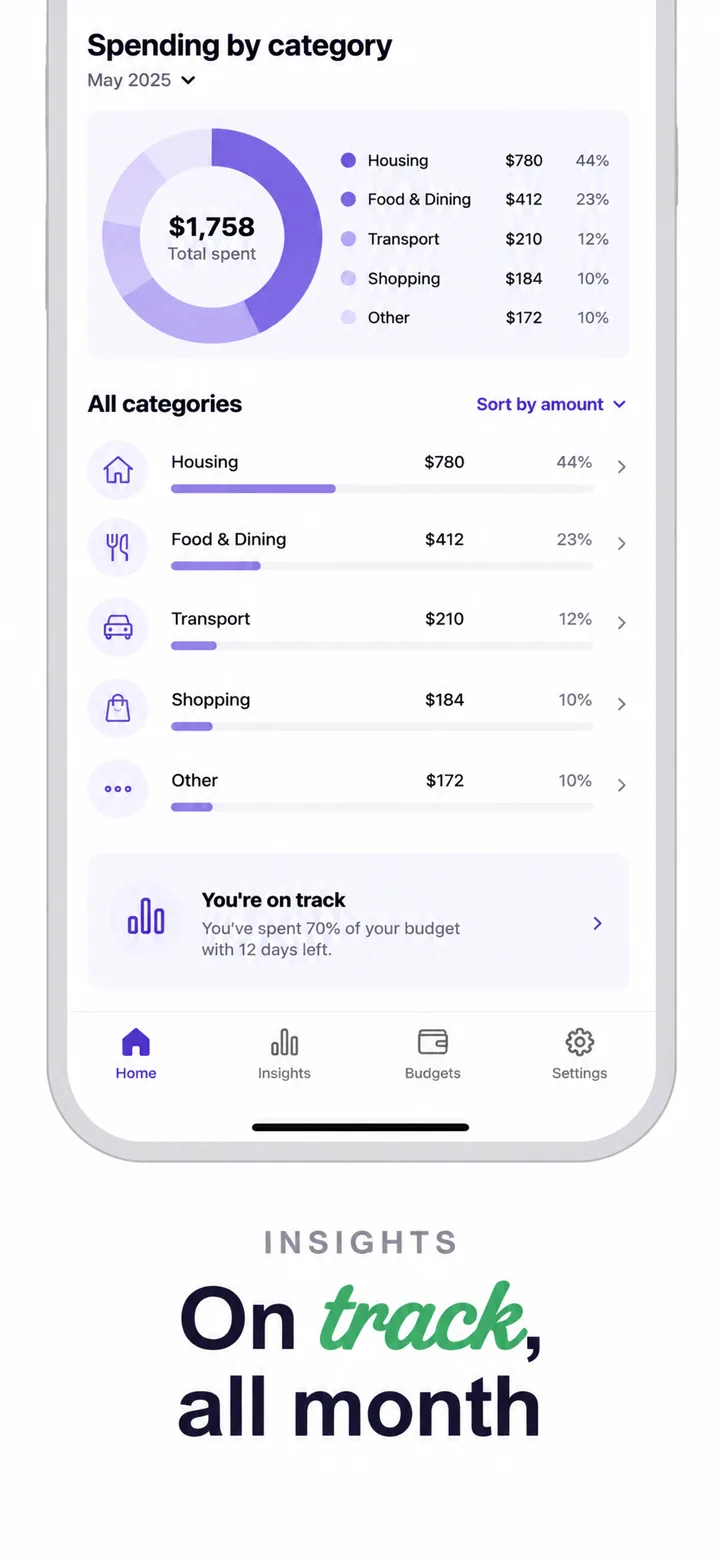
Specific layout advice: center or left-align the headline in a clean sans-serif typeface. Place the phone showing the actual app UI in the center-right. The UI itself must be legible — a balance card with real-looking numbers, a transaction list with merchant names, or a savings goal with a progress bar. Do not hide the product behind marketing art. Fintech users want to confirm the product is real before they install it on a device that contains their banking credentials.
Social proof and trust signals must appear by frame 2 or 3. "Bank-grade encryption," "SOC 2 Type II certified," "Member FDIC," or partner logos like Plaid or Stripe reduce perceived risk. If you have regulatory coverage, show the badge. If you have a large user base, show the number: "2 million people trust us with their paycheck." In fintech, social proof is not vanity — it is a risk-mitigation tool.
Best colors for fintech apps
Color choice in fintech screenshots is a trust signal, not a branding exercise. The wrong palette can make a legitimate banking app look like a scam. The right palette can make a six-month-old neobank feel like a century-old institution.
Navy blue and deep blue are the most trusted colors in finance globally. They signal stability, authority, and professionalism. Chase, American Express, and countless regional banks use blue because it reduces anxiety around money. A navy background with white or light-grey UI creates the highest-contrast, most legible composition for financial data.
Dark green and forest green signal growth, money, and positive returns. They work for investment apps, wealth management tools, and budgeting apps that focus on saving. Green has a direct semantic link to "go," "grow," and "gain" in financial contexts. Use green as an accent on buttons, progress bars, or positive deltas — not as the dominant background unless your brand is explicitly investment-focused.
Black, charcoal, and near-black create a premium, exclusive aesthetic. They work for high-net-worth products, premium credit cards, and crypto platforms targeting sophisticated users. Black reduces visual noise and makes data visualization pop. Pair with gold or silver accents for luxury positioning.
Colors to avoid: Bright red signals loss, danger, and overdraft warnings — fine for error states inside the app, but toxic as a dominant screenshot color. Neon gradients signal crypto speculation, not serious banking. Rainbow or multicolor palettes signal instability and lack of focus. Pastels signal softness and inexperience. These colors increase bounce rate in fintech categories because they contradict the user's need for safety.
Common mistakes fintech apps make
Even technically excellent fintech apps lose downloads to screenshot errors that undermine trust. Here are the five most damaging mistakes and how to fix them.
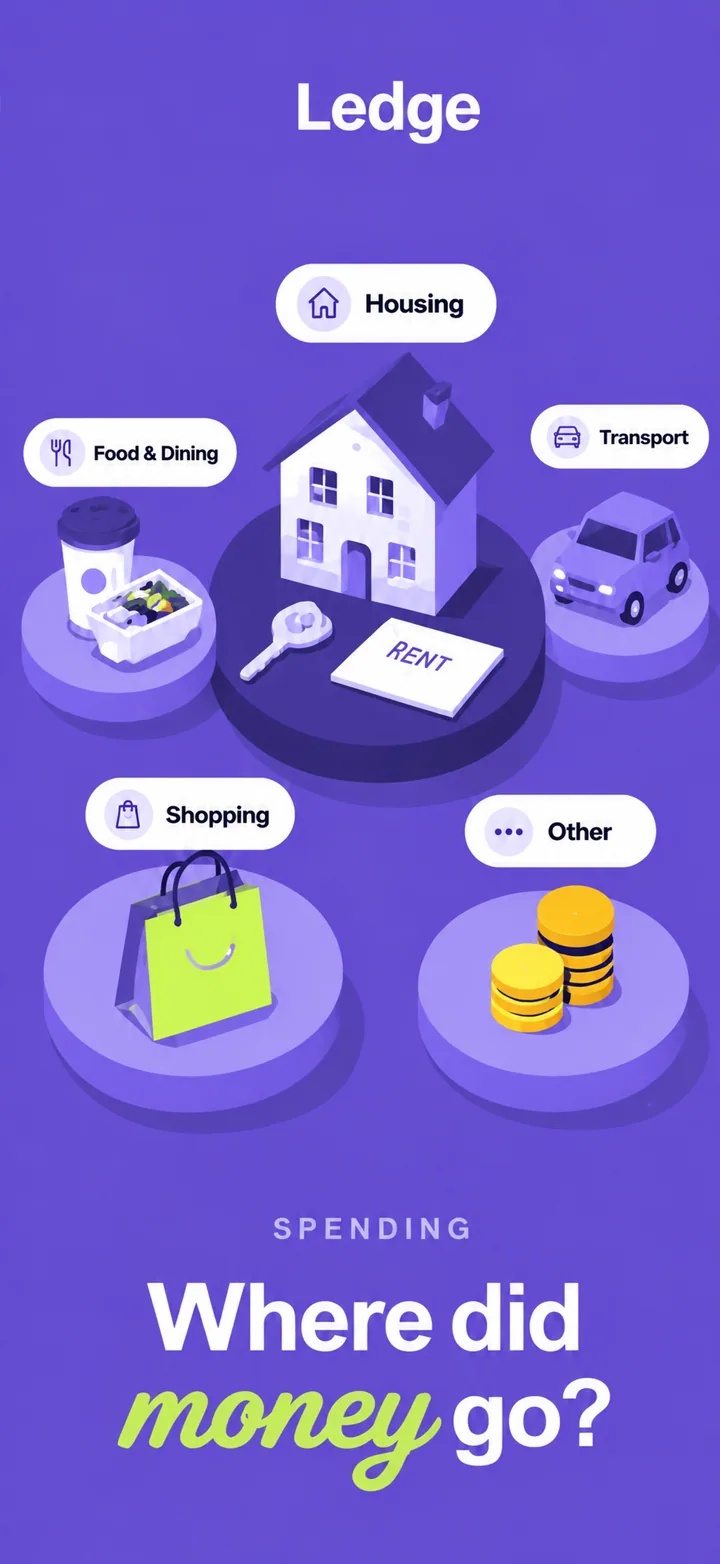
Mistake 1: Crypto-bro gradients on a serious banking app. Neon purple-to-pink gradients work for NFT marketplaces and some crypto wallets, but they destroy trust for neobanks, budgeting apps, and investment tools. Know your positioning. If you handle fiat currency for everyday users, your screenshots should look like they belong in a boardroom, not a nightclub. Fix it: use deep navy, charcoal, or forest green backgrounds.
Mistake 2: Vague promises instead of specific outcomes. "Better banking" and "Smarter money" mean nothing. They are indistinguishable from fifty other apps. Fix it: replace vague promises with specific dollar amounts and timelines. "Save $300/month automatically" or "Pay 0% on international transfers."
Mistake 3: Fake testimonials in screenshots. "Sarah saved $10,000!" Apple and Google can reject screenshots with unsubstantiated claims, and users recognize fake social proof instantly. It signals desperation. Fix it: show real app data, real UI states, and verified trust badges. If you have genuine testimonials, put them in your app description, not your screenshots.
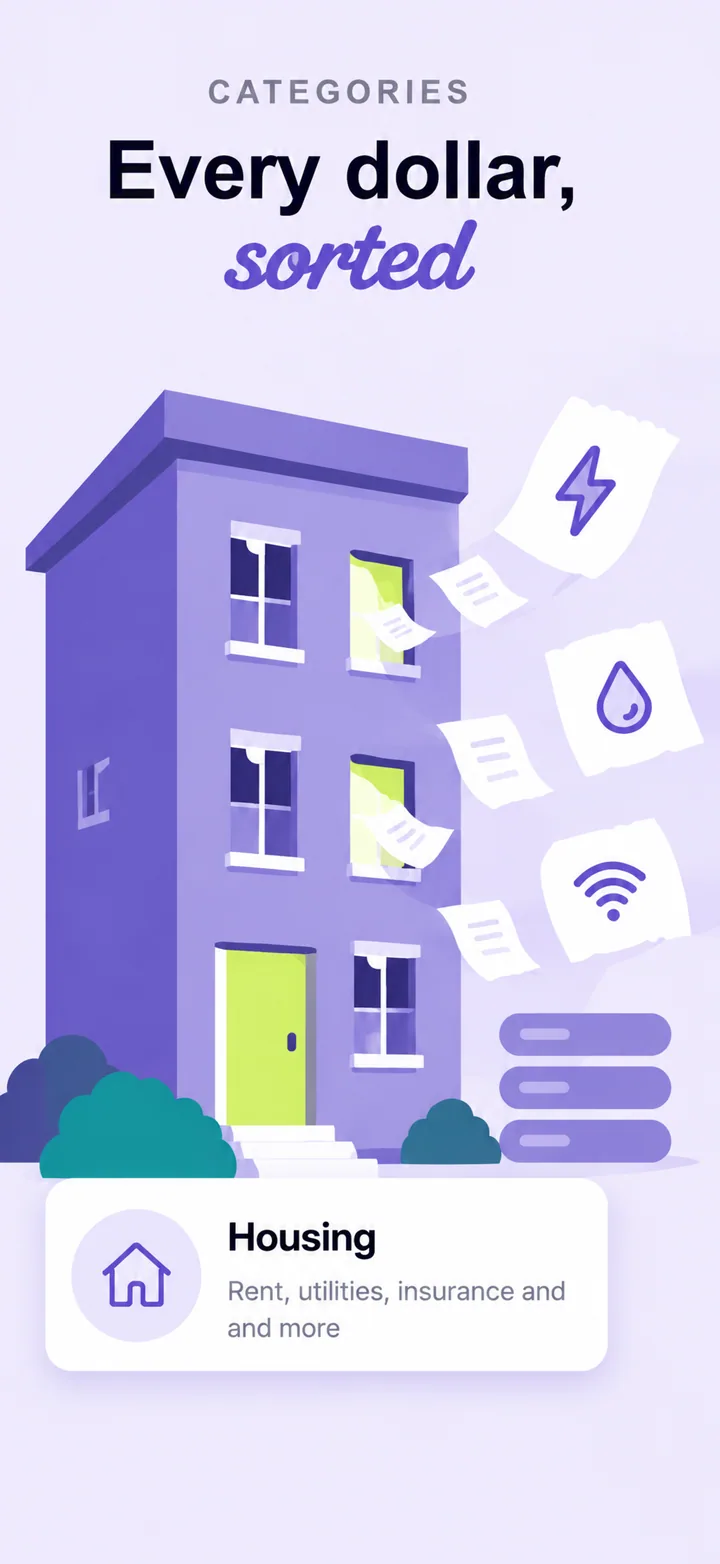
Mistake 4: Hiding the actual UI. Fintech users need to see the product before they download it. A screenshot that is 80% illustration and 20% blurred UI tells the user you have something to hide. Fix it: make the phone frame prominent and the UI legible. Show a real balance, a real transaction, or a real chart.
Mistake 5: Too many features in one frame. Stacking five product features into a single screenshot creates visual chaos and signals an unfocused product. Fintech users want to know what your app does best. Fix it: one value proposition per frame. Frame one: the trust hook. Frame two: the core feature. Frame three: security. Frame four: outcome proof. Frame five: call to action.
How to create fintech screenshots with AI
Nuvex automates the hardest parts of fintech screenshot design while preserving the trust signals that matter. You upload your app screens, describe your positioning, and the AI generates five store-ready frames in about 30 seconds.
Step 1: Upload 3-5 screenshots of your actual app. Include a balance screen, a transaction detail, and a security or settings page. These give the AI real UI to feature rather than inventing generic banking interfaces.
Step 2: In the prompt, describe the trust positioning, not the tech stack. Write: "Neobank for freelancers who get paid in multiple currencies." Not: "Banking app with multi-currency support and API integrations." The AI uses this to bias headlines toward trust and specific outcomes.
Step 3: Review the five generated frames. Frame one should be the trust hook with a specific outcome. Frame two the core product UI. Frame three a security or compliance signal. Frame four a data visualization or outcome proof. Frame five a call-to-action or premium upgrade.
Step 4: Refine per frame. Click any frame and type instructions like "make the headline mention FDIC insurance" or "darker background, more professional." The AI regenerates just that frame without breaking the set's visual consistency.
When you tell Nuvex "fintech app," three things shift automatically: the palette bias moves toward institutional colors, headlines skew toward trust signals and specific dollar amounts, and the device frame scales to emphasize the UI. You keep full per-frame control, but the starting point is already optimized for financial trust.
Want fintech screenshots that convert?
Try Nuvex — free to start, no credit card. Generate five store-ready frames in 30 seconds.
Frame-by-frame strategy for fintech apps
The sequence of your screenshots must address user objections in a specific order. Fintech users evaluate risk first, then value, then ease of use. A narrative arc that moves from trust to proof to action converts significantly better than random feature showcases.
Frame 1 — The trust hook. This frame must answer: is my money safe? Use a headline that combines a trust signal with a specific outcome. "FDIC insured. No monthly fees." "Save $300/month automatically." The background should be deep navy or charcoal. The phone should show a real balance or a recognizable transaction — never an abstract illustration. This frame appears in search results alongside your app name and icon; it must stop the scroll and signal safety.
Frame 2 — The core product. Show the actual app UI in a recognizable state. A balance card with real-looking numbers. A transaction list with merchant names. A savings goal with a progress bar. The user needs to confirm the product is real and functional before they will install it on a device that contains their banking credentials. Do not hide the UI behind marketing art.
Frame 3 — The security signal. By frame 3, the user is asking: what protects me? Show a security badge, a compliance certification, or a partner logo. "Bank-grade encryption." "SOC 2 Type II certified." "Connects to 10,000 banks." This frame reduces perceived risk and answers the objection that stops most fintech downloads.
Frame 4 — The outcome proof. Users need evidence that the product delivers. Show a savings projection, a fee comparison, or a user count. "$847 saved this year." "2 million people trust us." The more specific the number, the stronger the proof. Vague claims like "save more" are ignored because they are indistinguishable from every other app.
Frame 5 — The call to action. Make the next step feel obvious and low-risk. "Get started in 2 minutes." "No credit check required." The frame should feel like a natural conclusion to the arc, not a hard sell. If you have a referral program or bonus, tease it here: "Invite a friend, earn $10."
Test this sequence with users who have never seen your app. Show them frame 1 for five seconds and ask: would you trust this app with your money? If the answer is uncertain, the trust hook is too weak. Then show all five frames and ask: what does this app do best? If they cannot answer specifically, the frames are too generic.
Frequently asked questions
What should fintech app screenshots show? Fintech screenshots should show real UI with legible data, trust badges, and specific outcomes. A balance card with real-looking numbers, a transaction list with recognizable merchant names, or a savings goal with a visible progress bar converts better than abstract illustrations. Users need to confirm the product is real and functional before they install it on a device that contains their banking credentials. Never hide the UI behind marketing art.
What colors work best for fintech apps? Navy blue, dark green, and black are the most trusted colors in finance. Navy signals stability and authority. Dark green signals growth and positive returns. Black creates a premium, exclusive aesthetic. These colors reduce anxiety around money and create the professional impression users expect from financial tools. Avoid bright red, which signals loss and danger, and neon gradients, which signal speculation rather than stability.
How many screenshots should a fintech app have? Five screenshots is the optimal number. Frame one should be the trust hook that signals safety and specific value. Frame two the core product UI showing real data. Frame three a security or compliance signal that reduces perceived risk. Frame four outcome proof with specific numbers or user counts. Frame five a low-friction call to action. This sequence moves the user from uncertainty to confidence to action.
Should fintech screenshots show real money or data? Yes. Real-looking numbers build trust because they signal authenticity. Avoid round numbers like "$1,000.00" which look like placeholder template data. Use specific amounts like "$847.33" or "$1,234.56" that feel like actual account balances. Show recognizable merchant names rather than generic placeholders. Real data makes the product feel alive and trustworthy.
What text should I put on fintech screenshots? Use specific outcomes and trust signals: "Save $300/mo," "FDIC insured," "Pay 0% on transfers." These headlines work because they address the two questions every prospective user has: is my money safe, and what do I get? Avoid vague promises like "Better banking" and never use fake testimonials, which Apple and Google can reject and users recognize instantly.
Do fintech apps need different screenshots for iOS and Android? Yes. iOS screenshots should emphasize Apple Pay, Face ID, and widget support because these are strong trust signals for iPhone users. Android screenshots can highlight Google Pay, home screen widgets, and notification features. The core creative palette and headlines should remain consistent across platforms, but platform-specific trust signals increase conversion by addressing ecosystem loyalty.
How do I make fintech screenshots look trustworthy? Use institutional colors like navy blue and dark green. Show the real UI clearly with legible data. Include security badges and compliance certifications. Use specific numbers rather than round amounts. Avoid playful gradients and experimental typography that signal untested products. Test dark-mode variants because many users browse financial apps at night, and a professional dark theme signals sophistication.